Contents
0%Hey!
Here is how to storyboard an AI ad: put your script on a page line by line and give every line one clear visual, before you generate a single shot. It is the step behind the ad that won me an AI ads competition.
The ad that won
“Today we’ve got Grog on the pod.” A caveman is the guest on a podcast, nobody understands a word he says, and the whole conversation turns out to be about a bed. That bed is the product: the ad is for an RV mattress brand.
The winners post for Ad Games #2 inside Ad Creators Lab, cropped to my name next to the trophy
It took first place in the Ad Games, the monthly AI ads competition inside Ad Creators Lab, a friend’s community. I am proud of the ad, but the part worth copying is the plan behind it.
Why a complex ad only took 4 hours
Pretty much the whole ad existed on a page before I generated a single shot.
This is not a simple concept: two hosts, a guest who speaks no known language, a cut into cave paintings and a punchline. It still only took me 4 hours to make, and I made it the day of the final competition deadline.
The reason is that I spent a lot of time on the story and on the plan. I was clear on which lines were said by who, what the different shots were going to be, and pretty much the entire ad before I ever clicked generate.
How to storyboard an AI ad: line by line, one clear visual per line
Take your finished script, arrange it line by line, give every line one clear visual, and note roughly how you will animate it. That is the whole method, and it happens before you generate a single shot.
Those are three real rows from the storyboard of a second ad, a Disney/Pixar style song ad for the same brand (Example 3 below), each turning into its start frame and then its clip. Going from script to storyboard takes four steps:
Arrange your script line by line
Start from a finished script. One line per row, nothing else yet.
Give every line one clear visual
If your script is written properly, there is a clear emotion or a clear action in each line. Write down the picture that represents it.
Note how you will animate it
A rough idea is enough, for example a character talking, or B‑roll over the voice.
Lock it before you generate a single shot
The whole ad should exist on the page before the first shot does.
It sounds easy. It is also the most important step for better results and for going fast without hiccups, and I had to learn that the hard way.
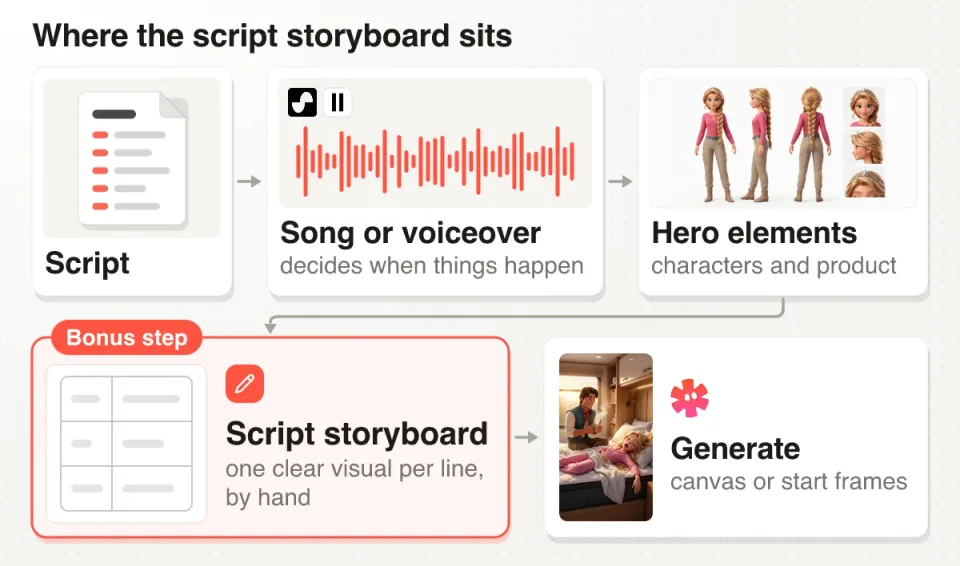
Where the script storyboard sits in my order: song or voiceover, hero elements, storyboard, then generate
In the video I call it the bonus step, because most people only show two steps and leave this one out. Done before you generate a single shot, it makes the whole rest of the ad way easier and faster.
It comes after the song or voiceover, which decides when things happen. The hero elements (your characters, your product) can be locked before the storyboard or right after it.
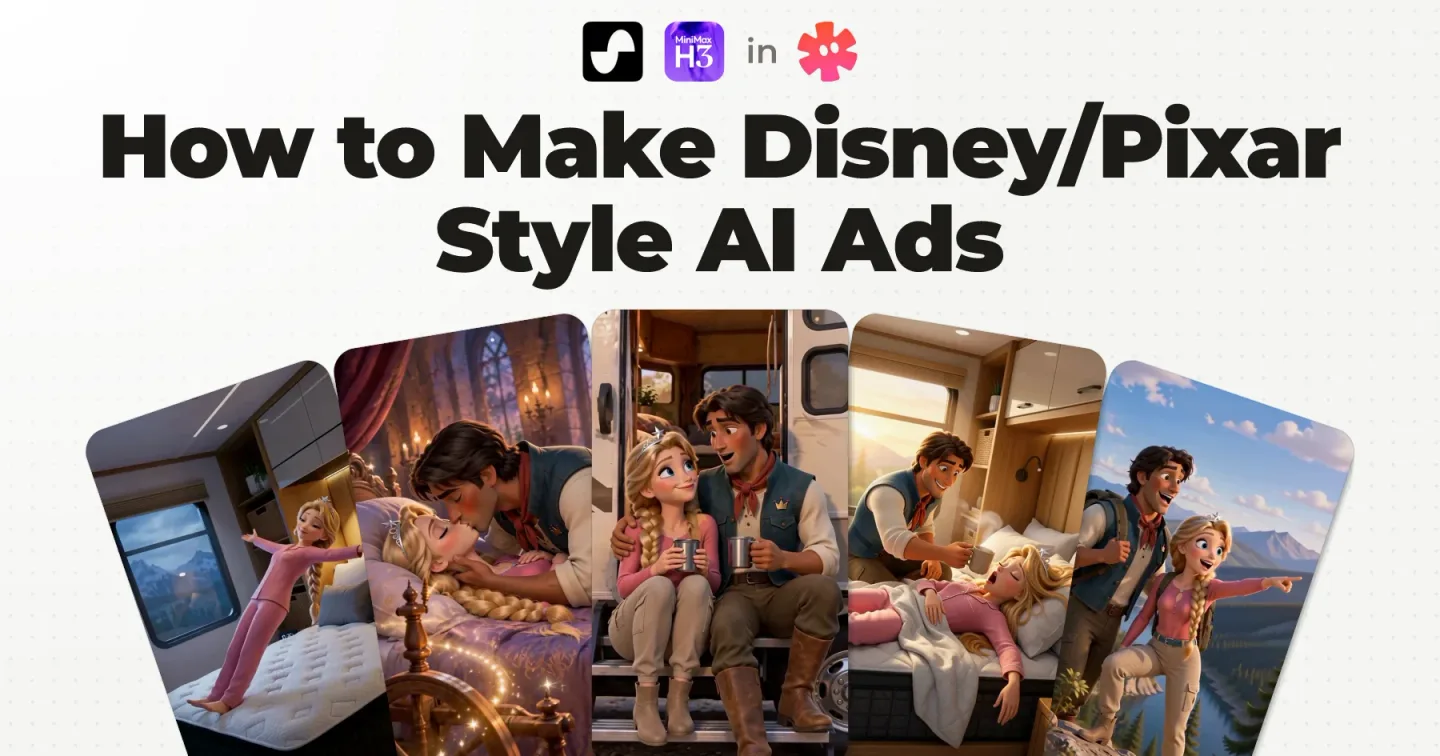
The rest of the pipeline, from the song to the final edit, is in how to make Disney/Pixar style AI ads.
The Disney/Pixar look is packaged as a skill, the one I show at the end of the video, as a file you can hand to Claude. Get the free Disney/Pixar skill for Claude.
An AI ad storyboard template you can copy
Each numbered row gets three things: the script line, the visual, and the shot type.
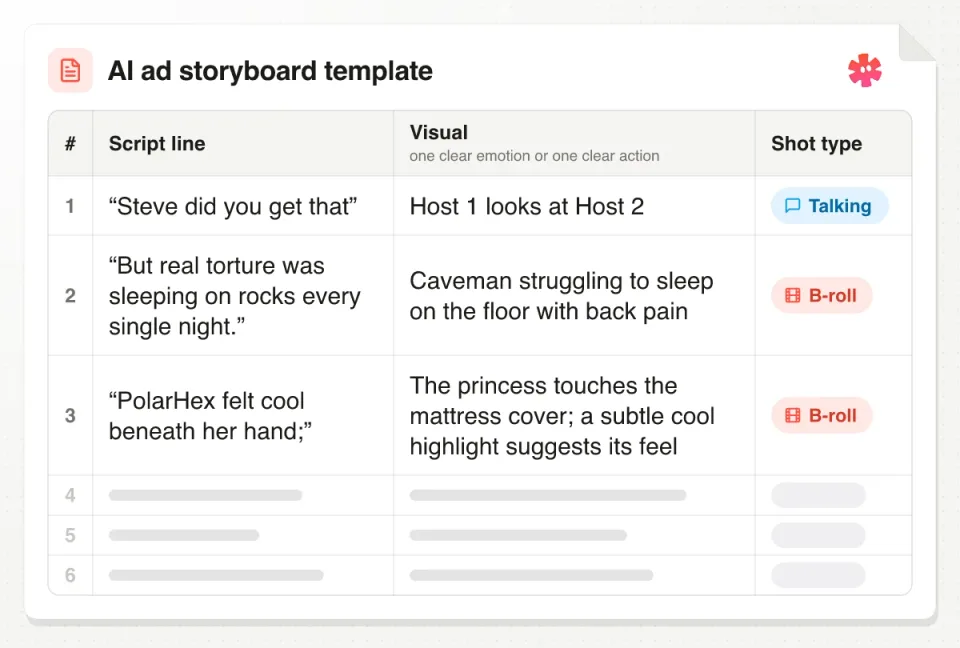
The storyboard template: script line, visual and shot type, with three example rows filled in
My song storyboard has two of them, the script line and the visual. I added the shot type so the note on how you will animate the line has a place: Talking means a character says the line on screen, B‑roll means the picture plays over the voice or the song.
Copy this table into any doc or sheet and replace the rows with the script for your own product. This template has no timing column: the song or the voiceover sets the timing, and my own script only notes a duration where it matters, like “Grog (1s)”.
| Script line | Visual | Shot type |
|---|---|---|
| “Steve did you get that” | Host 1 looks at Host 2 | Talking |
| “She needed rest, but sleep wouldn’t come;” | She tosses and turns, still awake | B‑roll |
| Your next line | One clear emotion or one clear action | Talking or B‑roll |
The filled rows, here and in the picture, are taken from the two ads below, shortened and tidied where needed.
Why I review the script storyboard by hand, not leave it to an agent
A lot of people, myself included, ask Claude, ChatGPT or Starpop to just do the storyboard. The problem is that it gets confused, and you hit roadblocks that completely kill your momentum.
Review every line by hand. Even write it by hand if you can. You can come up with a visual for one line in a split second, and you are the best person to imagine something that represents that line.
I have skipped this before and been forced to give up on ads. When I took the time to do it properly, the ad won a competition.
The clip above is a storyboard being typed into a document in a Starpop project, the kind of document the Grog script further down lives in. There is no special storyboard screen: a document starts from the agent, from a reply you save or from a text file you import, and one click adds it to the prompt box as a reference.
None of this means working without the agent. It can draft a storyboard inside the chat, as it does in my AI song ad in 5 minutes walkthrough and my AI singing ad tutorial. The agent drafts, you review every line, and once the rows are locked it drafts the prompts, the images and the videos.
Document or table? Pick by the type of ad
The podcast ad went in a document, because it was simpler to have it all in line. The song ad went in a table.
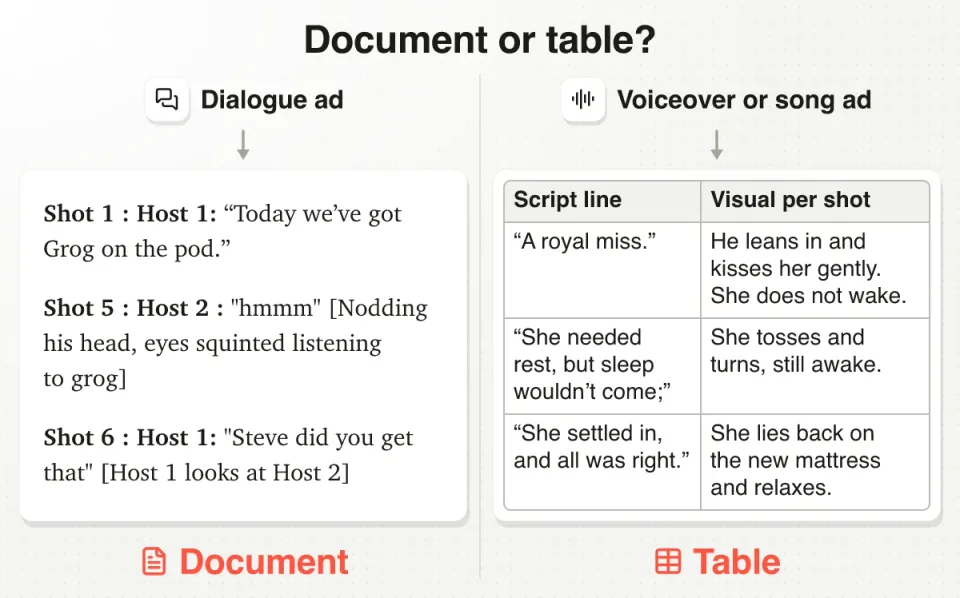
A dialogue ad gets a document, a voiceover or song ad gets a table
- Dialogue ads (a podcast ad, two characters talking): a document. You need to see who says which line, in order.
- Song ads: a table. One row per line, the visual next to it. A spoken voiceover ad is the same kind of ad, so the same table fits.
Not sure which type yours is? Voiceover, talking or mixed: the 3 types of animated ad, with a real ad for each, are in AI animated ad examples. Below are three examples from two real storyboards.
Example 1: a dialogue ad, written as a document
The winning ad is a podcast, so its storyboard is a document: the opening and middle, shot by shot, with who says what.
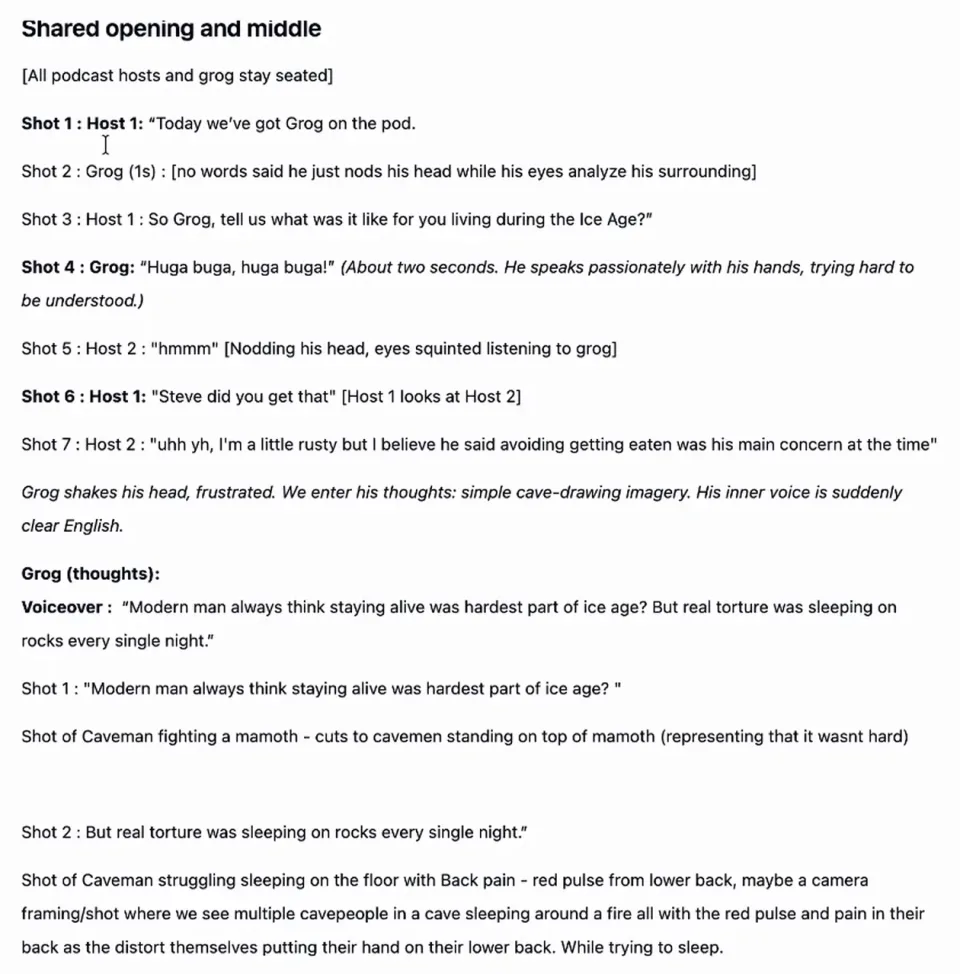
- Shared opening and middle
- [All podcast hosts and grog stay seated]
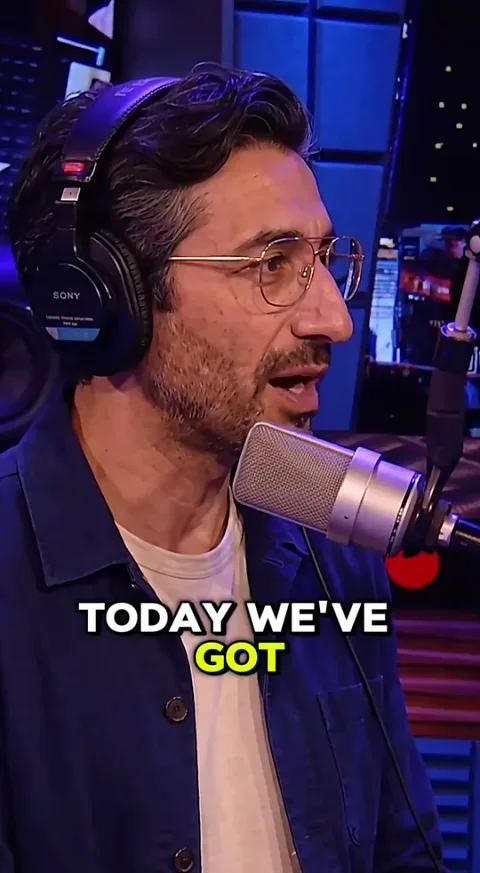
- Shot 1Host 1
“Today we’ve got Grog on the pod.”
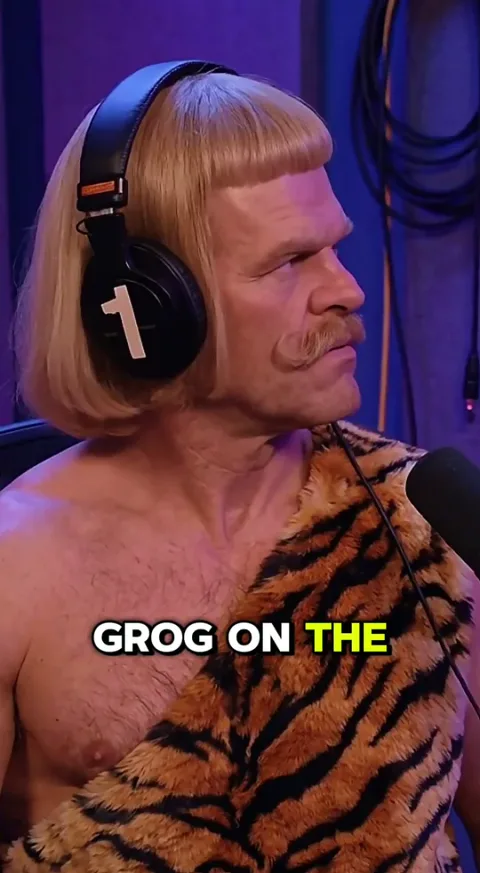
- Shot 2Grog (1s)
[no words said he just nods his head while his eyes analyze his surrounding]
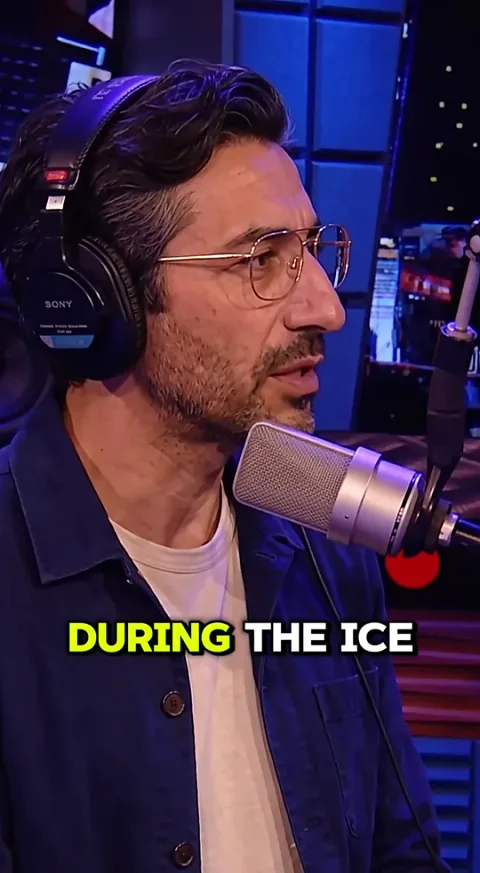
- Shot 3Host 1
“So Grog, tell us what was it like for you living during the Ice Age?”
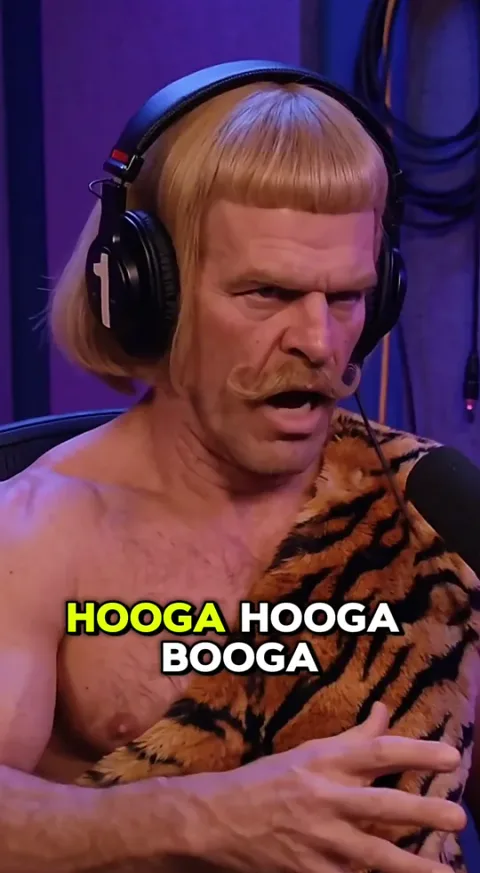
- Shot 4Grog
“Huga buga, huga buga!”
(About two seconds. He speaks passionately with his hands, trying hard to be understood.)
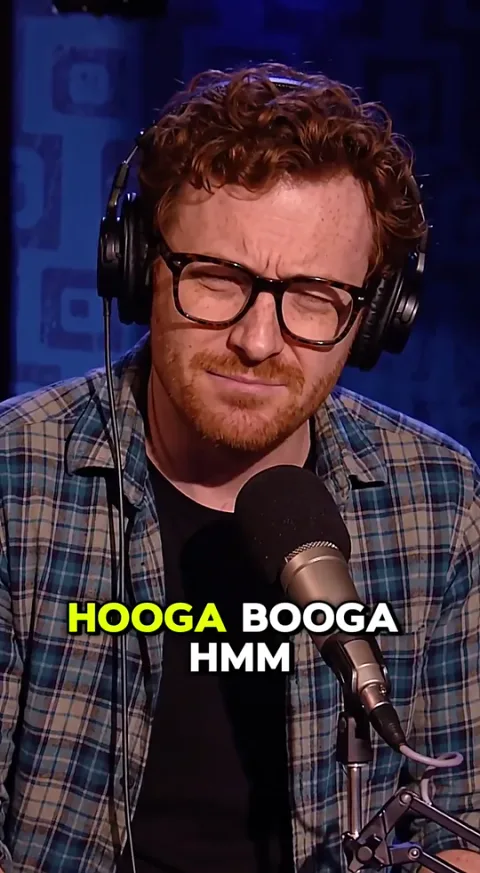
- Shot 5Host 2
“hmmm”
[Nodding his head, eyes squinted listening to grog]
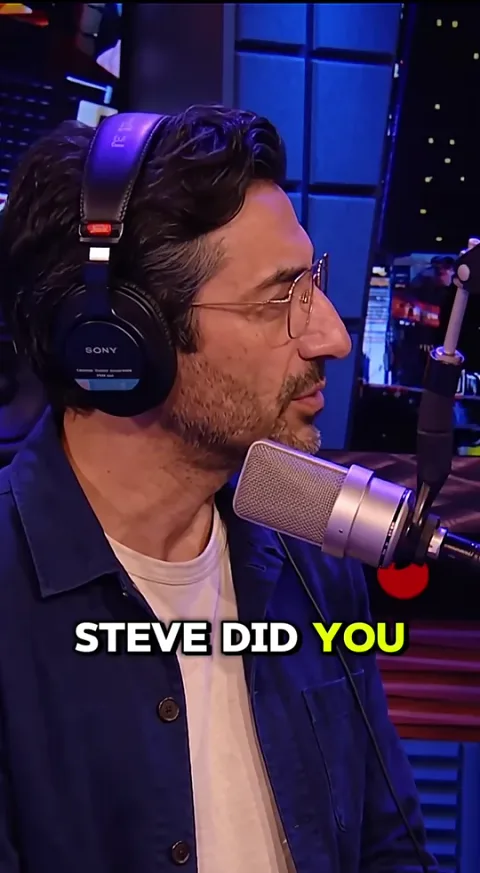
- Shot 6Host 1
“Steve did you get that”
[Host 1 looks at Host 2]
- Shot 7Host 2
“uhh yh, I’m a little rusty but I believe he said avoiding getting eaten was his main concern at the time”
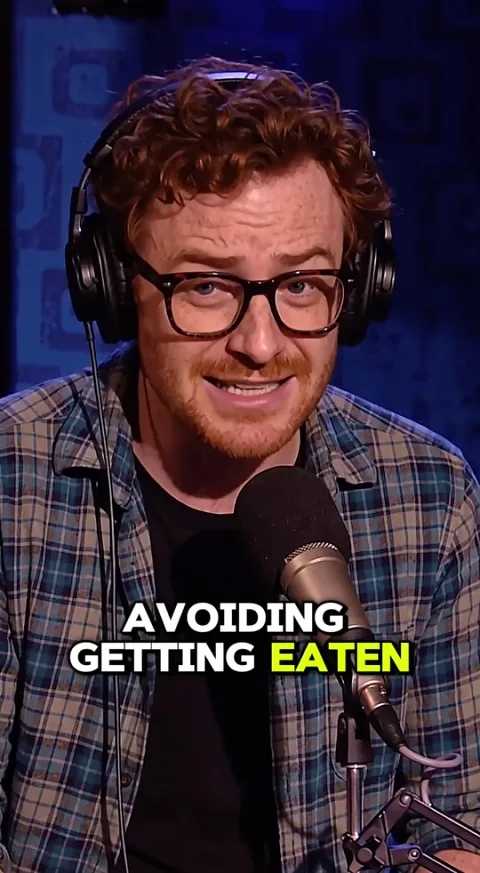
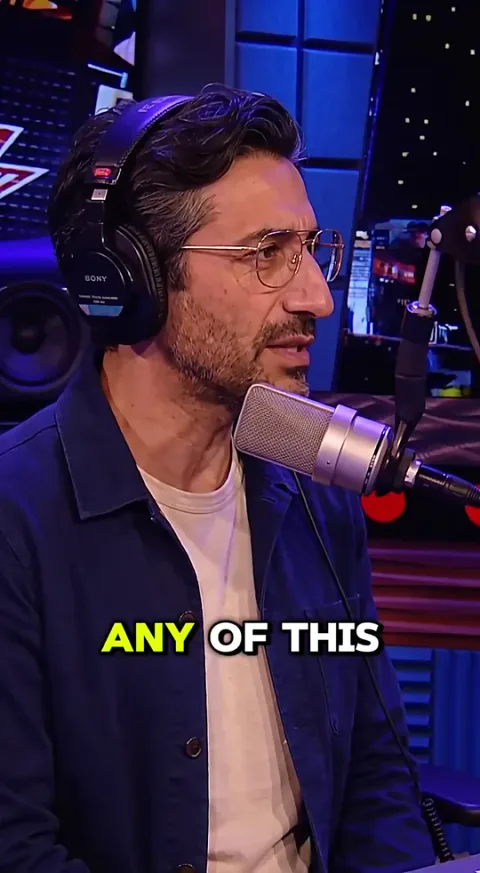
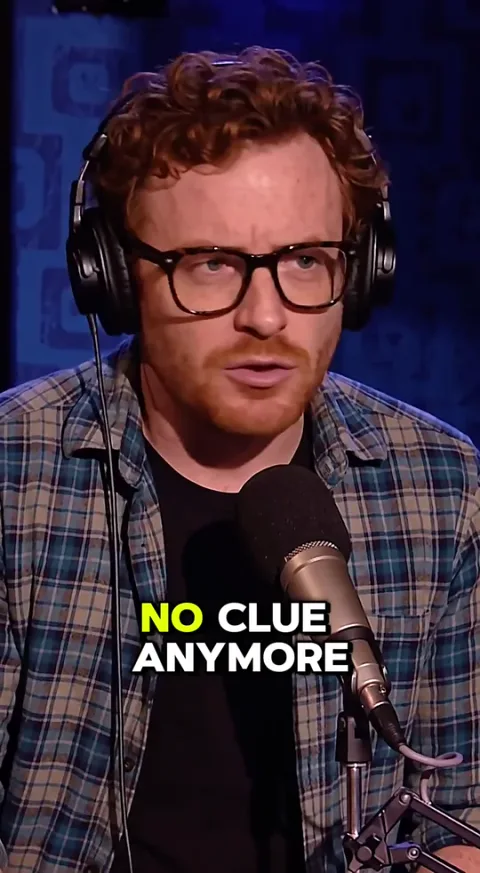
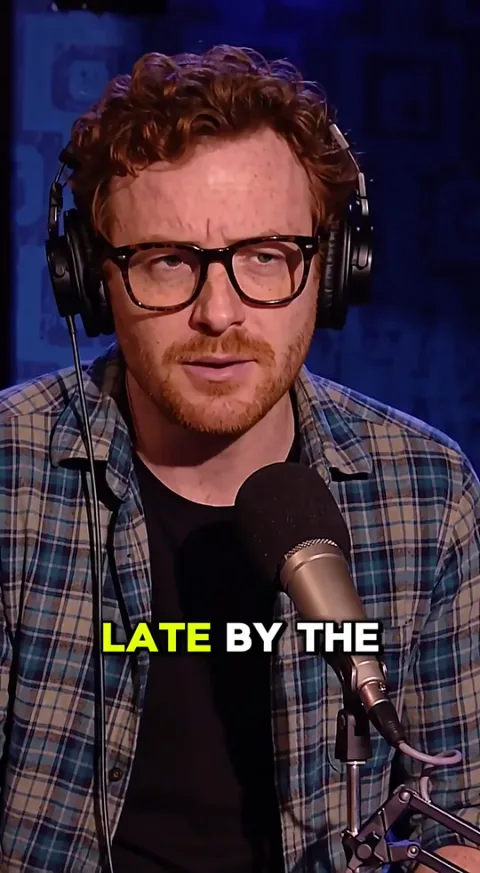
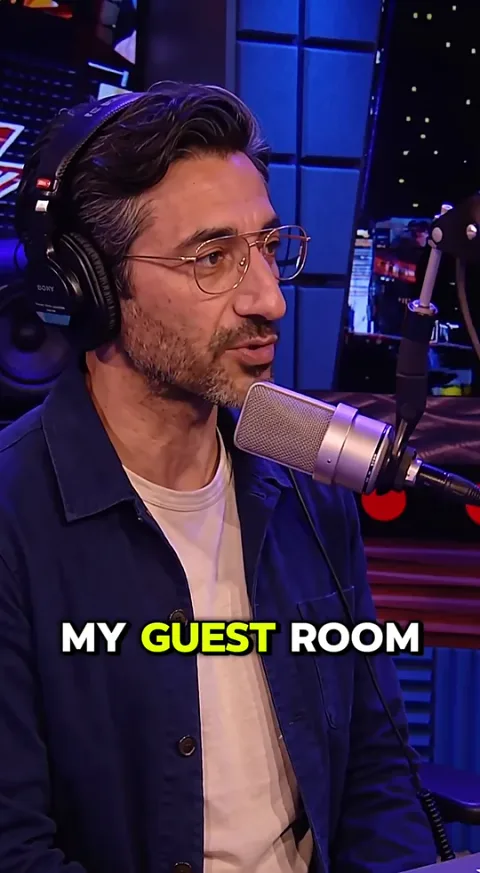
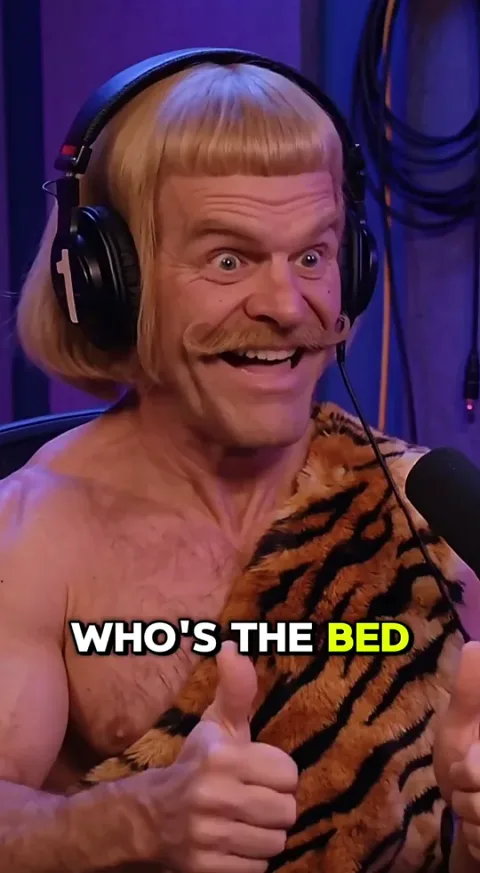
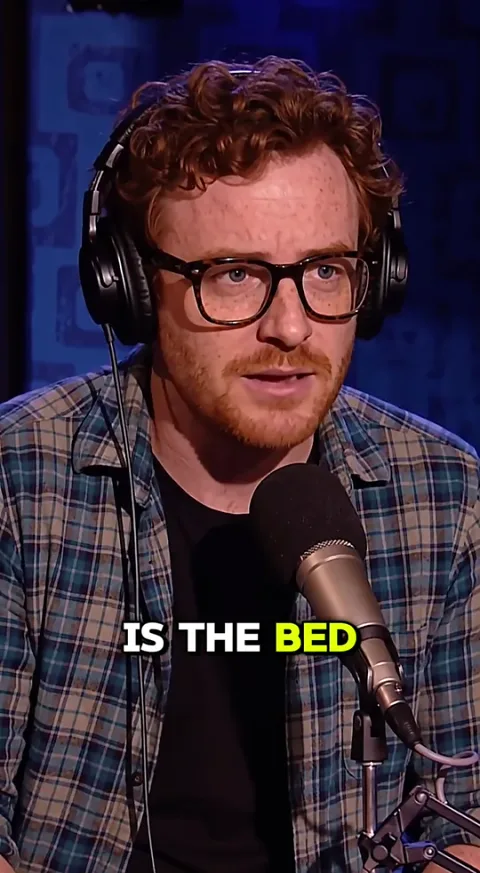
Because this ad is a podcast, it is not a table. It was simpler to have it all in line: the shot, who says the line, the line, then the direction in brackets.
Look at how small the directions are: “Host 1 looks at Host 2”, “Nodding his head, eyes squinted”. That is one clear action per shot. You can watch the ad in your head just by reading it.
If this is the format you want to make, start with why podcast-style ads convert, then the full build for realistic AI podcast ads.
Example 2: a voiceover section, shot by shot
In the middle of the ad we go into the caveman’s mind. That section is storyboarded the way a voiceover ad is: line by line, a shot for each line.
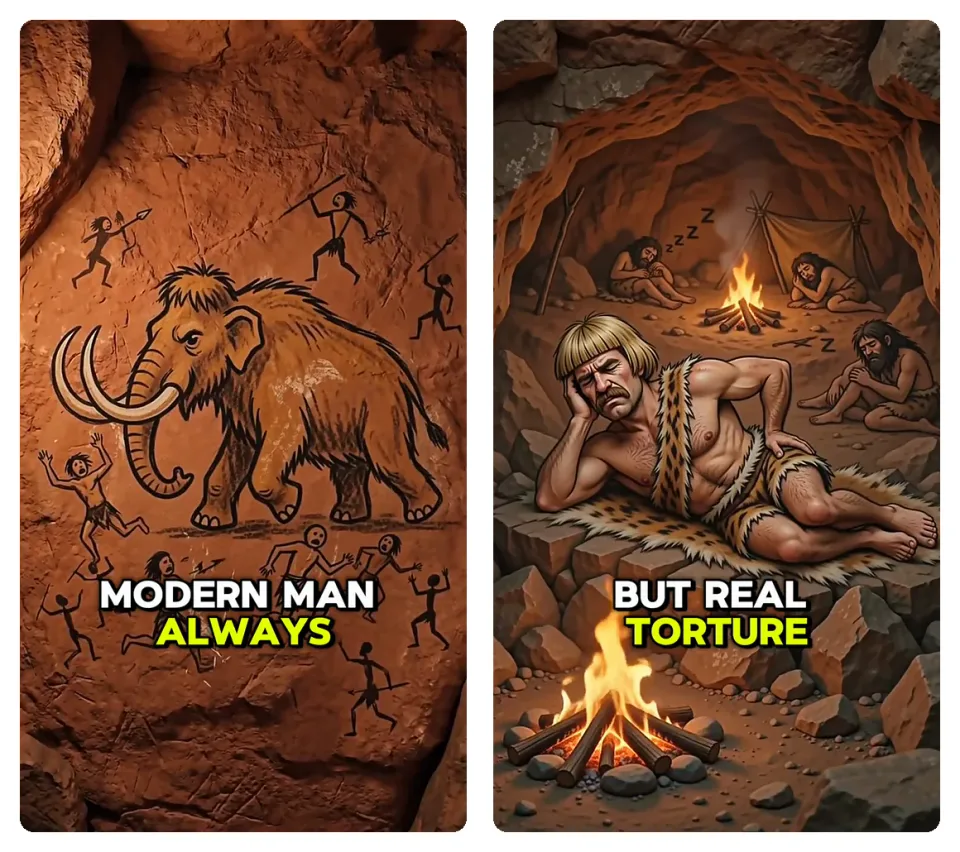
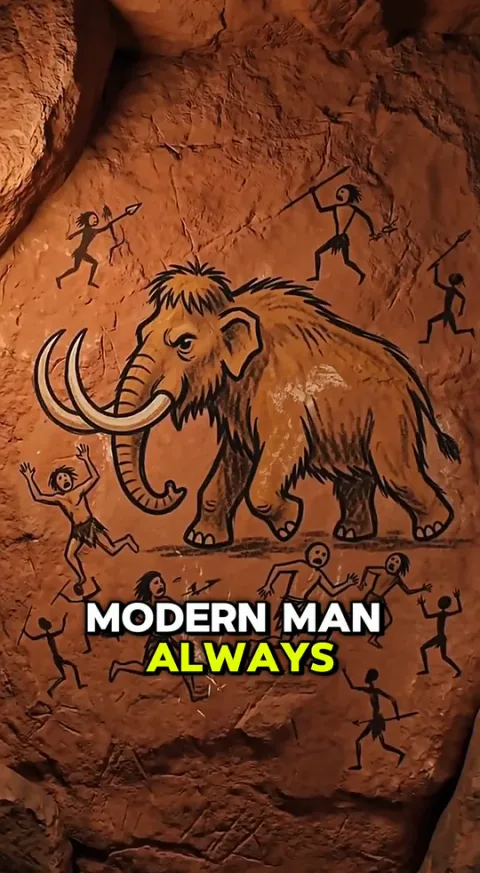
The two voiceover shots in the finished ad: the mammoth hunt as a cave painting, then Grog trying to sleep on rocks
- Grog (thoughts)
- Voiceover : “Modern man always think staying alive was hardest part of ice age? But real torture was sleeping on rocks every single night.”
- Shot 1
“Modern man always think staying alive was hardest part of ice age?”
Shot of Caveman fighting a mamoth - cuts to cavemen standing on top of mamoth (representing that it wasnt hard)
- Shot 2
“But real torture was sleeping on rocks every single night.”
Shot of Caveman struggling sleeping on the floor with Back pain - red pulse from lower back, maybe a camera framing/shot where we see multiple cavepeople in a cave sleeping around a fire all with the red pulse and pain in their back as the distort themselves putting their hand on their lower back. While trying to sleep.
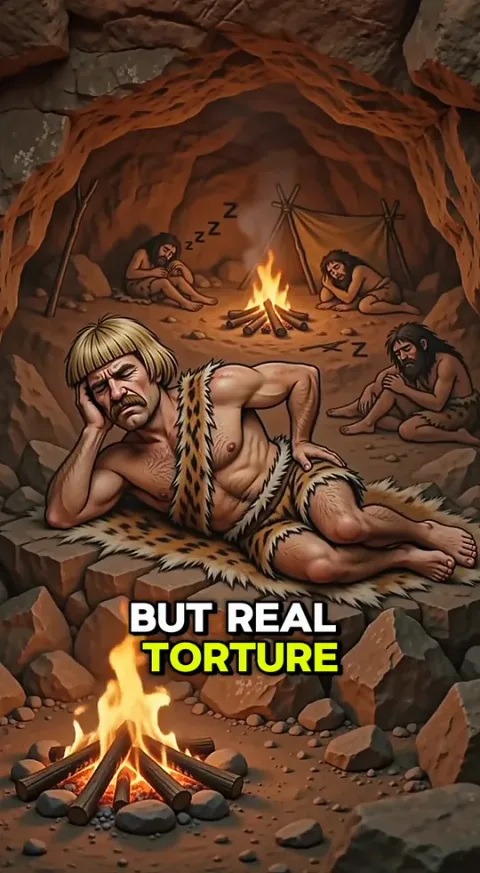
Each line gets its own shot, and each shot says what the line means. The mammoth hunt is drawn as the part that was not hard, so the second line can land on the real torture: sleeping on rocks.
A full voiceover ad or a song ad is this section, repeated for every line of the script.
Example 3: a song ad storyboard, as a table
My song ad storyboard is a table: one row per line, with the script line and the visual per shot.
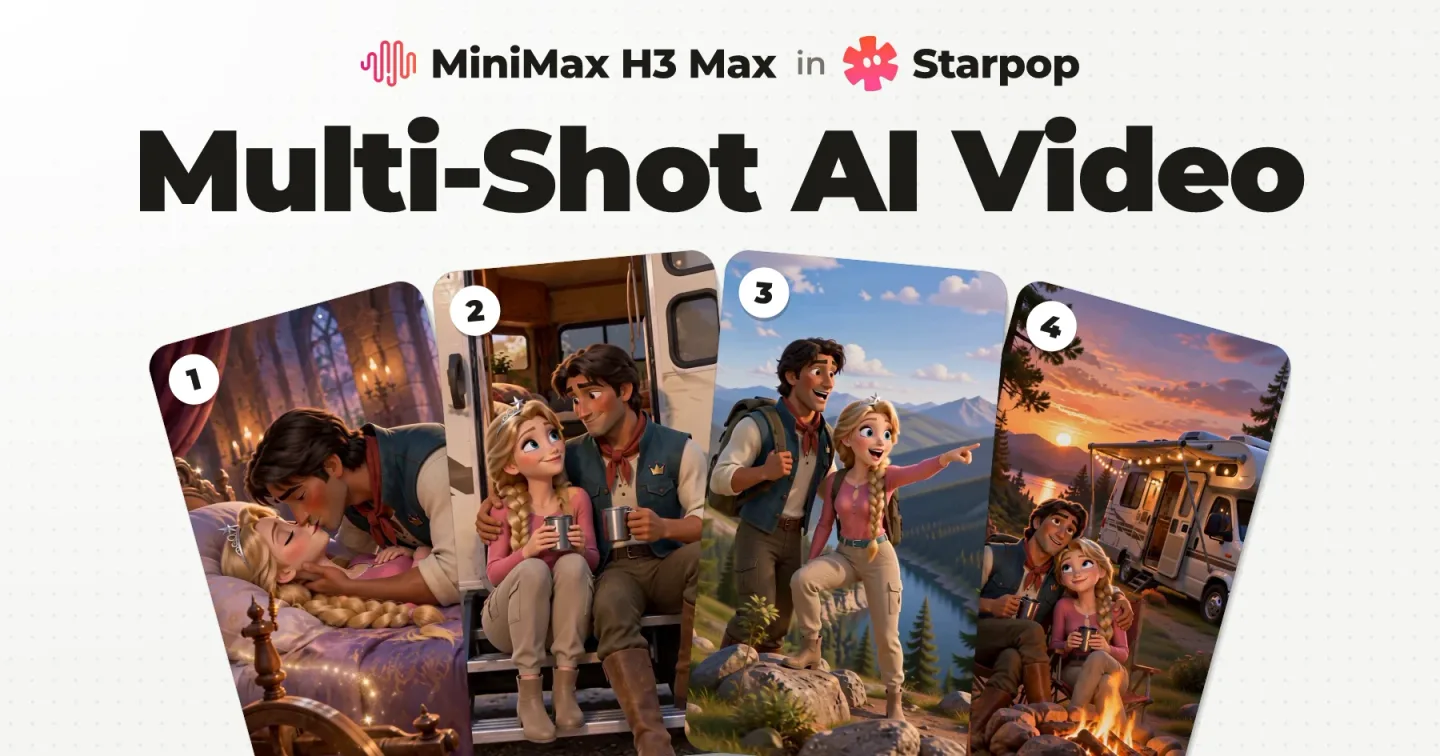
This is a Disney/Pixar style song ad for the same RV mattress brand, shown here up to the end of the song, and the table below is its storyboard. From what I have seen, the Resilia ads work the same way: a script, a song made from it, and the visuals storyboarded against it.
- 1
“True love’s kiss?”
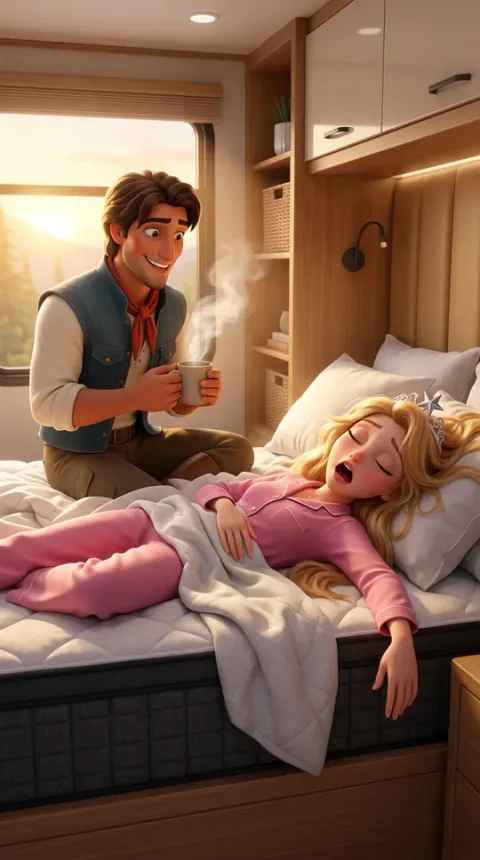
The prince sits beside the bed; the princess sleeps in her pink pajamas. Coffee is nearby.
- 2
“A royal miss.”
He leans in and kisses her gently. She does not wake.
- 3
“My princess slept right through.”
Close on her messy hair and relaxed, open mouth; the prince’s shocked reaction is visible behind her.
- 4
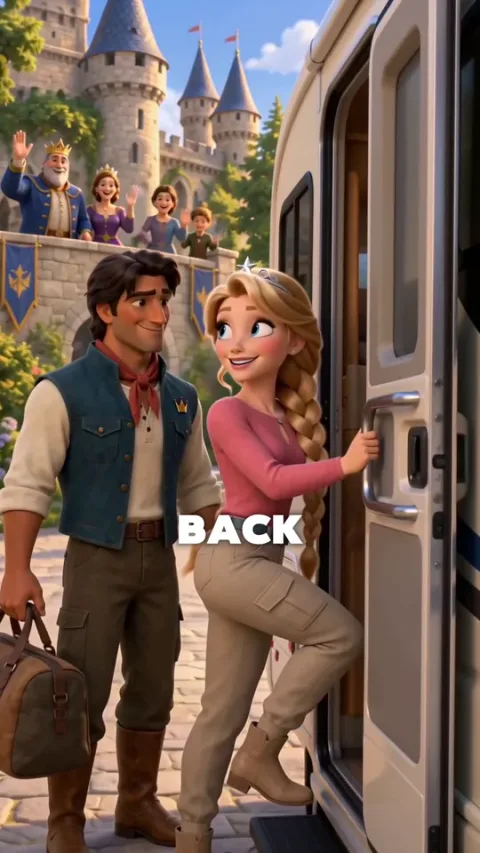
“Forty-eight hours back, our trip began,”
Rewind to the RV setting off on the road.
- 5
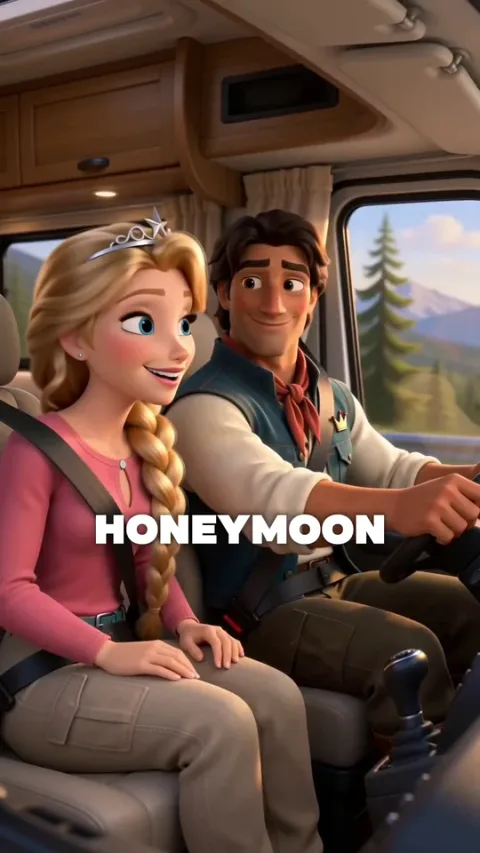
“A honeymoon in our new RV, just us two.”
The couple share a happy moment inside the moving RV.
- 6
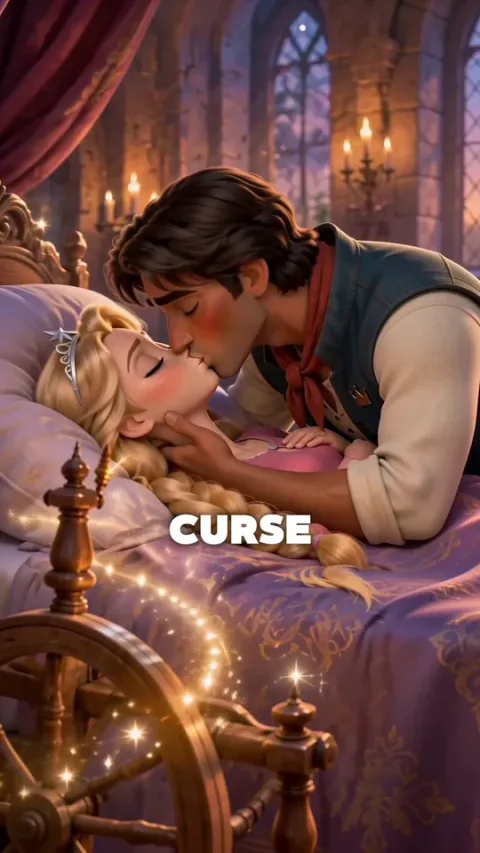
“The spindle’s sleep curse broke with a kiss;”
A brief fairytale memory: the first kiss breaks the spindle’s sleeping spell.
- 7
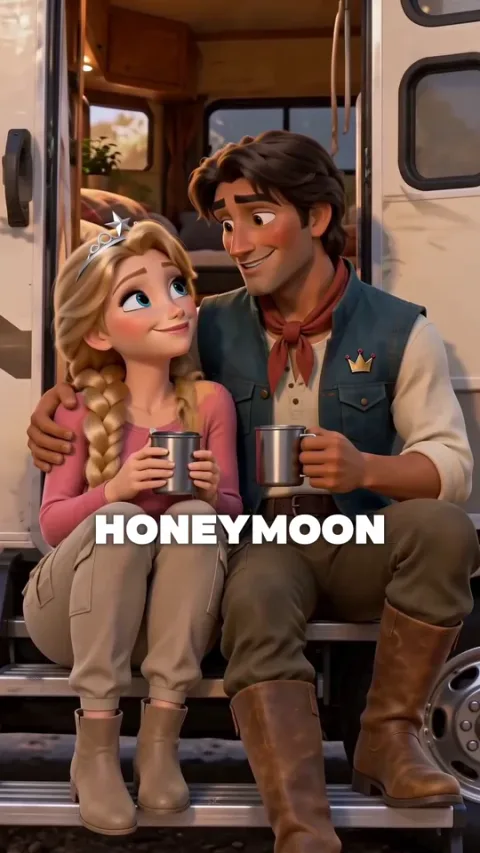
“Then came our RV honeymoon bliss.”
Return to the couple enjoying the RV trip together.
- 8
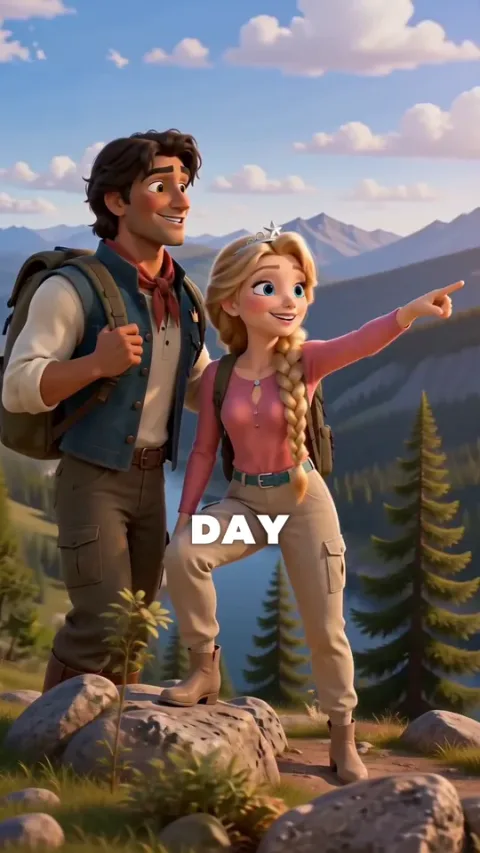
“After a day of road-trip fun,”
The couple pause together at a scenic roadside overlook.
- 9
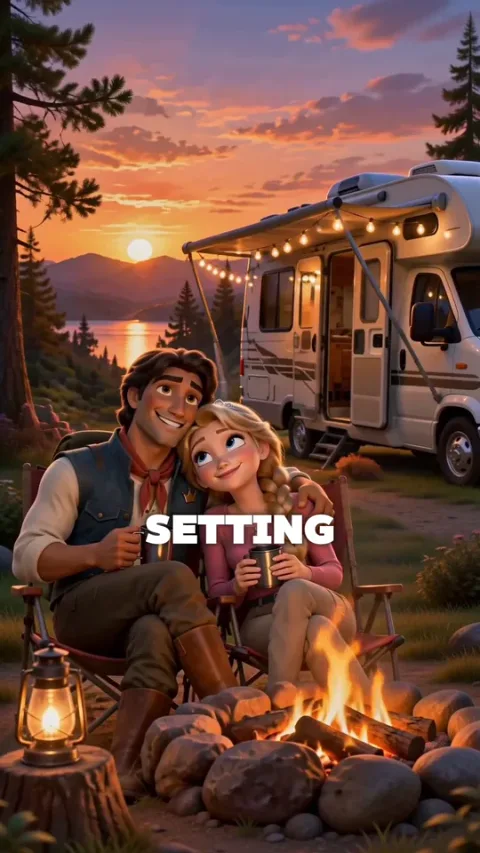
“We parked beneath the setting sun.”
Their RV settles into a campsite at sunset.
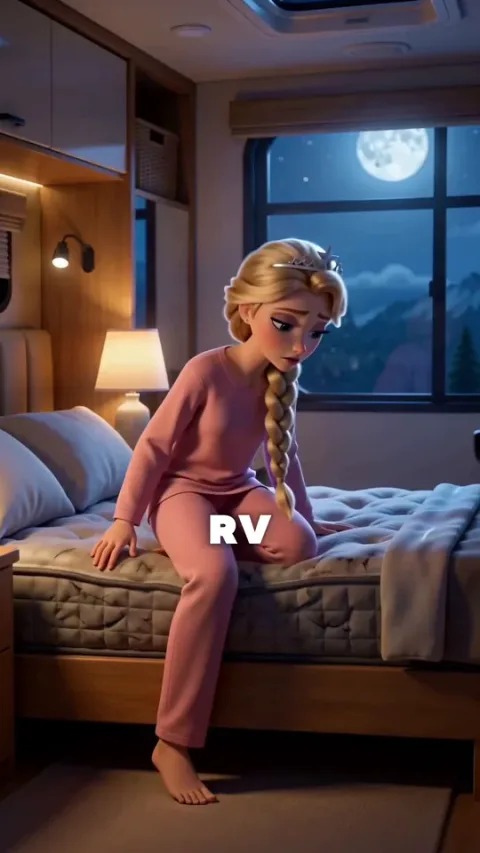
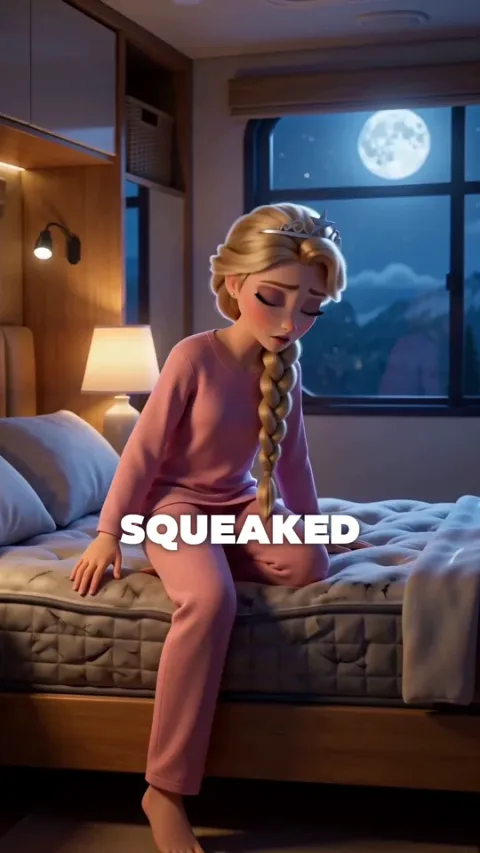
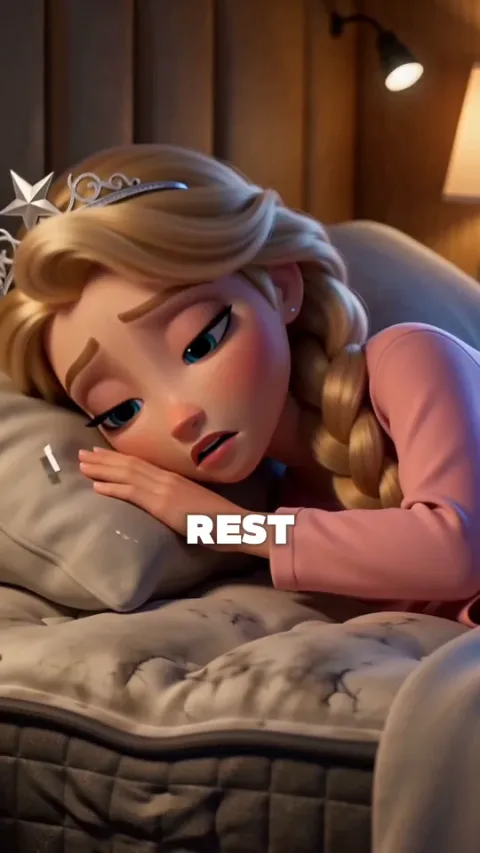
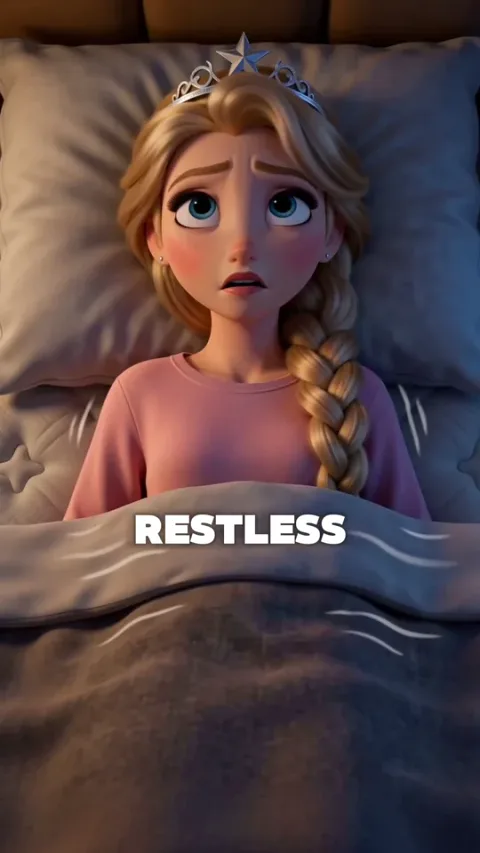
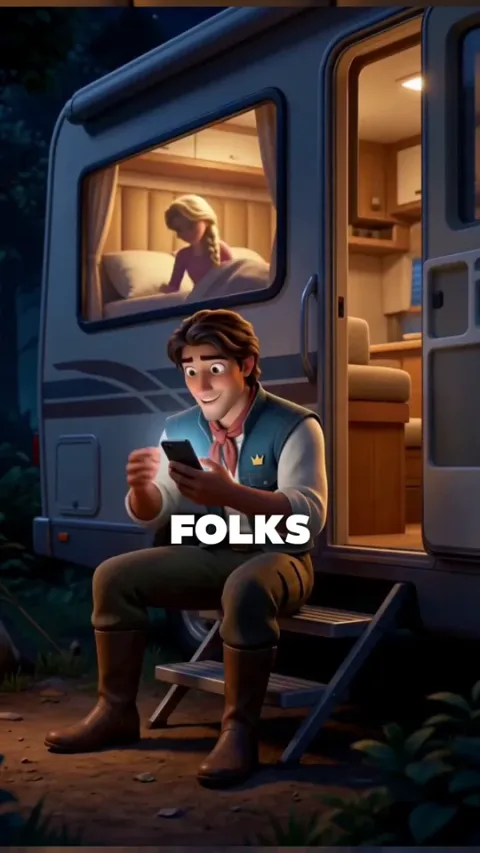
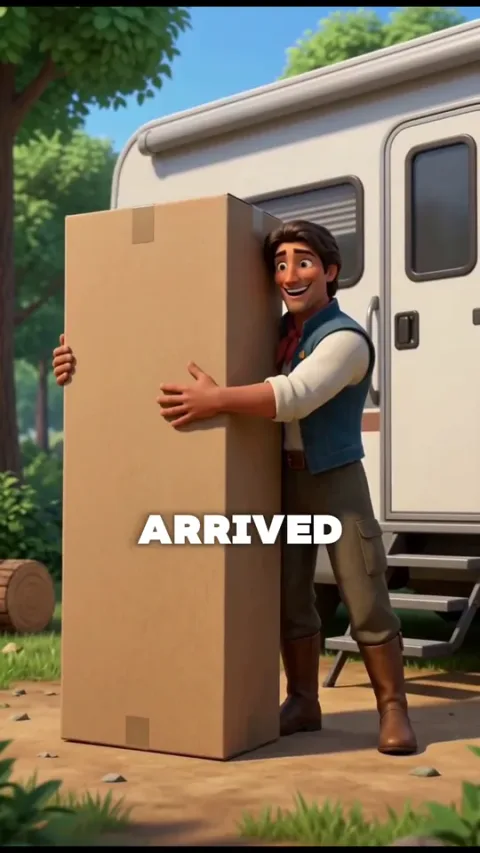
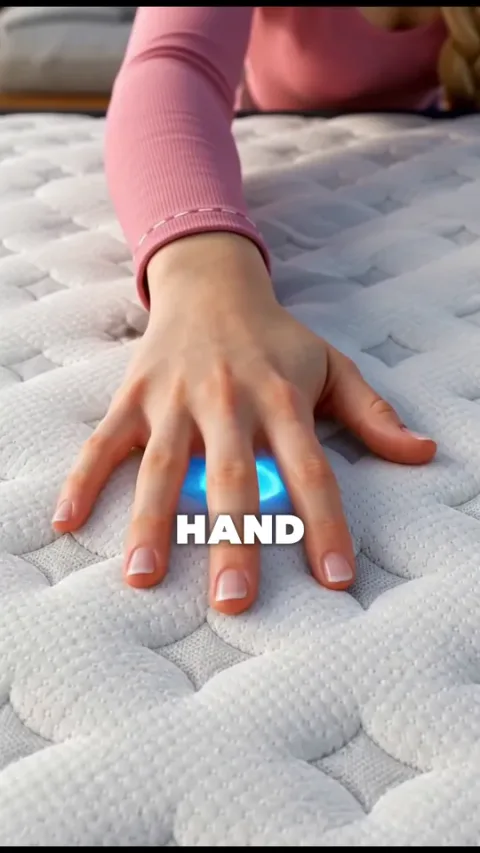
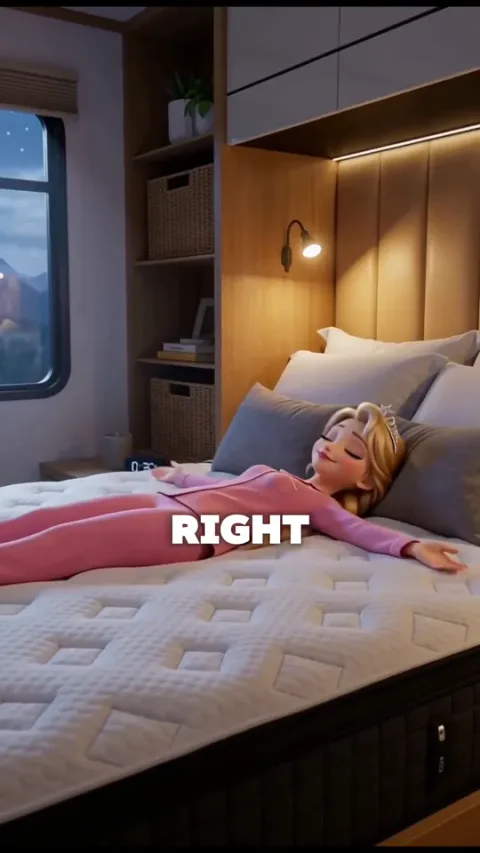
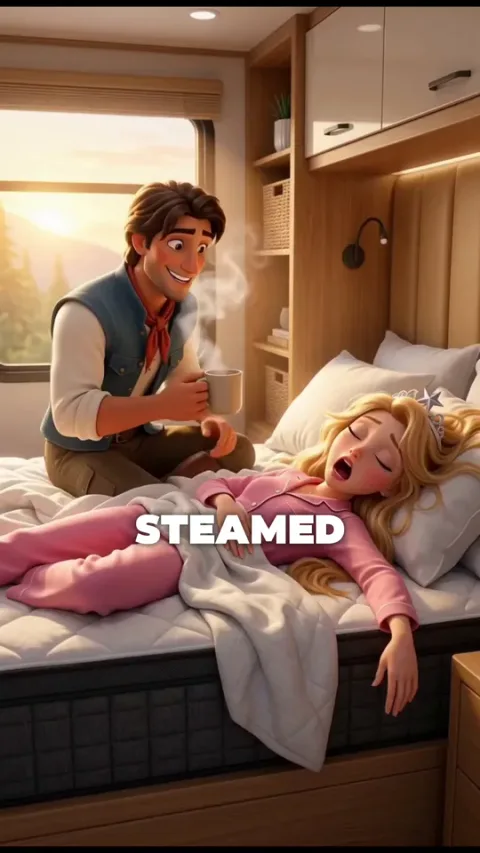
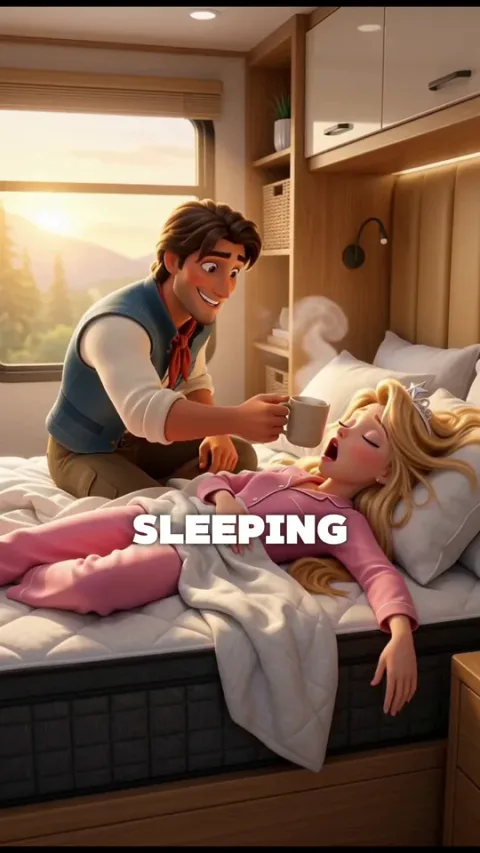
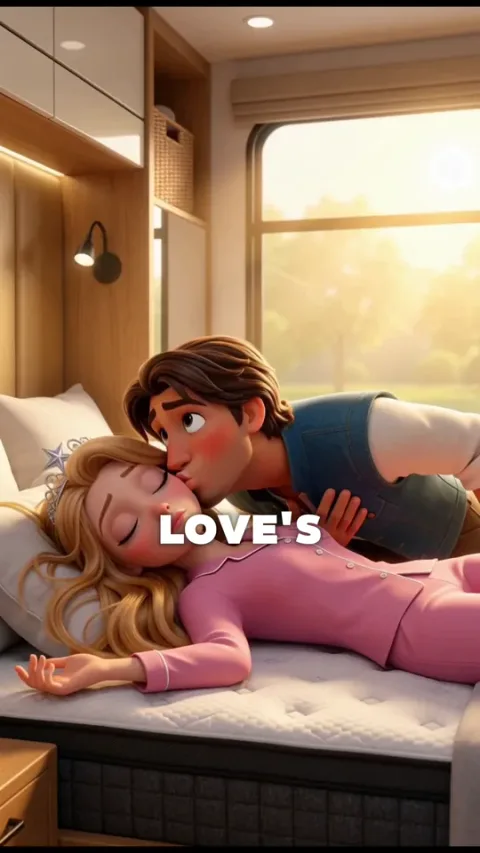
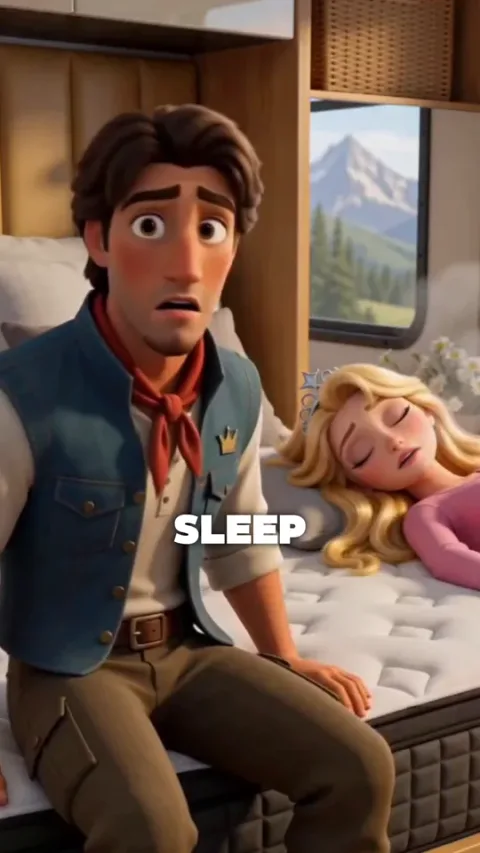
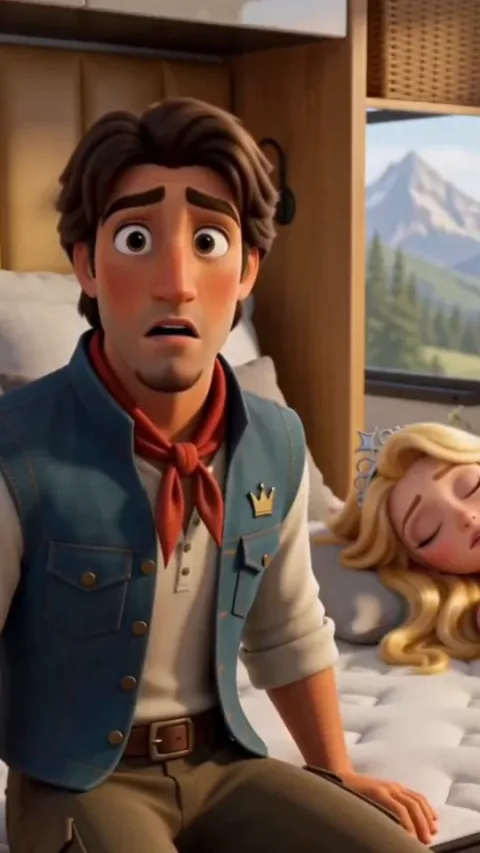
Read the visuals. Most are not prompts, they are one clear action that anyone on your team could picture: “She tosses and turns, still awake.”
A few things changed on the way to the final ad, among them: the three opening lines were dropped, and the prince ended up searching on his phone on the RV step, not at the dinette. The full ad also continues after the song with an ending that is not on the board.
The prompts come after the storyboard. The ones for this look are in Disney/Pixar style AI prompts.
What a locked storyboard unlocks
The storyboard, the characters and the song are your foundations. Once all three are locked, you have two routes to the clips.
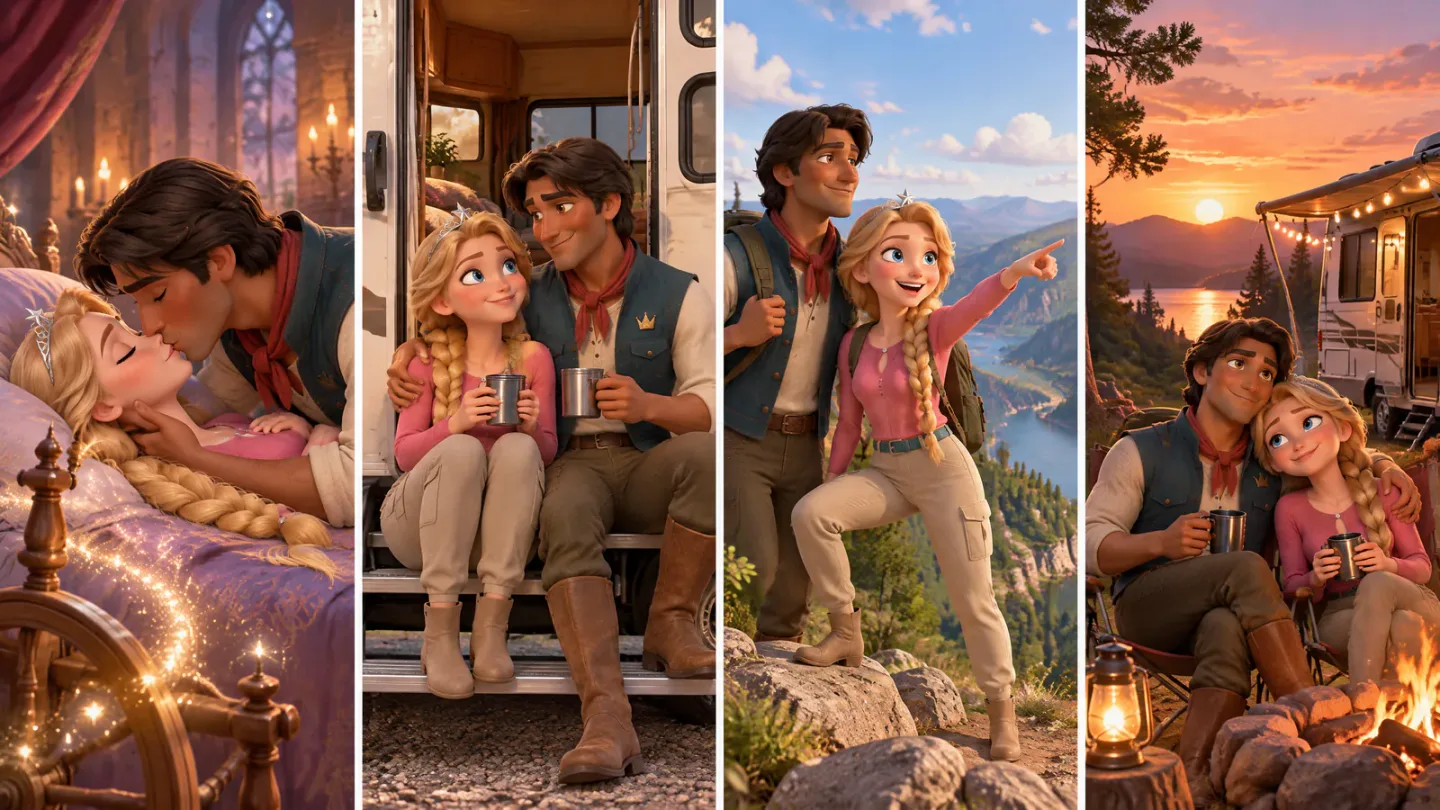
A storyboard canvas: rows 6 to 9 of the table became these four panels, one panel per shot
Each row of the storyboard is one shot, essentially. Rows 6 to 9 of the table above became the four panels of this storyboard canvas, which goes to MiniMax H3 Max as a single generation.
 Coffee start frameCoffee start frame
The other route is a single shot: a row, sometimes two short ones, becomes one start frame and one clip. Both routes, and when to use which, are in multi‑shot AI video generation.
This is also where the agent takes over. With the song, the characters and the storyboard set, you can switch the Starpop agent from Assist to Autonomous and tell it: you have your foundations, follow a single-shot workflow, make the ad end to end. Starpop asks you to confirm first, because in Autonomous it runs generations without waiting for you.
It should not go far wrong, as long as the storyboard made every visual clear. Single image, single video, one clear action per video.
The Disney/Pixar skill I show at the end of the video is free, so you do not have to work out the look from scratch. Get the free Disney/Pixar skill for Claude.
FAQ
Do you need a storyboard for an AI video?
Yes. Storyboarding the script before you generate a single shot is by far the most important step for better results, and for going fast without hiccups.
Can AI make a storyboard?
Yes. An agent can lay your script out line by line and propose a visual for each line, and it does that better once it has analyzed your voiceover or song, because then it knows when things happen. Treat what it gives you as a draft to review.
Can ChatGPT make a storyboard?
It will write one if you ask, and so will Claude or Starpop. The problem is that it gets confused, and you hit roadblocks that kill your momentum. Review every line by hand, and write the visuals yourself where you can.
How detailed should a storyboard be?
One line of script, one clear visual, and a rough idea of how you will animate it. My storyboards for AI video have no drawings in them: one is a document, the other a table. If your script is written properly, every line already holds a clear emotion or a clear action, and the visual is that emotion or action as a picture.
What is an AI ad storyboard?
It is your script arranged line by line, with a clear visual for each line and a rough idea of how each one will be animated. The AI video ad storyboards above are plain text, and the frames come after.
What comes first, the voiceover or the storyboard?
The voiceover or the song. It is the source of truth for pacing, so it decides when things happen. Generate it first, then storyboard against it.
How many shots does each line get?
Usually one: each row of the storyboard is one shot, essentially. The song storyboard above has 22 rows, and 19 of them carry the roughly 57 seconds of song in the finished ad. A line can hold a cut when the idea needs it, like the mammoth line, which goes from the hunt to the cavemen standing on top.
Next Steps
Take the script for your next ad and put it in the template, one line per row. Do not generate a single shot until every row has a visual.
- See the whole workflow. The song, the characters, the storyboard, the generations and the edit are in my full Disney/Pixar style AI ad workflow.
- Turn the rows into clips. The storyboard canvas and the start frame route, side by side.
- Package your own process. Once your storyboard format works, you can build a Claude skill around it.
- Make one for your own product. Lock your song, your characters and your storyboard, then let the agent draft the prompts, the images and the videos. Open Starpop.
Questions about your own storyboard go in the Discord.