Contents
0%Hey!
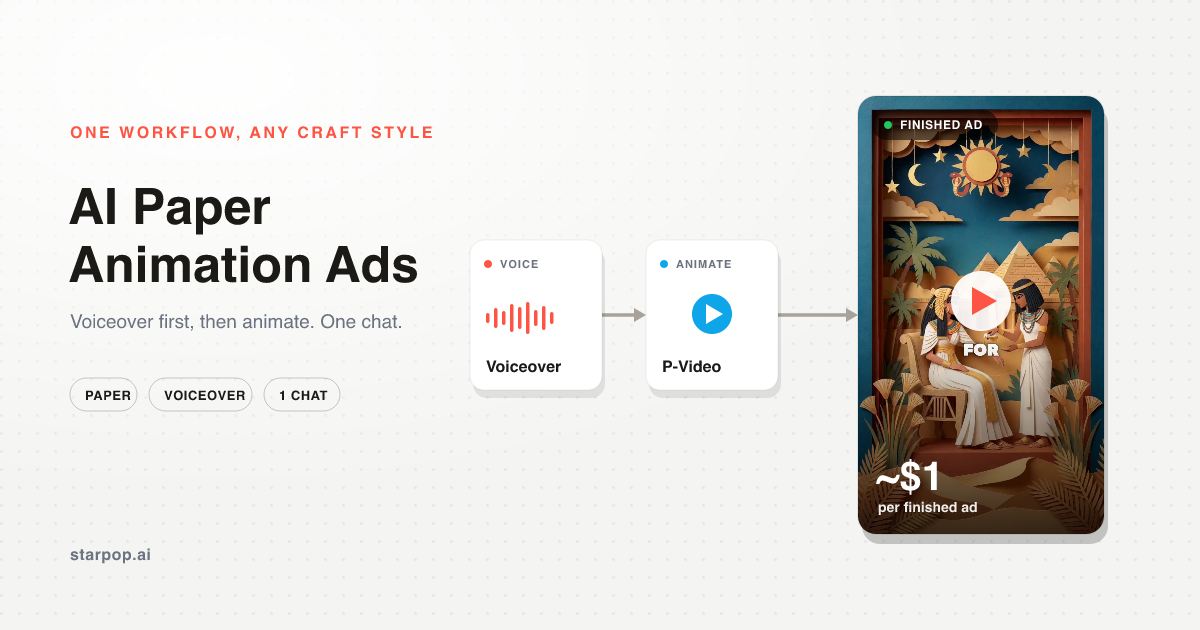
I make these AI paper animation ads for about $1, and the workflow never changes. Here is one, then the exact steps.
Watch the ad
This is a paper craft ad for a tallow skincare brand, taking you from ancient Egypt to your grandmother's kitchen, all in cut paper. Every scene is generated and animated. The reason it looks this good for this little is the workflow, not any single tool.
The whole workflow, start to finish
The whole thing is three phases in one chat: research, script, then AI generation. Nothing here is manual prompting.
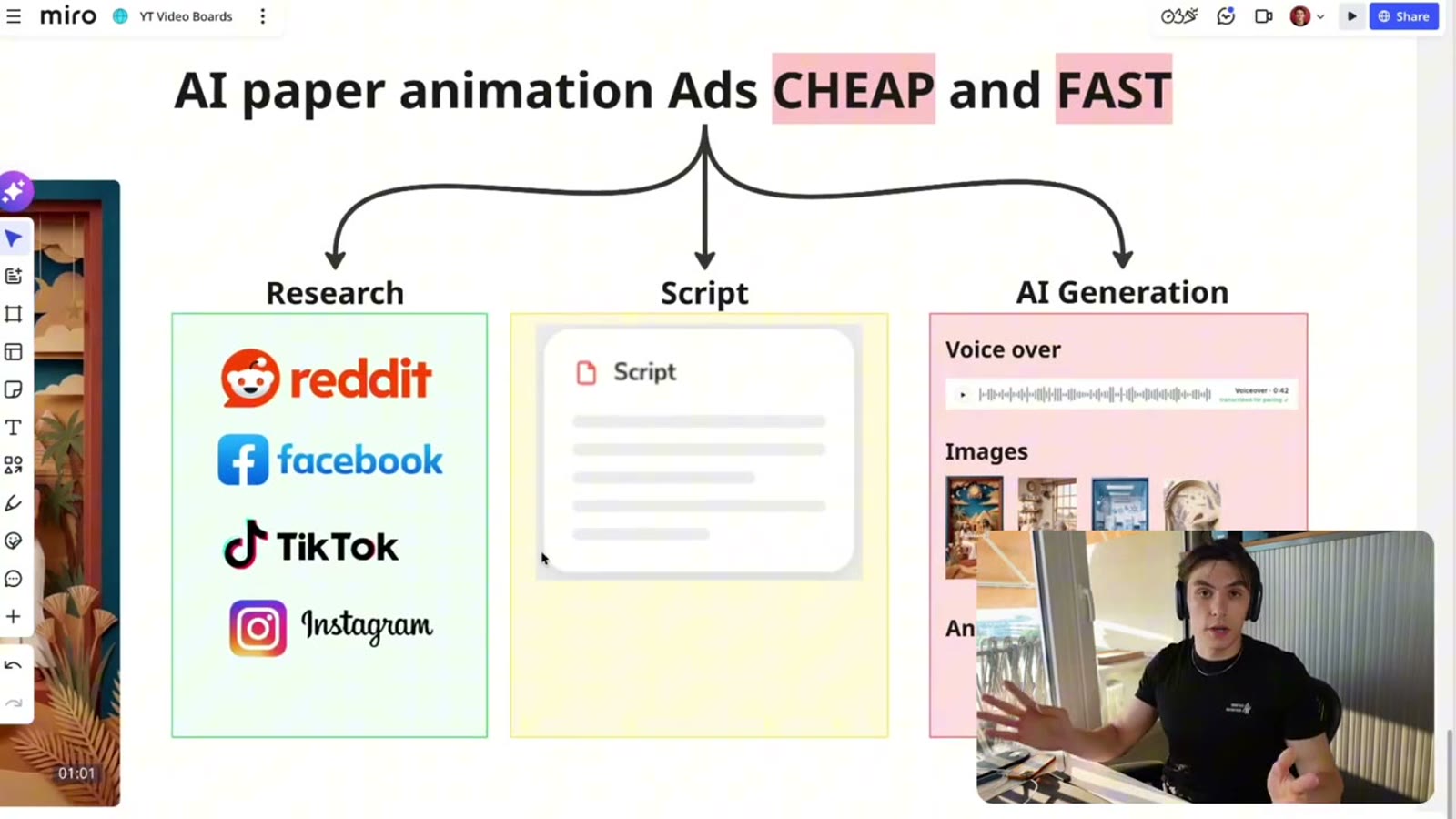
The paper animation workflow: research, script, AI generation
For research, Starpop can scrape Reddit, Facebook, TikTok, and Instagram to pull real voice-of-customer quotes into a brief, which is what makes the script actually convert. It already knows your product too, because you are working inside your brand, so it has your product and research context on hand.
Generate ONE continuous voiceover for the whole script BEFORE you touch visuals. Never generate the lines as separate segments. If you do, the voice will not match and the pacing drifts, and you will hear ugly cuts in the final edit. Continuous voiceover first, then everything else is timed to it.
Step 1: Pick your paper style
I built a paper animation skill with five styles I tested and liked best, and the chat recommends one for your product.
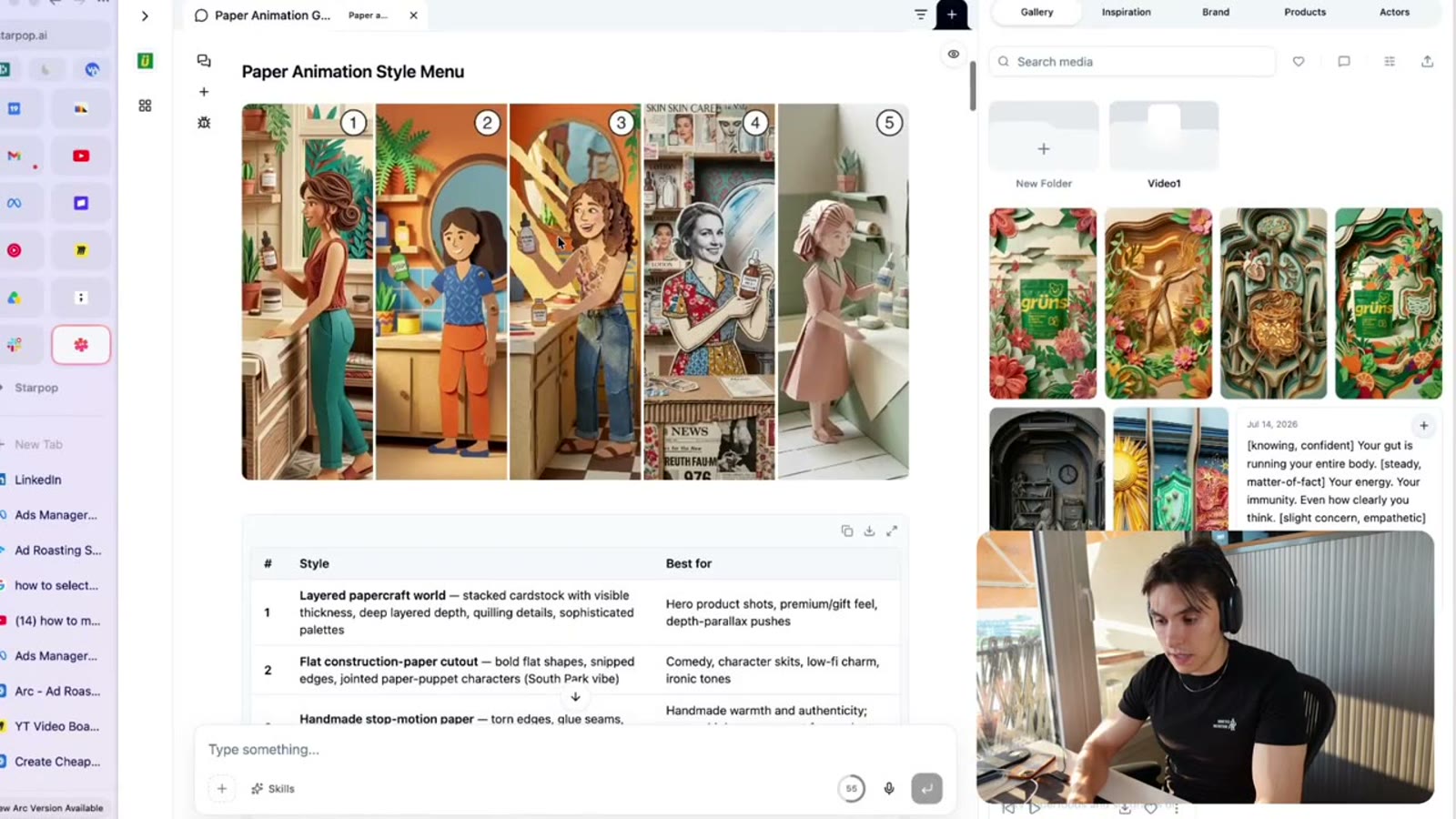
The paper animation style menu: five curated paper craft styles with a best-for guide
The five cover the range: layered papercraft (premium, gift-feel, hero shots), flat construction-paper cutout (comedy and character skits), handmade stop-motion (torn edges and warmth), a creative style, and origami. You pick the one that fits the brand and the chat handles the rest.
Step 2: Write the script, then lock the voice
The chat drafts a script on a clean structure: hook, problem, agitate, mechanism, transformation, CTA. Then it helps you pick a voice.
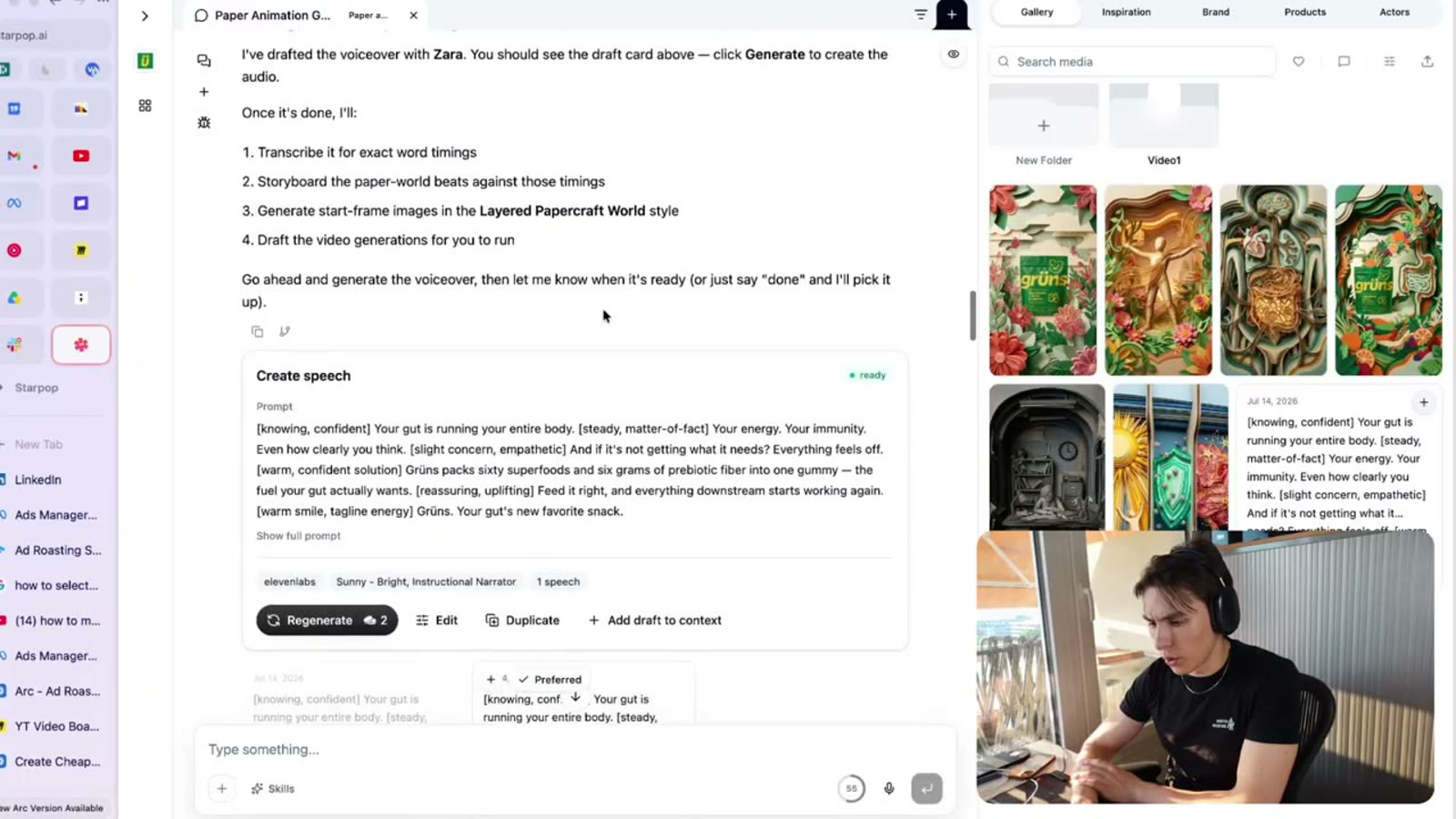
Creating the continuous voiceover: an ElevenLabs voice with emotion tags on the full script
You can use any ElevenLabs voice, or Fish Audio, which has a huge range of characterful voices and is my favorite voice lab. Emotion tags let you steer the delivery line by line. This is where you generate the single continuous voiceover for the entire script, per the rule above.
Step 3: Storyboard from the voiceover
Once the voiceover exists, the chat analyzes its pacing and storyboards each shot against the real timing.
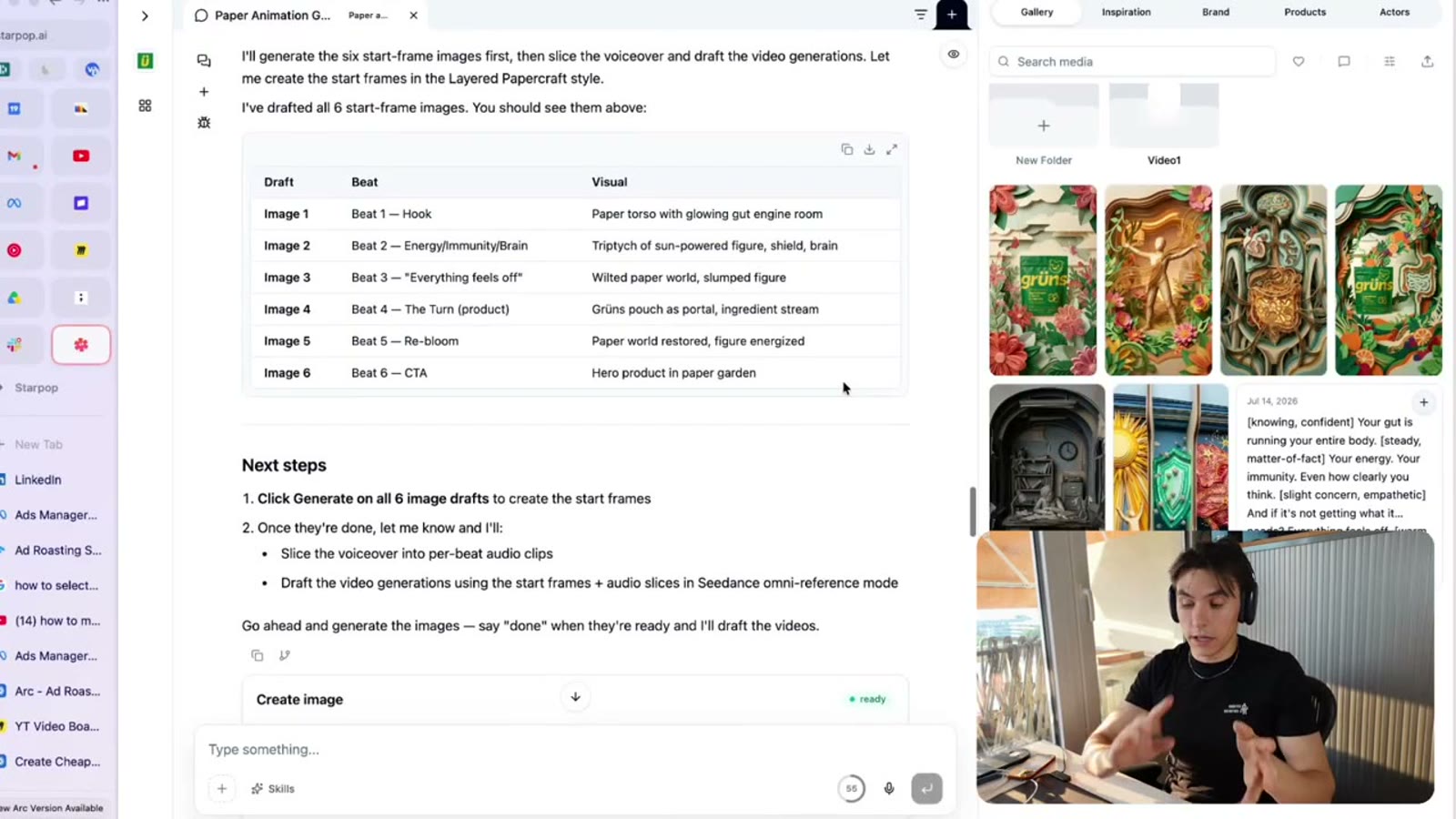
The storyboard: each voiceover shot mapped to a visual concept, ready to generate
Every line of voiceover becomes a shot with a visual concept, and it slices the voiceover into per-shot clips so each shot lines up to the audio. Get the storyboard right here and the rest is just generation.
Step 4: Generate the images
The chat drafts an image for every shot, no manual prompting from you, the skill handles it.
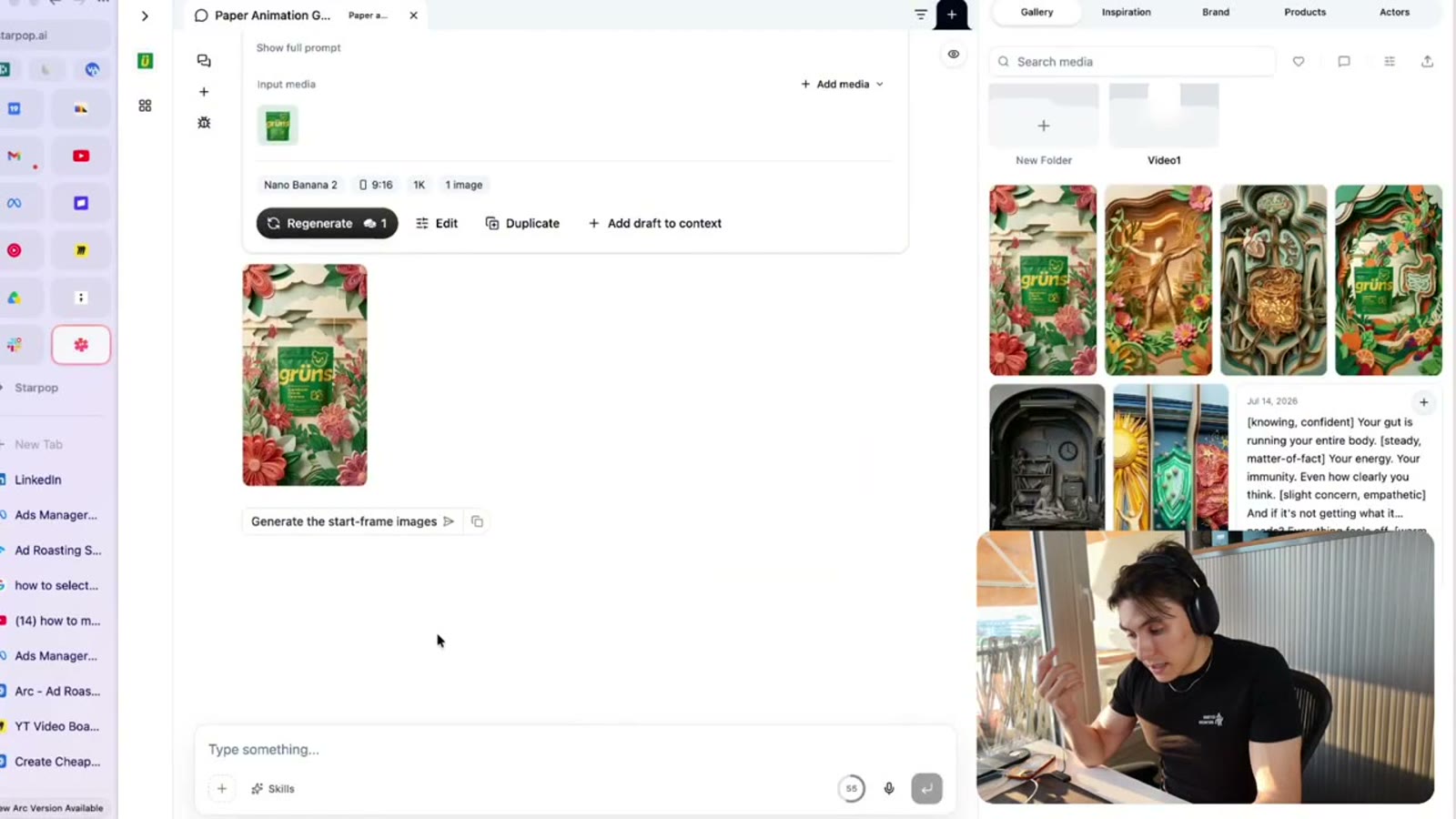
Generating a start-frame image for each shot with Nano Banana 2
I use Nano Banana 2 for the images (GPT Image 2 is also strong, but I prefer Nano Banana 2). For these voiceover ads, maximize your cuts, a good one lands roughly every two to three seconds, so a visual script with a clear image behind every line is what makes it feel fast and premium.
Step 5: Animate with P-Video
Then it drafts a short video generation for each image using a model in Starpop called P‑Video. This is why the whole ad comes to about $1.
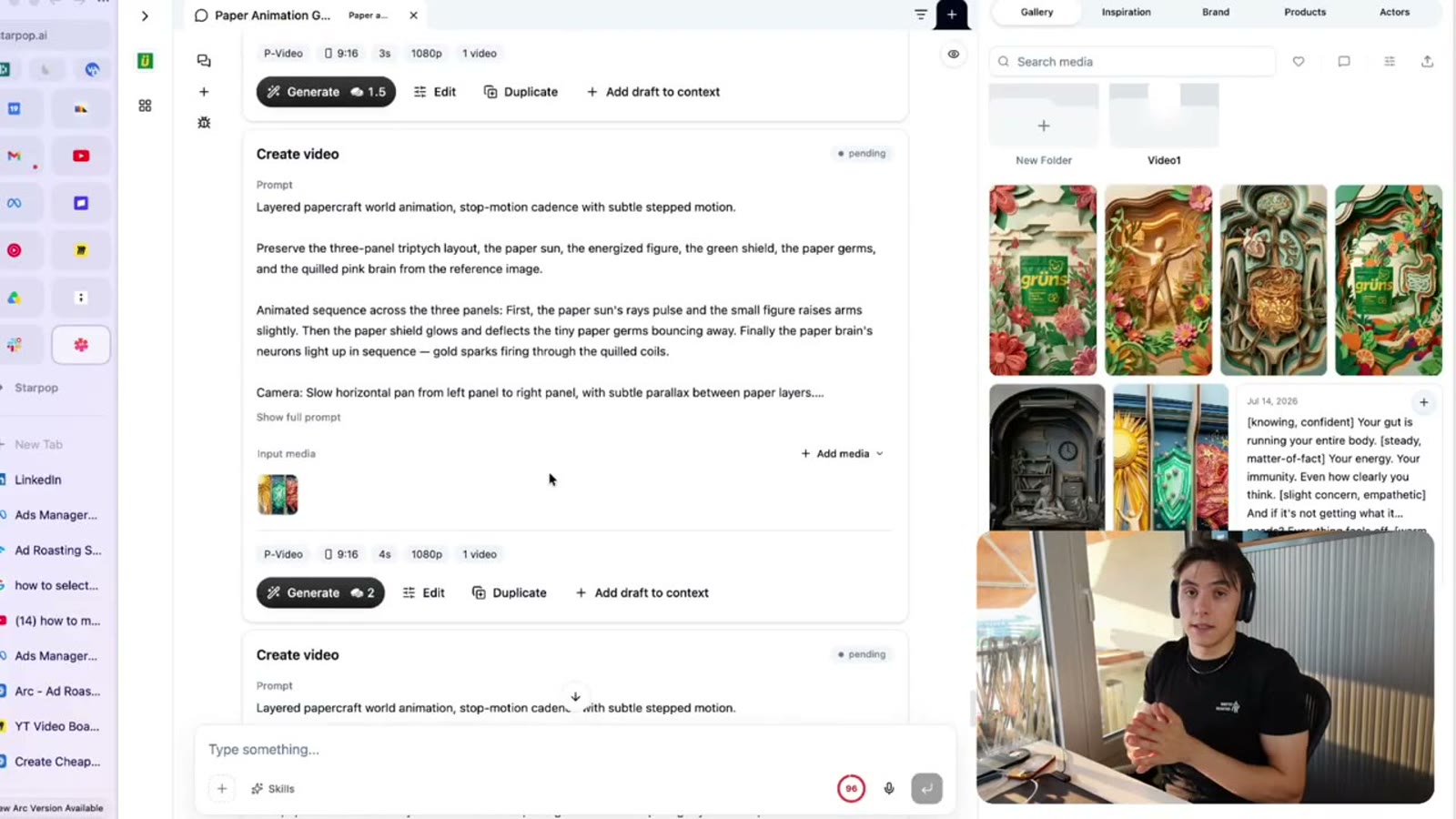
Drafting the animations for each shot with P-Video, using the timing from the audio
Each clip drafts in seconds, so you batch-generate all your shots, keep the good ones, and re-roll the weak ones on the spot. A premium video model can leave you waiting ten to twenty minutes per clip, which kills the workflow. For simple B-roll motion, gentle zooms and paper parallax, a cheap fast model is all you need.
Step 6: Assemble in CapCut
Export the clips in bulk and drop them into CapCut, then put the continuous voiceover underneath.
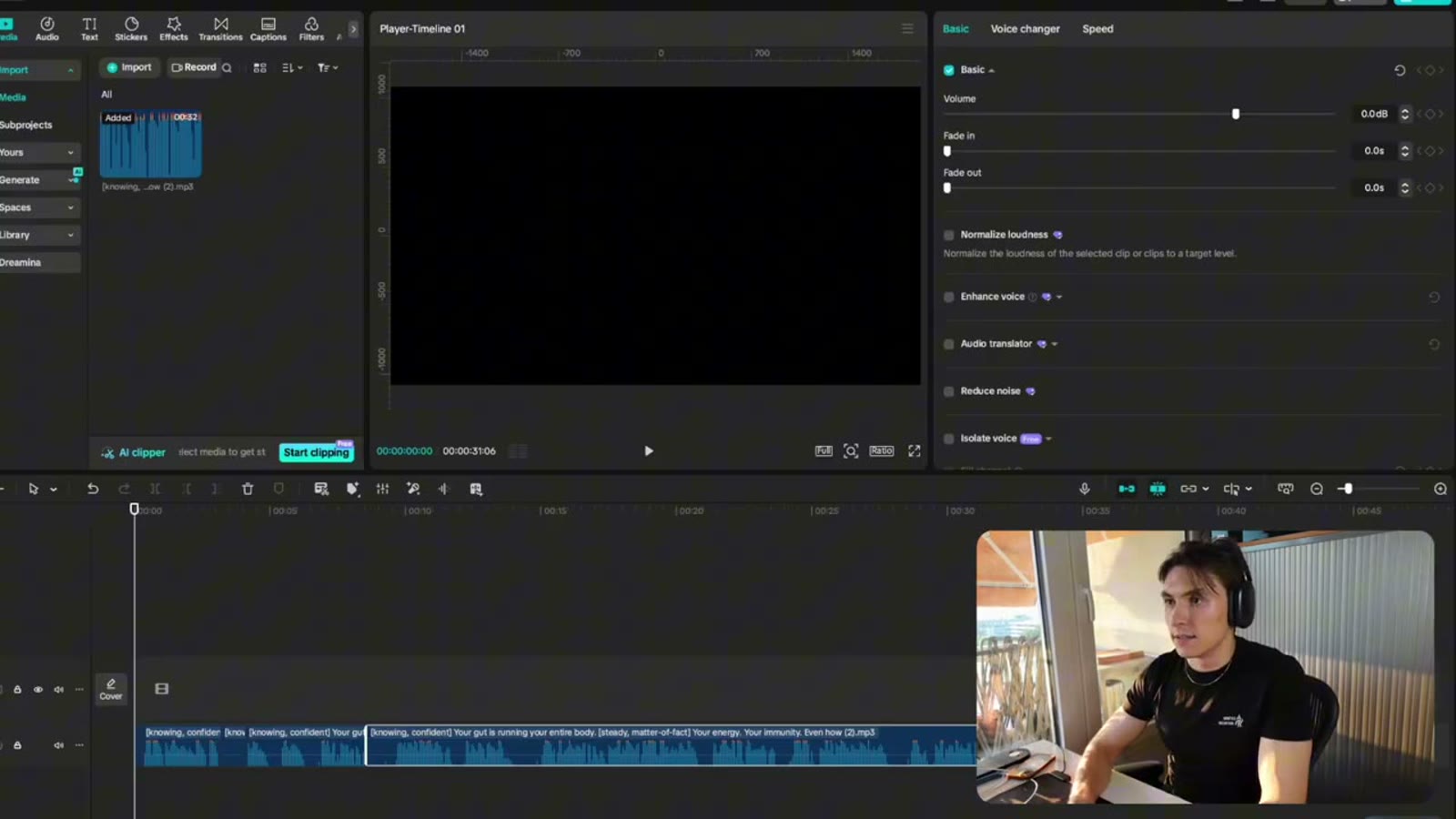
Assembling the ad in CapCut: the continuous voiceover on the timeline under the clips
Trim the silent gaps out of the voiceover, then lay your shots over it and align each cut to the storyboard (the chat tells you exactly how it planned it). Add one-word captions and a short text hook, drop in music, and you have a ready-to-post ad in a couple of minutes.
Next Steps
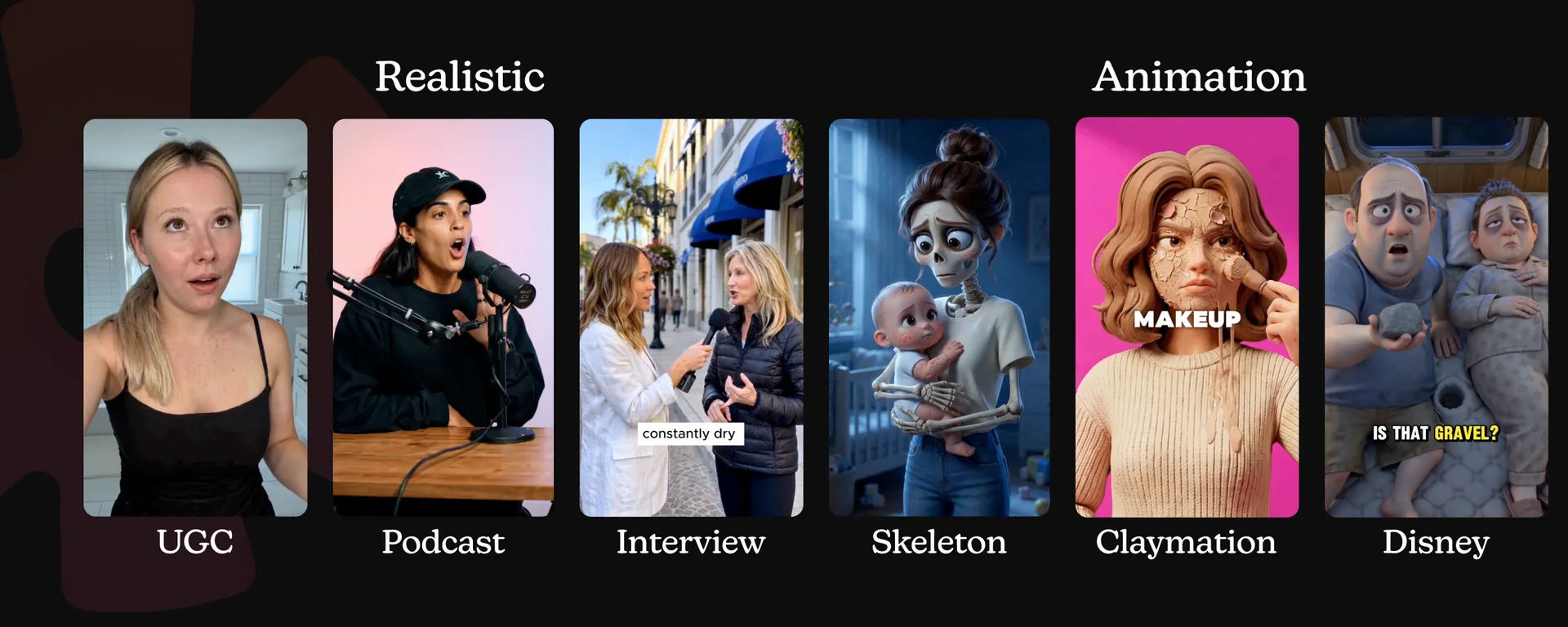
The style here is paper, but the workflow is the point, and it never changes. Swap the visual style and the same steps make claymation, crochet, origami, any craft look you want.
The AI animation ads style guide compares paper with cinematic 3D, claymation, editorial collage, song, skeleton, and more directions you can build from the same selling idea.
Pick a customer, write a real script, generate a continuous voiceover, then storyboard, generate, and animate. The full walkthrough is in the video, and the free skill file that runs this is linked from it.