Create AI animation ads in any style.
Turn one product idea into Disney/Pixar-style 3D, claymation, paper, Vox-style collage, song, skeleton, and more in one workflow—with a free public skill file for every style.
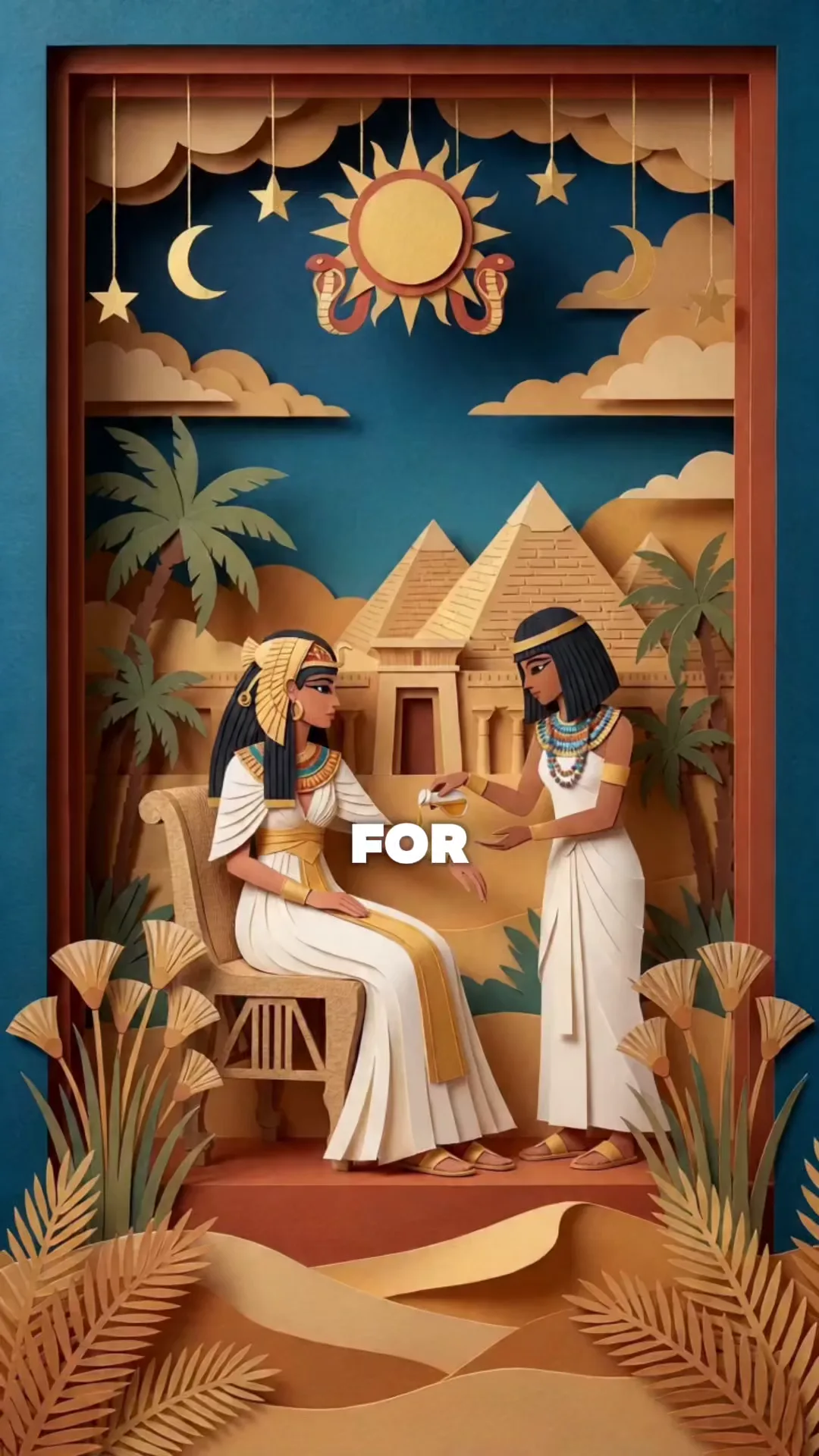
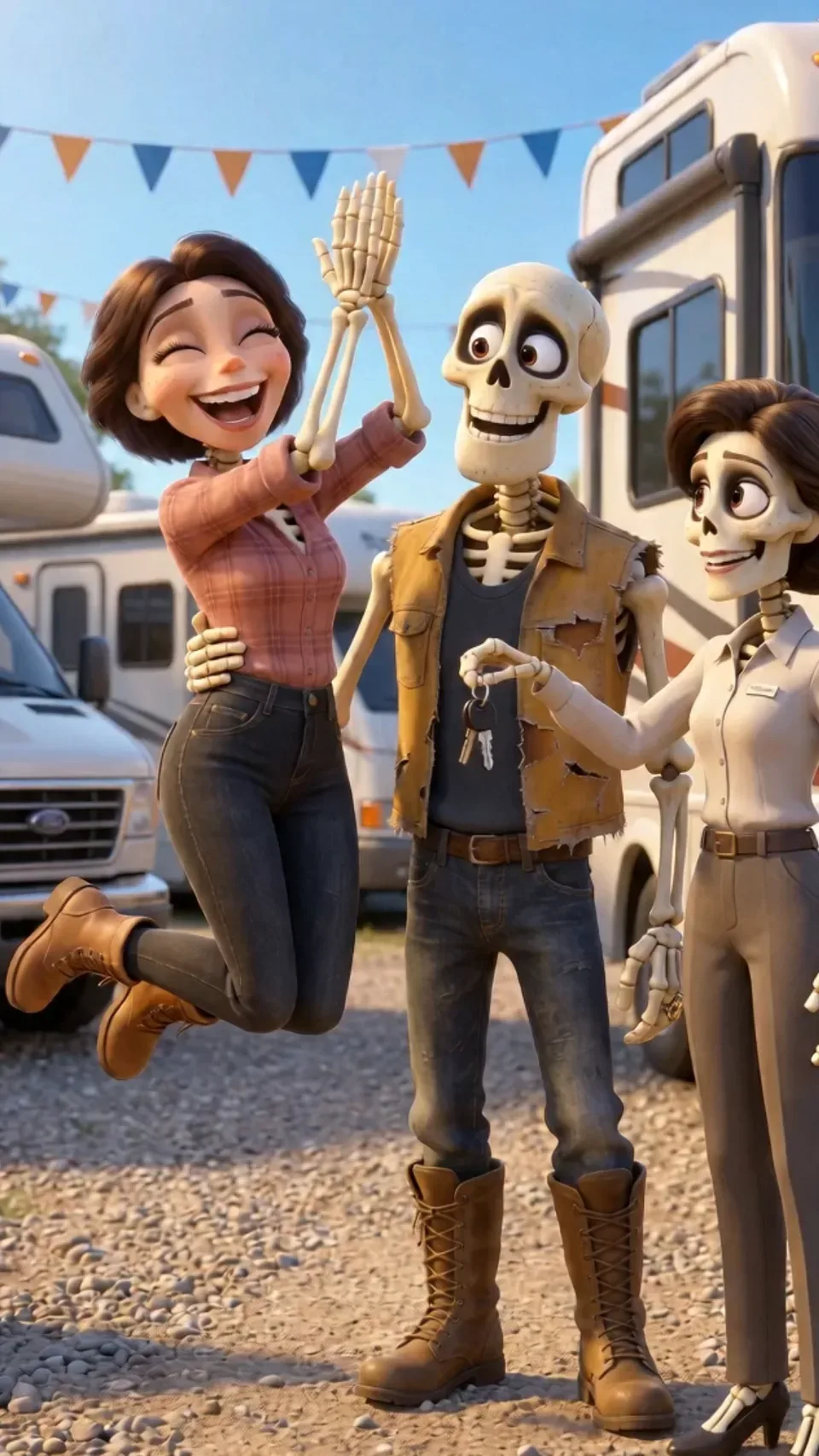
Pick a style. Get the examples and skill file.
Every animation style has a dedicated page with an AI ad workflow, a reserved example gallery, and a free public SKILL.md file you can download without signing in.
Disney/Pixar
Build expressive original characters and colorful story worlds around the product.
Best for: Characters, mechanisms, and emotional stories
Disney/Pixar and Vox are used as familiar visual shorthand. Starpop is not affiliated with those companies. Create original characters, worlds, and brand assets rather than copying protected characters.
The skills know the styles. Starpop does the work.
A downloaded skill file gives an AI agent instructions. In Starpop, that skill runs inside a product-aware creative workflow: the all-in-one agent helps write the script and prompts, stages the generations, and keeps the ad moving from idea to finished scenes.
Grounded in your product
Give the agent your product, brand, customer angle, and references so every creative decision starts from the real brief.
Guided by a style skill
A dedicated SKILL.md adds the visual rules, prompt structure, continuity checks, and failure fixes for the ad style.
Prompts become generations
The agent writes the script and production prompts, then stages the image, video, voice, and music generations in one workspace.
Review and regenerate
Review the ad shot by shot and regenerate only the scene, voice, or motion that needs another take.
From product idea to finished scenes.
Bring the product and angle
Start with product references, customer insight, or an existing ad you want to reinterpret.
Write and structure the script
Choose a talking character, voiceover, song, or escalating story before building the visuals.
Lock the visual direction
Establish the characters, materials, palette, and scene references that hold the world together.
Generate, review, and iterate
Review every shot and regenerate only the moments that need another take.
See how each ad comes together.
Real builds, finished examples, and the decisions behind the script, style, audio, and animation.
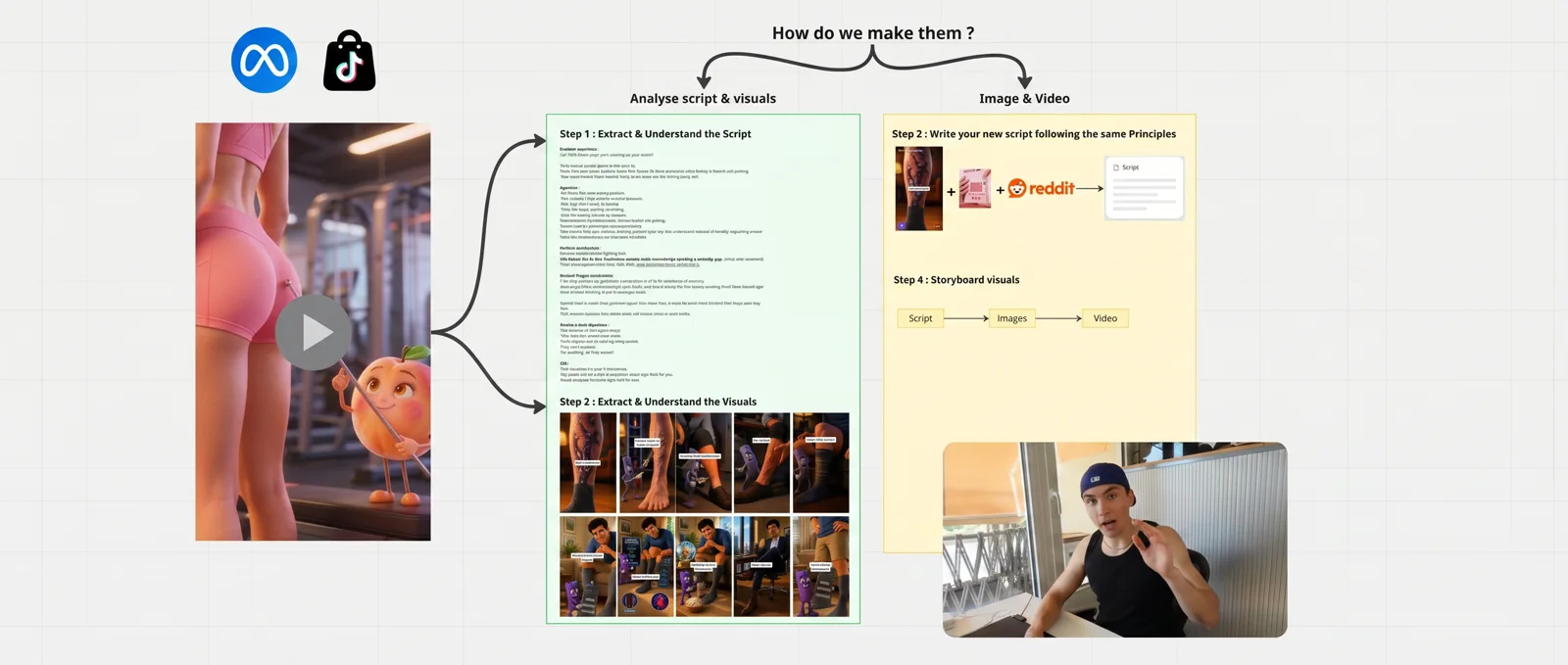
How to Make AI Pixar Character Ads
Build the script skeleton, recurring character, start frames, and animated scenes behind a cinematic 3D ad.
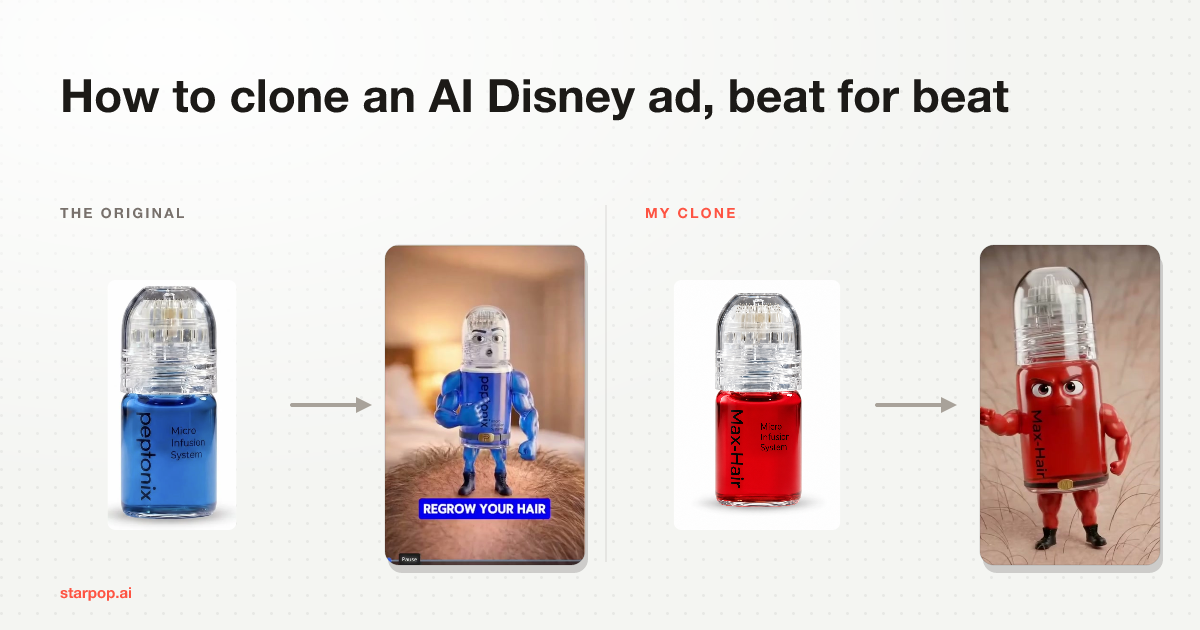
How to Clone Your Competitor's AI Disney Ads
Analyze a reference shot by shot, rebuild it for your product, and keep the new character consistent.
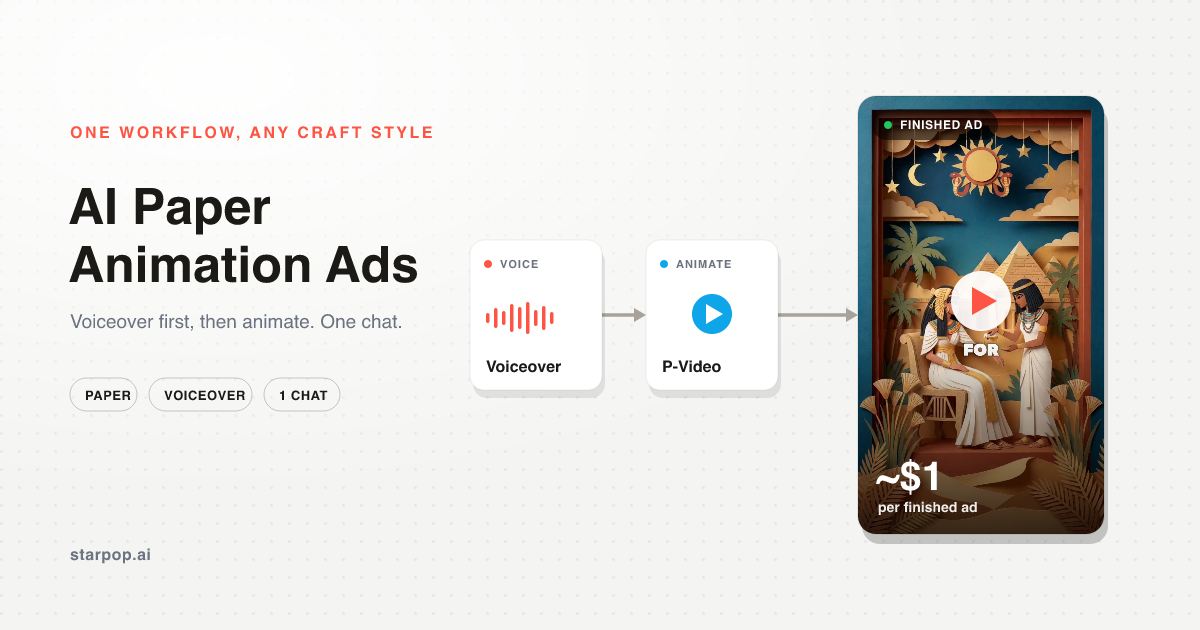
How to Make AI Paper Animation Ads
Go from customer research and one continuous voiceover to a paper storyboard, animation, and final edit.
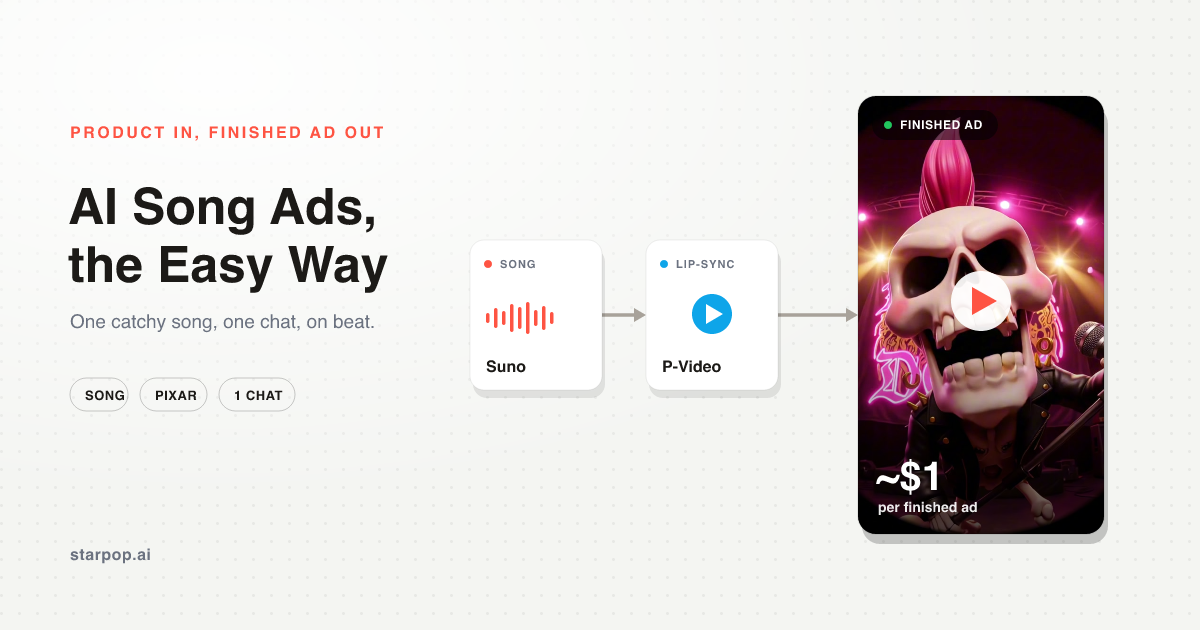
How to Make AI Song Ads
Write the hook, generate the track, lock the cast, and animate a music-led ad one shot at a time.
Animation ad questions, answered.
Are the AI animation skill files free to download?
Yes. Every animation style page includes a public SKILL.md file that can be downloaded without a Starpop account. Each file contains style-specific workflow, prompting, continuity, and quality-control instructions for an AI agent.
Why use Starpop instead of only downloading a skill file?
A skill file gives an AI agent portable instructions for a style. Starpop applies those instructions inside a product-aware creative workflow: its all-in-one agent helps develop the angle, writes the script and prompts, stages image, video, voice, and music generations, and lets you review and regenerate individual scenes.
What is an AI animation ad?
An AI animation ad is a fully generated video advertisement built from a script, visual direction, generated scenes, voice, music, or animation. It is different from simply adding motion to a static banner because the characters, environments, and story are created as video scenes.
Which animation styles can Starpop create?
Starpop can help create cinematic 3D character ads, claymation, paper animation, editorial collage, song ads, skeleton stories, wool and crochet looks, anime and comic treatments, watercolor, motion graphics, and other directions you can describe or demonstrate with a reference.
Can Starpop keep a character and product consistent across scenes?
Yes. The workflow establishes reusable character and product references before scene generation, then carries those references and descriptions into each shot. You can review individual scenes and regenerate a weak moment without rebuilding the whole concept.
Can I create voiceover, lip-sync, and music-led animation?
Yes. An animated ad can use a talking character, a continuous voiceover over animated B-roll, a generated song, or a mixture of those formats. The script and audio structure are chosen before the scenes so the visuals can follow the real timing.
How should Disney/Pixar-style or Vox-style references be used?
Use those names as shorthand for broad visual characteristics, such as expressive cinematic 3D or fast editorial collage. Create original characters, settings, and brand assets rather than copying a protected character, franchise, logo, or exact visual identity.
Can I change the style without rewriting the entire ad?
Usually, yes. The selling angle and script structure can stay fixed while the visual treatment changes. That makes it possible to compare the same idea as cinematic 3D, paper, clay, or another style without losing the message you are testing.
Your next winning idea could be animated.
Bring the product, the angle, or the reference. Starpop helps you build the script, visual direction, and finished scenes.