Contents
0%Hey!
I made this hyper-realistic talking-head ad for a real mattress brand in one chat, for about $1. The voice is the whole trick. Watch.
Watch the ad
No filming, no actor, no studio. A woman at a park bench, holding up a little notebook, doing the "caveman English" trend that has been all over TikTok. Every word lands, because I never let a video model guess at the voice.
Why AI lip-sync usually looks fake
Most people try to make this format by prompting a video model to say the lines. It never comes out right, and the reason is simple.
For a talking-head ad, the intonation and the pronunciation carry the whole thing. If you let a video model generate the talking, you get zero control over how each word is said, so it always feels off. The only way to control the voice is with an audio model, which means you are better off building the voice first and lip-syncing it after.
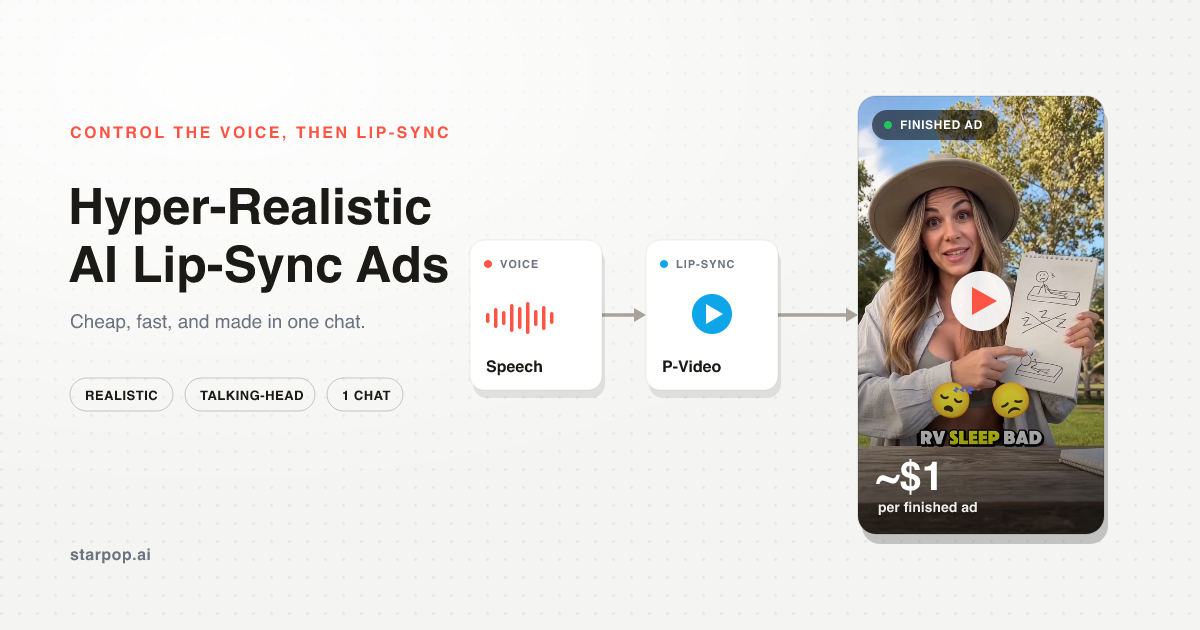
Once you accept that, the workflow gets easy. Here is the whole idea at a glance, the same path works for animated song ads too.
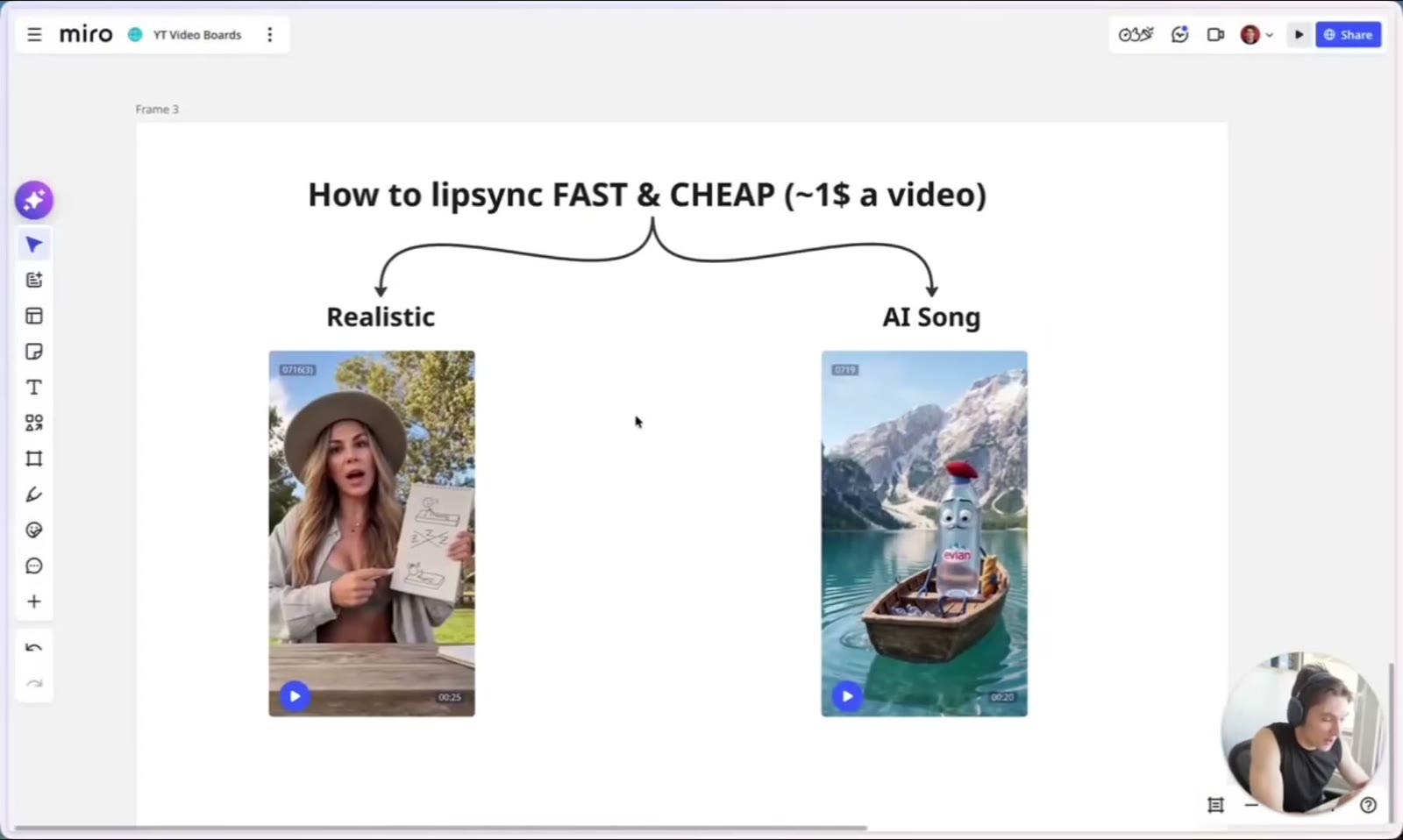
The lip-sync workflow: one path for realistic ads and one for AI song ads
Start with a reference, not a blank page
I did not invent a script. I handed the chat a viral video of the exact format, one that already had a few million views, and asked it to write me a simple version for my brand.
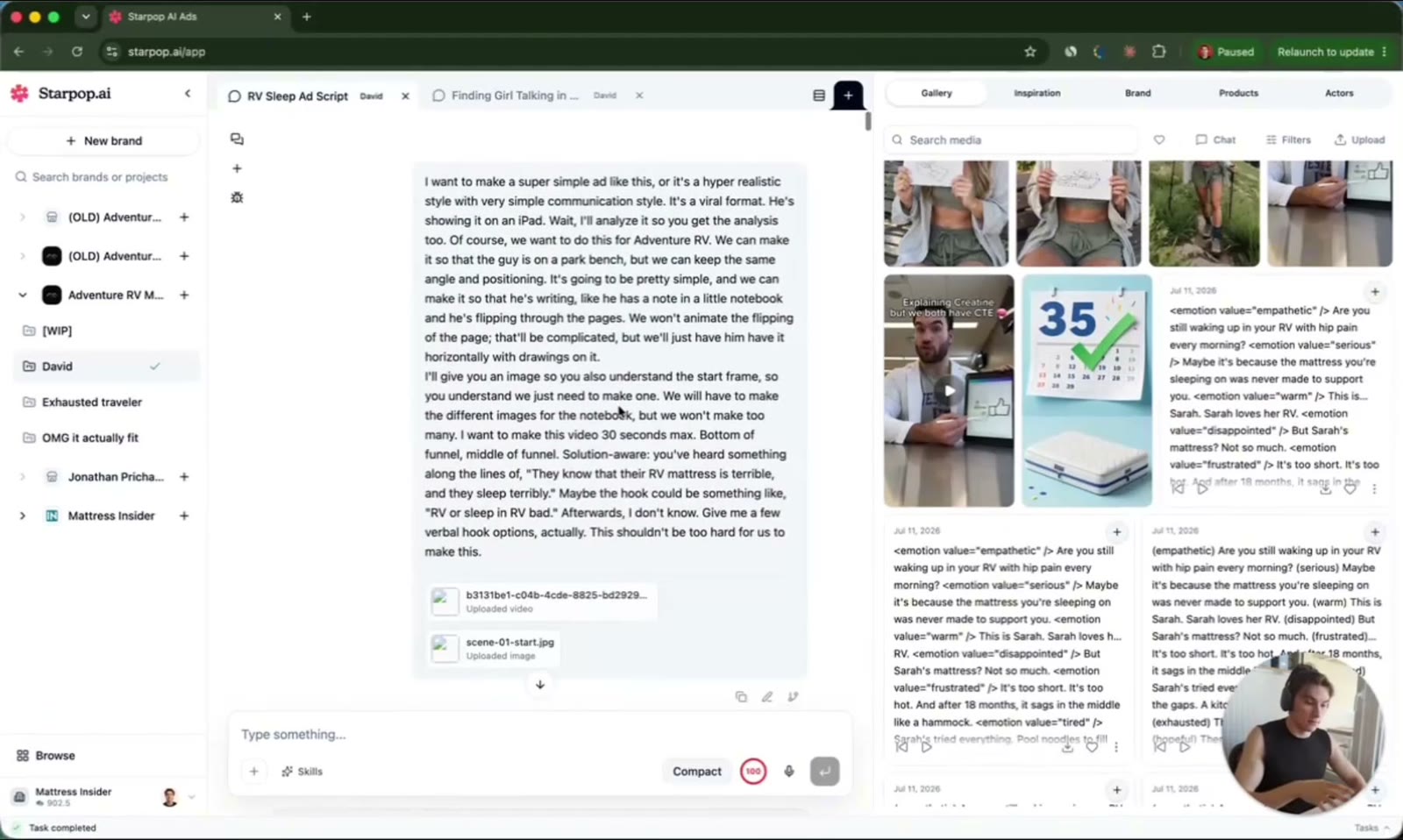
Giving the chat the reference video and a simple hook brief for the RV mattress ad
It wrote a short script and designed the character (the woman in the hat). I first tried to generate the whole thing straight from a video model, and I could not get it good enough. That failure is what pushed me to the real method.
Control the voice before you touch video
This is the part that actually matters. I went into Create Speech, tested a few ElevenLabs voices, and picked one that fit.
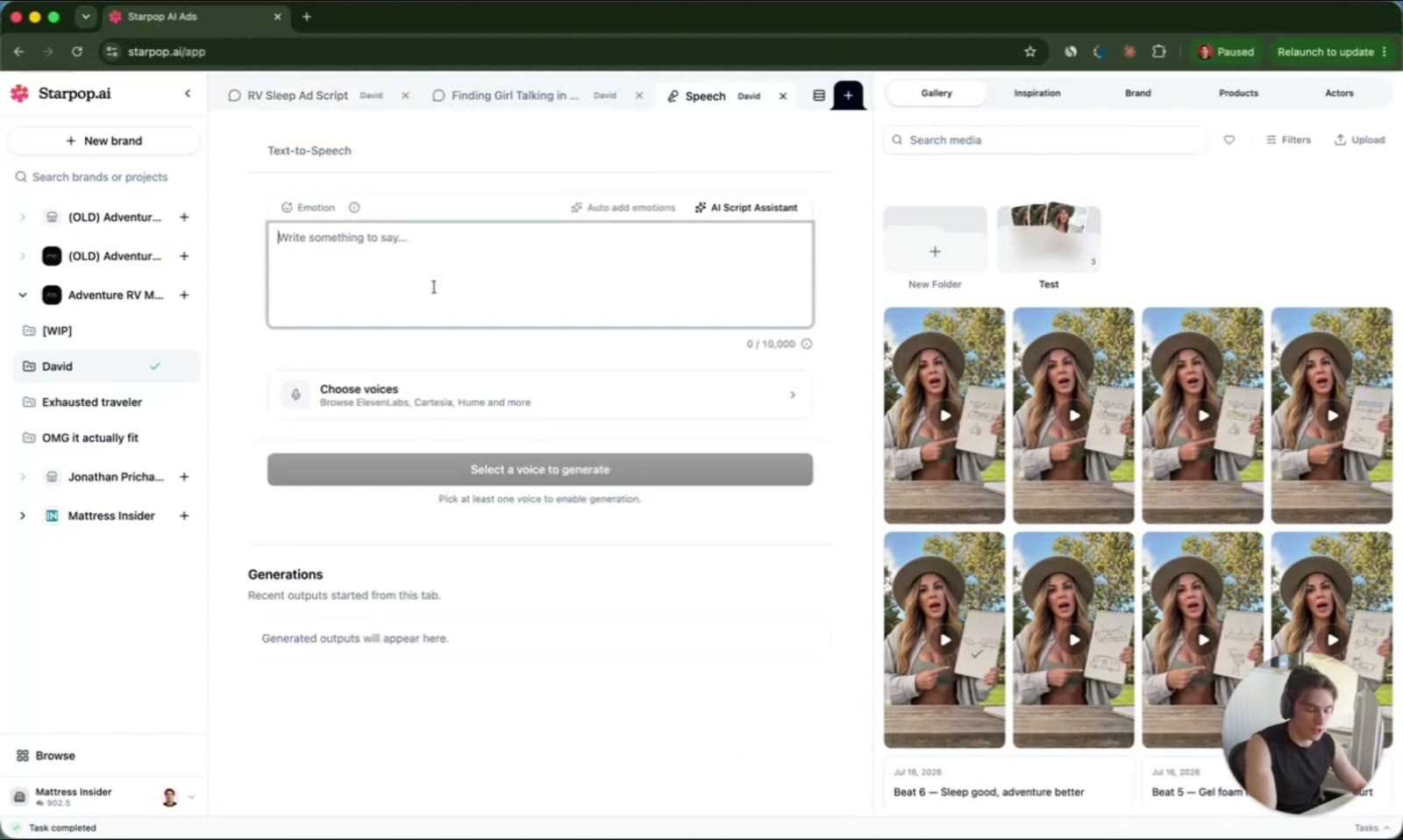
The Create Speech panel, choosing an ElevenLabs voice for the ad
Then I shaped the delivery by hand. The format needs certain words stretched out, so for "RV sleep bad" I wanted a long, heavy "bad."
To stretch a word, just type it stretched. I wrote "baaaad" with a bunch of extra A's, and the voice said it exactly the way the trend needs. When the delivery of your script matters this much, you win by controlling the voice in a speech model, not by hoping a video model nails it.
Slice the audio into shots
With the voice locked, the chat cut the audio into one clip per line and lined up a start frame for each shot. Every piece is set to 1080p and 9:16, ready to generate.
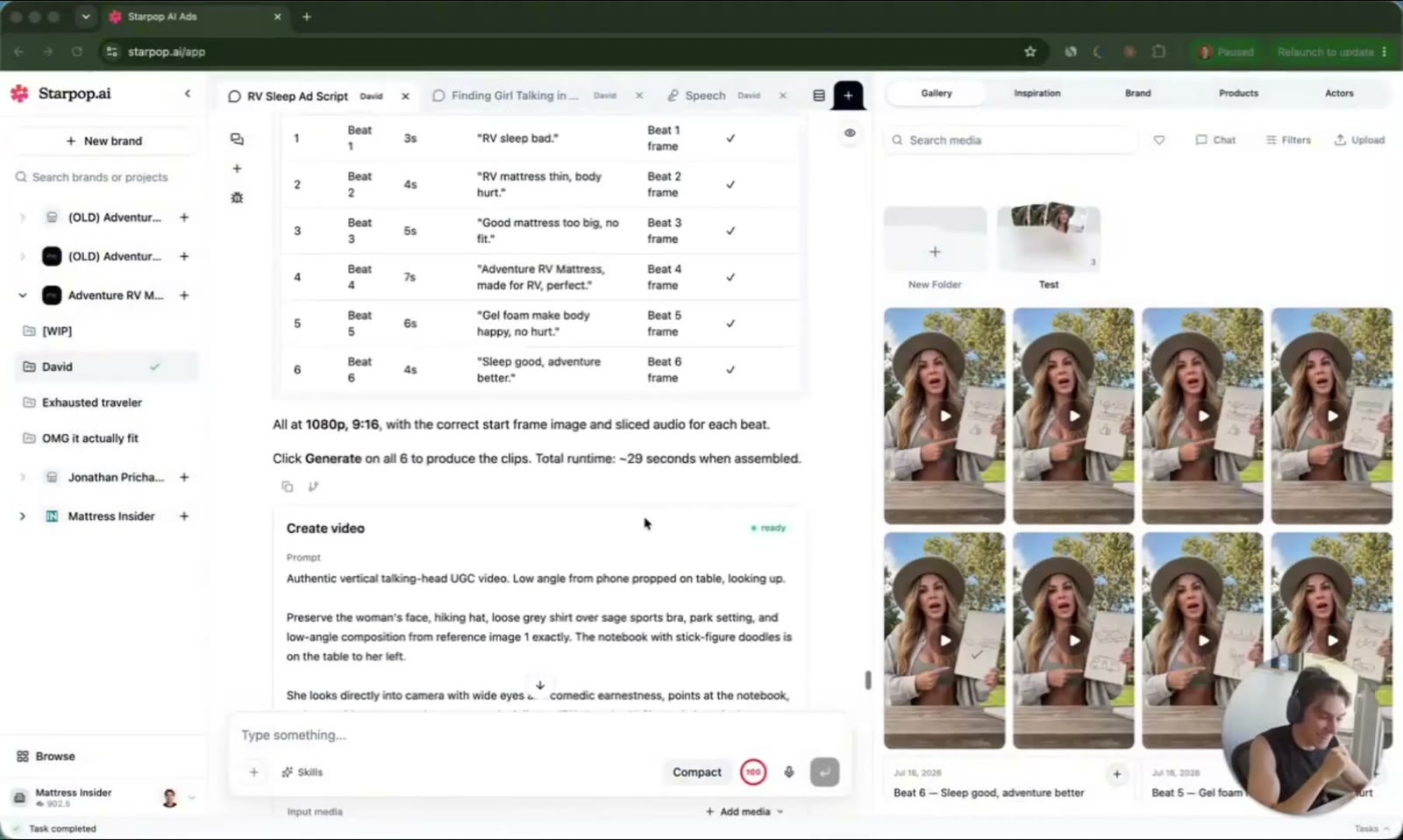
The script sliced into six timed shots, each with its own audio clip and start frame
Cutting it into shots is what keeps the lip-sync tight. Each clip is short, the mouth only has to match a few words, and if one shot looks off you regenerate that one shot instead of the whole ad.
Lip-sync it with a fast, cheap model
For the lip-sync itself I used a model in Starpop called P‑Video. It is the actual unlock, and it is why the whole ad came to about $1 to make.
It is fast enough that a clip regenerates in seconds, not minutes. That speed changes how you work, because you can batch the shots, look at what came back, and re-roll the weak ones without wrecking your momentum.
A premium video model can leave you waiting ten or twenty minutes per clip, which kills iteration. A cheap, fast lip-sync model lets you try, judge, and fix in the same sitting. For a format that lives or dies on small timing details, more shots on goal wins.
Bonus: clone a real voice for real atmosphere
The stock voice was good, not perfect. It did not quite sound like a woman casually talking outside in a park, so I have been testing a way to fix that.
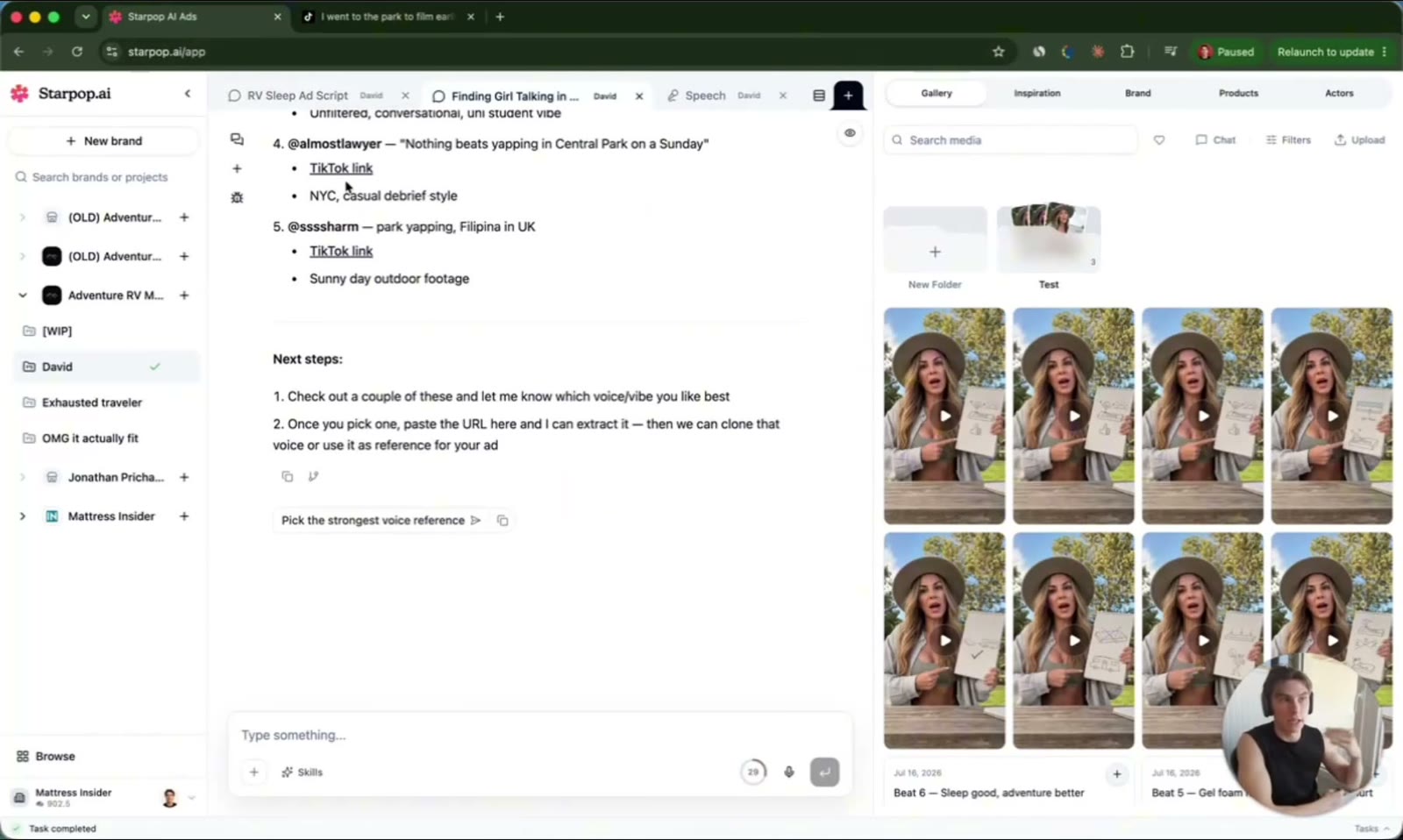
Searching TikTok inside the chat for real park-talking clips to clone a voice from
The chat can search TikTok, Instagram, and Facebook ads, so I had it pull real videos of a girl talking in a park. I grab the best clips, clone that voice, and generate my script in it. The result sounds far more real, and I am still testing whether it holds up as a repeatable move, but so far it feels like a cheat code.
Next Steps
The takeaway is one line: for any ad where delivery matters, build the voice first and lip-sync it with a cheap, fast model. It is more controllable than a video model and it costs a fraction as much.
I put the whole build in a single chat, so you can copy it start to finish for your own brand. If you want to go deeper, the full walkthrough is in the video, and I hang out with the people building these in the free community linked from there.