Contents
0%Hey!
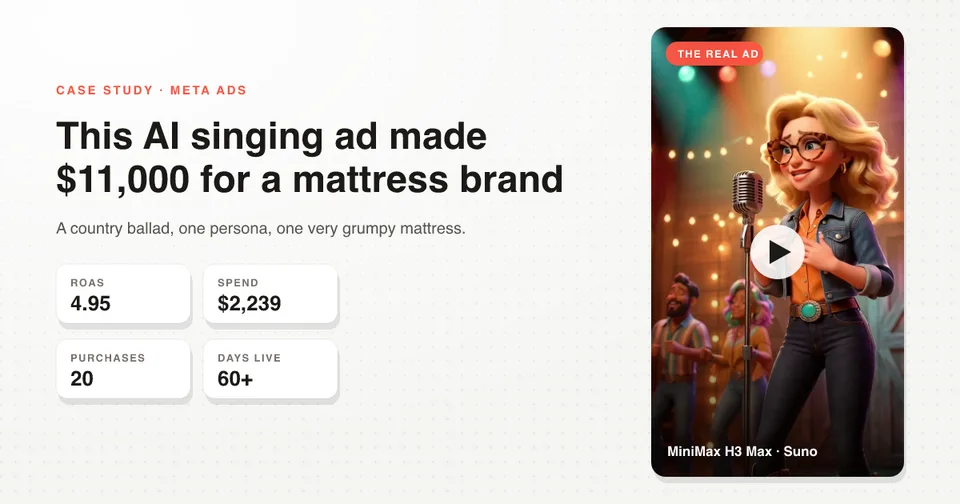
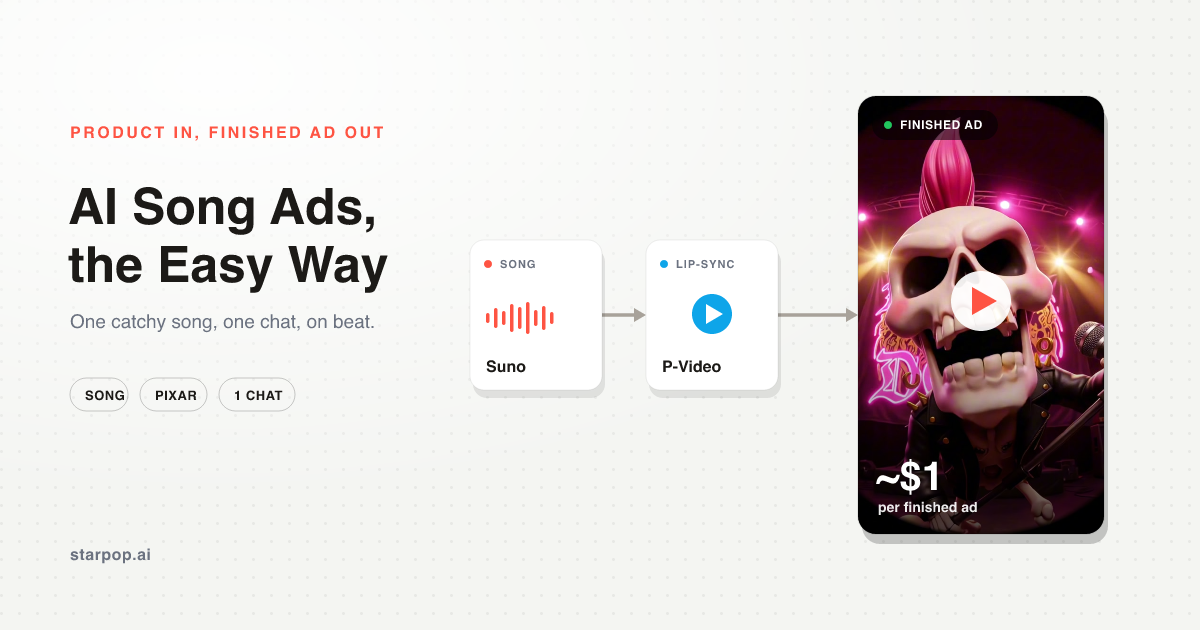
I made this animated rap ad, Evian versus Liquid Death, in a single chat, for about $1. Here is the whole thing.
Watch the ad
A Pixar-style skull rockstar with a pink mohawk, singing a jingle that dunks on a competitor brand. It is the kind of ad that looks like it took a studio, and it took one chat and a few minutes.
Song ads are the most forgiving format to learn on. The lip-sync does not have to be perfect, it only has to feel roughly on beat during the parts where the character is singing. That is a much lower bar than a realistic talking-head, which is why this is the easiest place to start.
Step 1: Drop in your product, get the rap
I dropped in my product and asked for a short, catchy rap. The chat pulled in the song-style ad skill, plus the copywriting skill for the lyrics, and wrote a few options built around a clear angle, a brand-versus-brand jingle dunking on Evian.
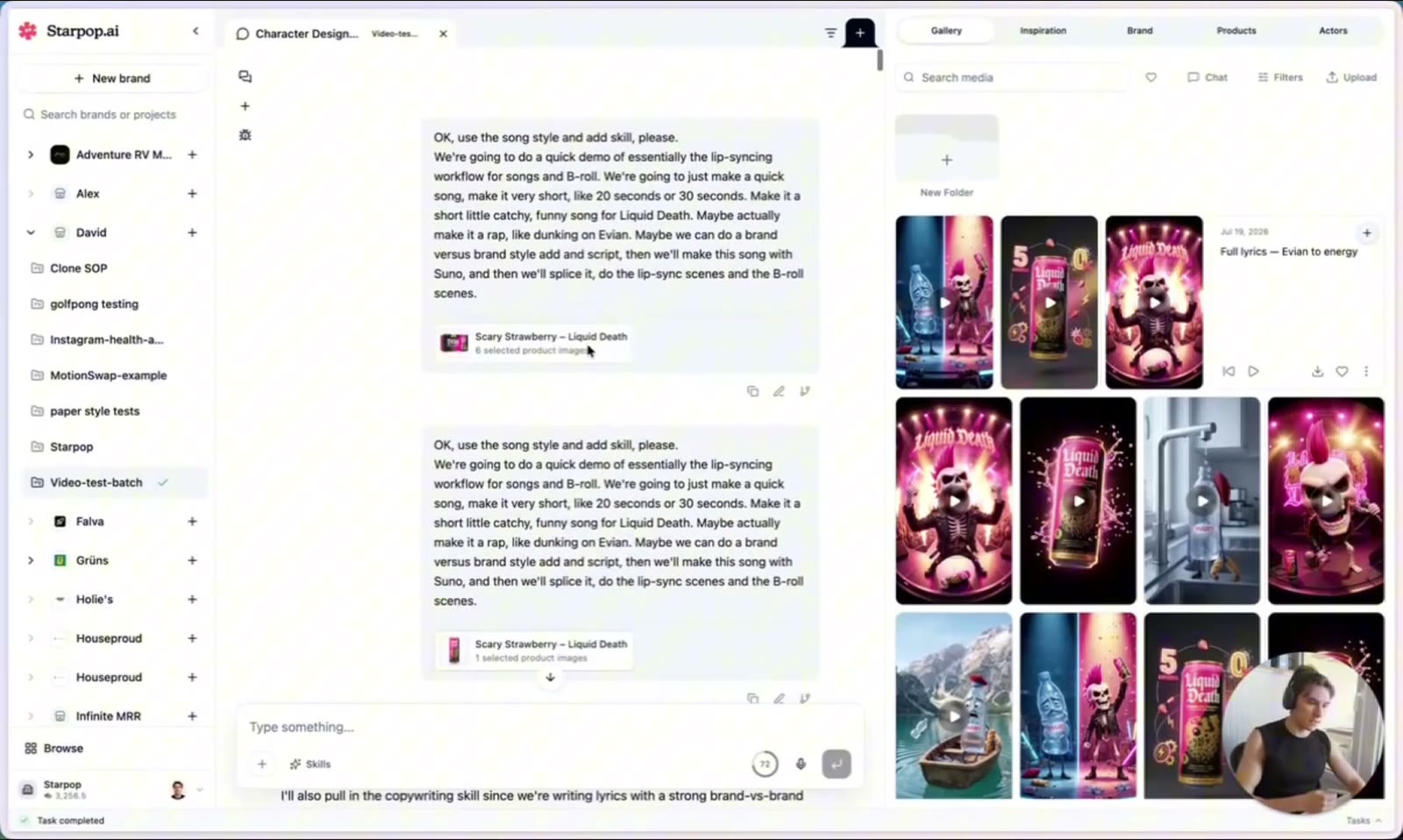
Kicking off the song-style ad: the product in, the brief, and the rap lyrics written in chat
One prompt took me from a product to on-brand lyrics. No blank page, no separate copy tool.
Step 2: Generate the music, inside Starpop
This is the step that makes the whole format work, and it happens right in the same chat. Starpop has music generation built in, so I created the actual track without ever leaving the tool.
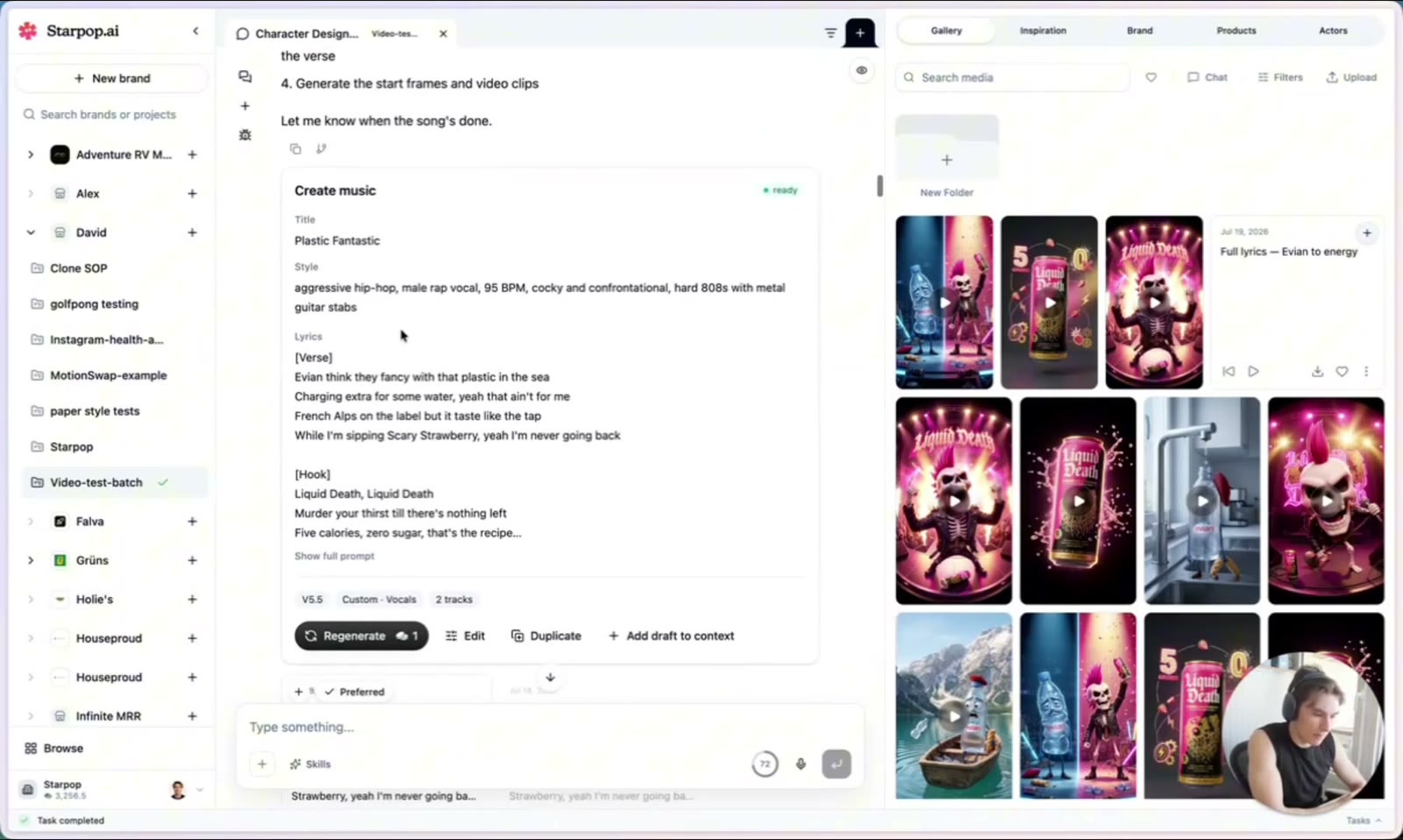
The Create Music tool inside Starpop: title, style prompt, and lyrics, generating the track
I gave it a title and a style ("aggressive hip-hop, male rap vocal, hard 808s"), it produced a couple of tracks, and I picked my favorite. Suno is just the music model under the hood. The point is you run it inside Starpop, in the same thread as the script, the characters, and the video.
Step 3: Design characters that stay consistent
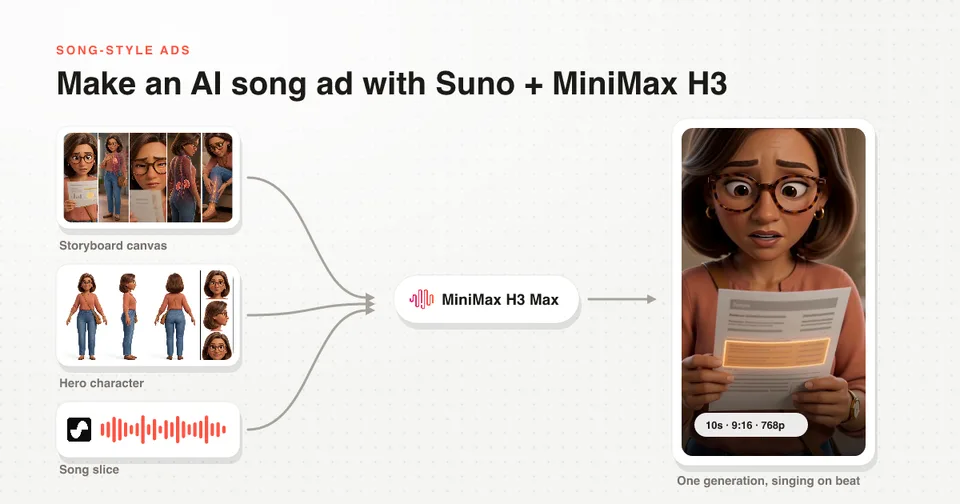
Next it designed the cast. I wanted an Evian bottle versus a Liquid Death skull, so it gave me a few Pixar-style options for each and kept them consistent across every shot.
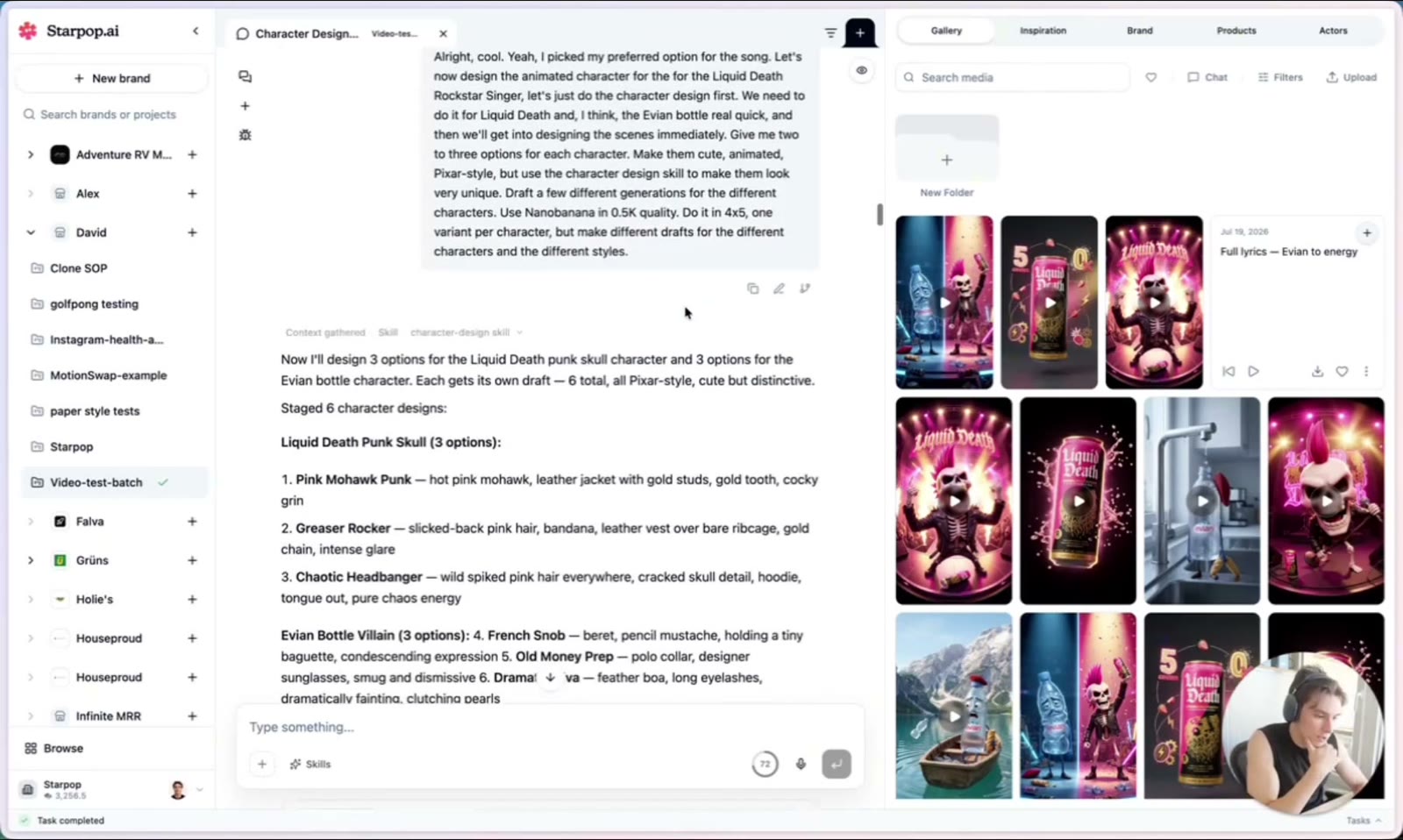
Six Pixar-style character options: a punk skull rockstar and an Evian bottle villain
I just checked off my favorite for each character. Consistency is the thing most people get wrong here, and letting the chat lock the character design up front is what keeps the same skull and the same bottle on screen the whole ad.
Step 4: Slice the intro to lock the timing
Here is a small move that makes a big difference. Suno usually adds a few seconds of hype at the start ("hey, hey, hey") before the real lyrics kick in, which is annoying and throws off your timing.
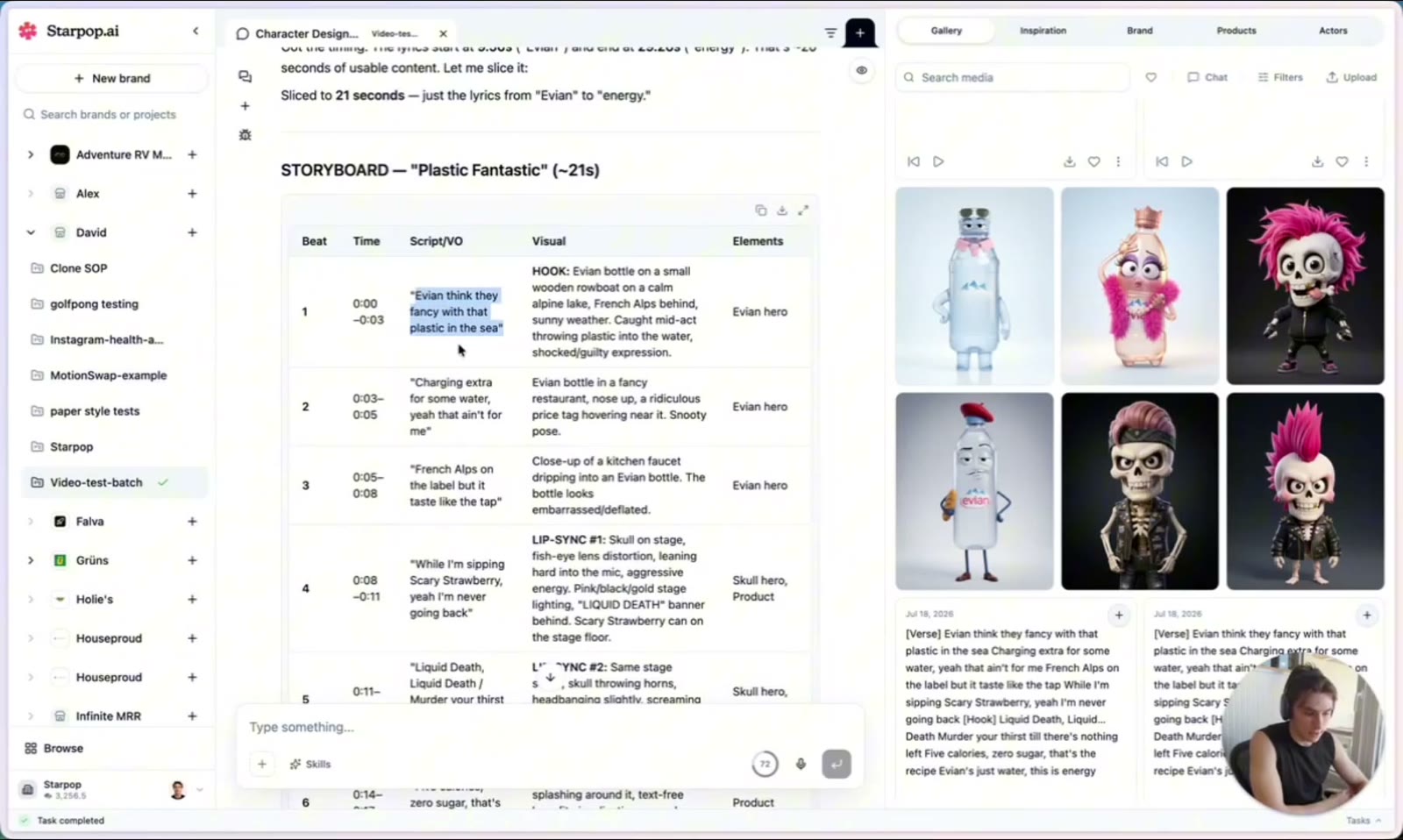
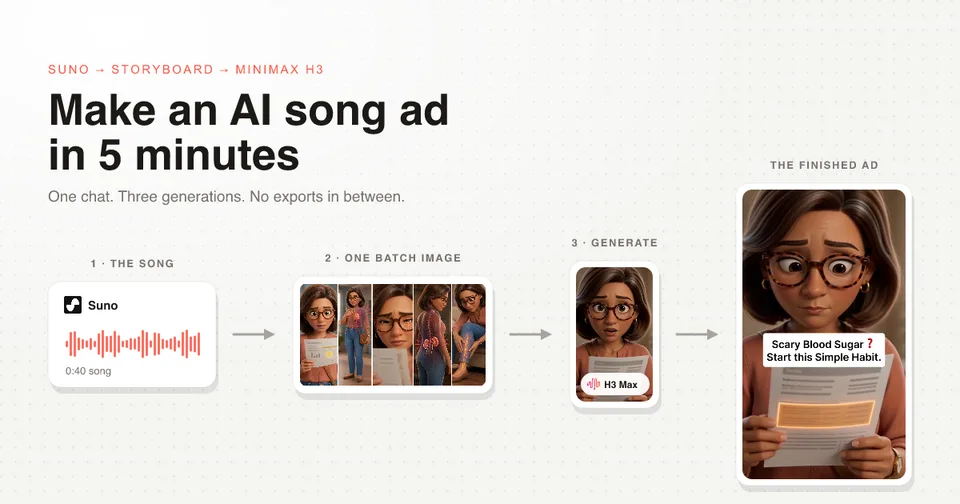
The song sliced to the lyrics only, then storyboarded shot by shot
I had it slice off the intro and the tail so the lyrics start at zero. Once the song starts clean, the chat can read the exact timing of every line, which means it can storyboard each shot and generate clips that land on the beat. Fix the timing here and the whole edit falls into place.
Step 5: Draft every shot with P‑Video (fast and cheap)
Then it generated an image for each shot, the hook, the singing shots, the B-roll, and drafted the clips with a model in Starpop called P‑Video.
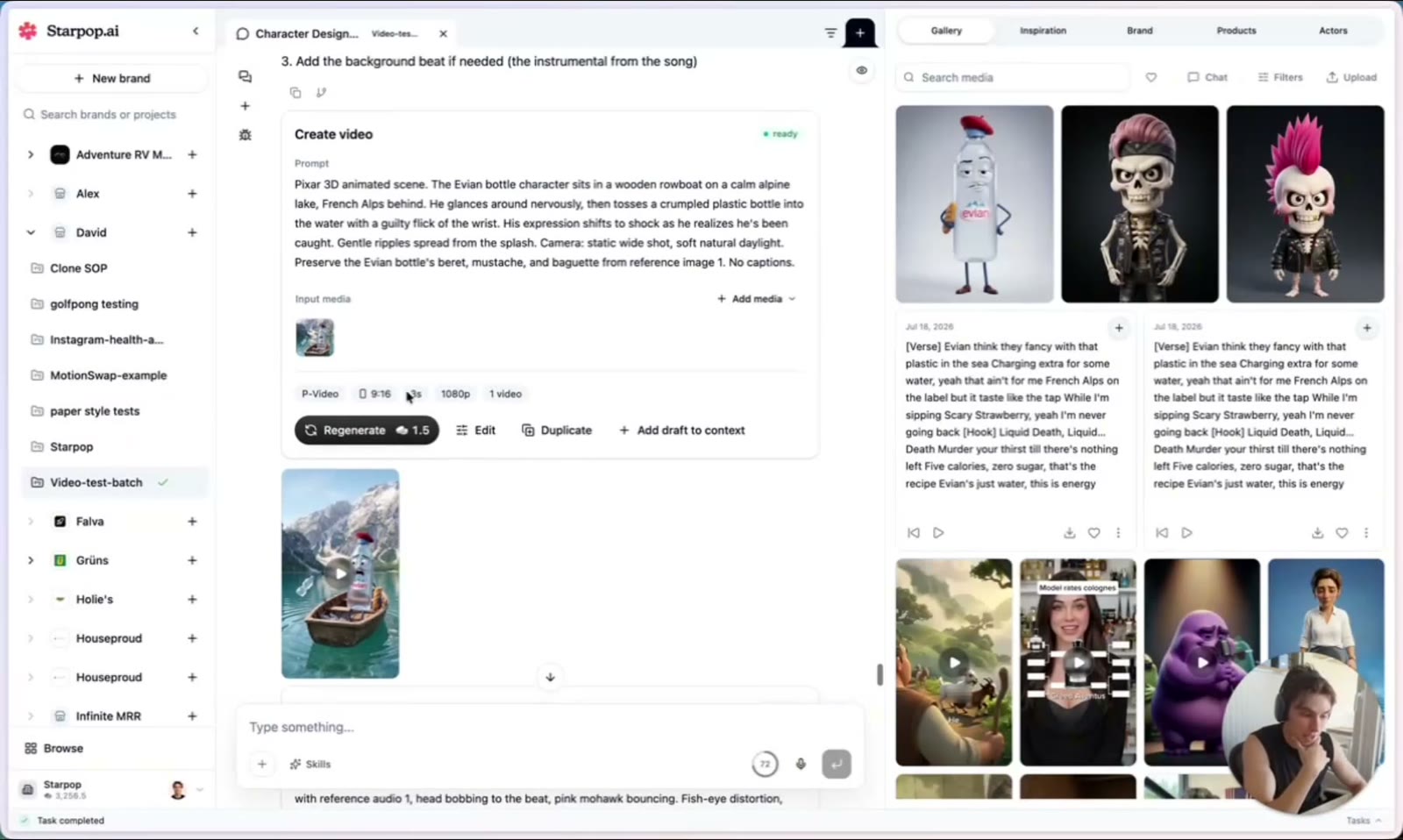
Drafting a shot with P-Video: the prompt, the model, and the finished clip
This is the part that makes it cheap and fast, the whole ad came to about $1 in P‑Video generations. A three-second clip regenerates in seconds, so you can batch all your shots, review them, and re-roll only the ones that missed. Watch how fast a re-generation comes back.
When each clip is fast and cheap, you stop being precious about any single shot. You generate a batch, keep the good ones, and regenerate the bad ones in seconds. Compared to waiting ten minutes per clip on a premium model, this is what actually lets you finish an ad in one sitting.
Step 6: Assemble in CapCut
Once the clips were done, I pulled everything into CapCut and stacked the layers, the lip-sync shots over the B-roll, timed to the song. That was it.
For a song ad you do not need surgical lip-sync. A few shots that feel on the beat sell the whole thing, and the audience reads it as a fun, polished music-video ad.
Next Steps
That is the full loop: product in, the rap written, the music generated inside Starpop, consistent characters, slice the intro to lock timing, then draft every shot with a fast, cheap model. All of it in one chat.
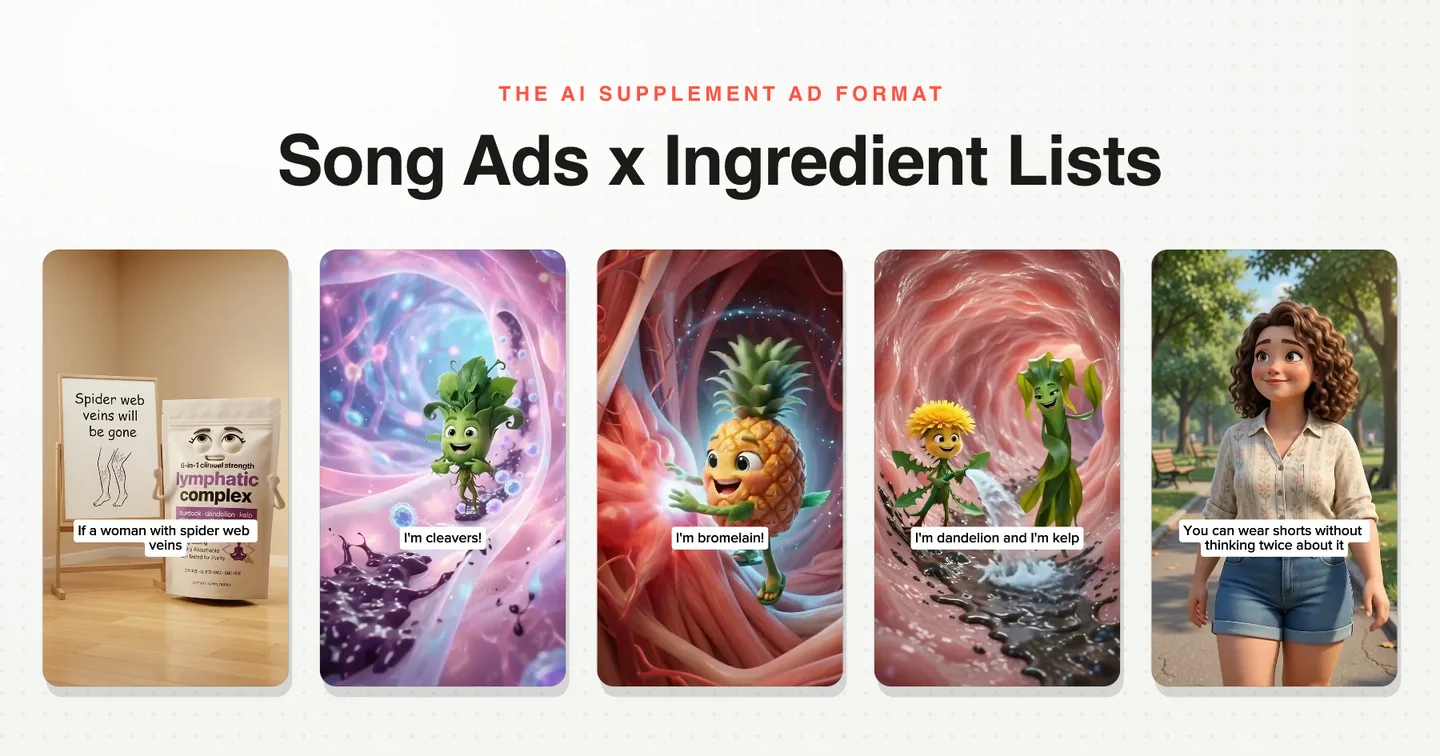
If music is only one direction you want to test, the AI animation ads page shows how the same product angle can become a song, cinematic 3D story, paper animation, editorial collage, or another visual world.
For a song ad storyboarded line by line in a Disney/Pixar style, read the full workflow, song to final edit.
Song ads are the easiest format to start with, so if you have been meaning to try AI ad creative for your brand, start here. The full walkthrough is in the video, and the free skill file that runs this workflow is linked from it.