Contents
0%Hey!
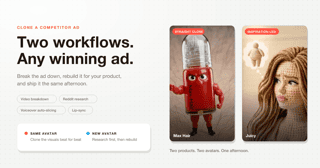
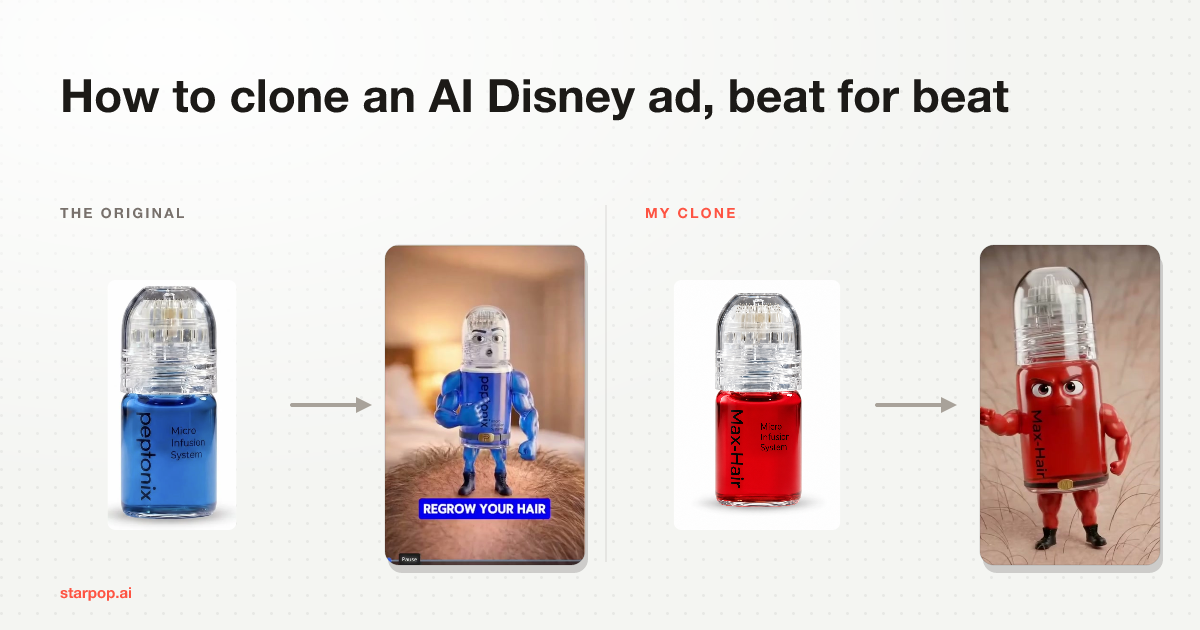
I took a competitor's AI Disney style ad, the animated character that talks straight to camera, and rebuilt it for my own product in about half an hour. Here is the clone.
The finished clone
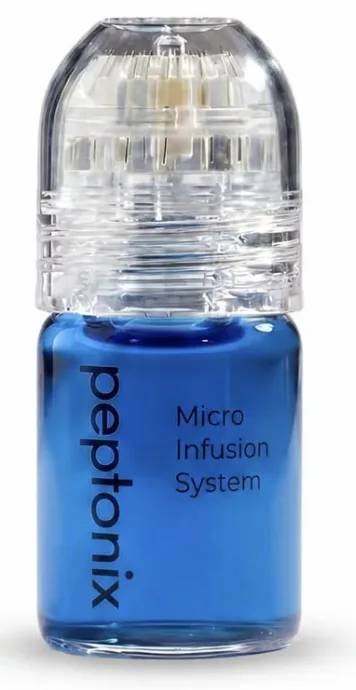 Their product, in blueTheir product, in blue
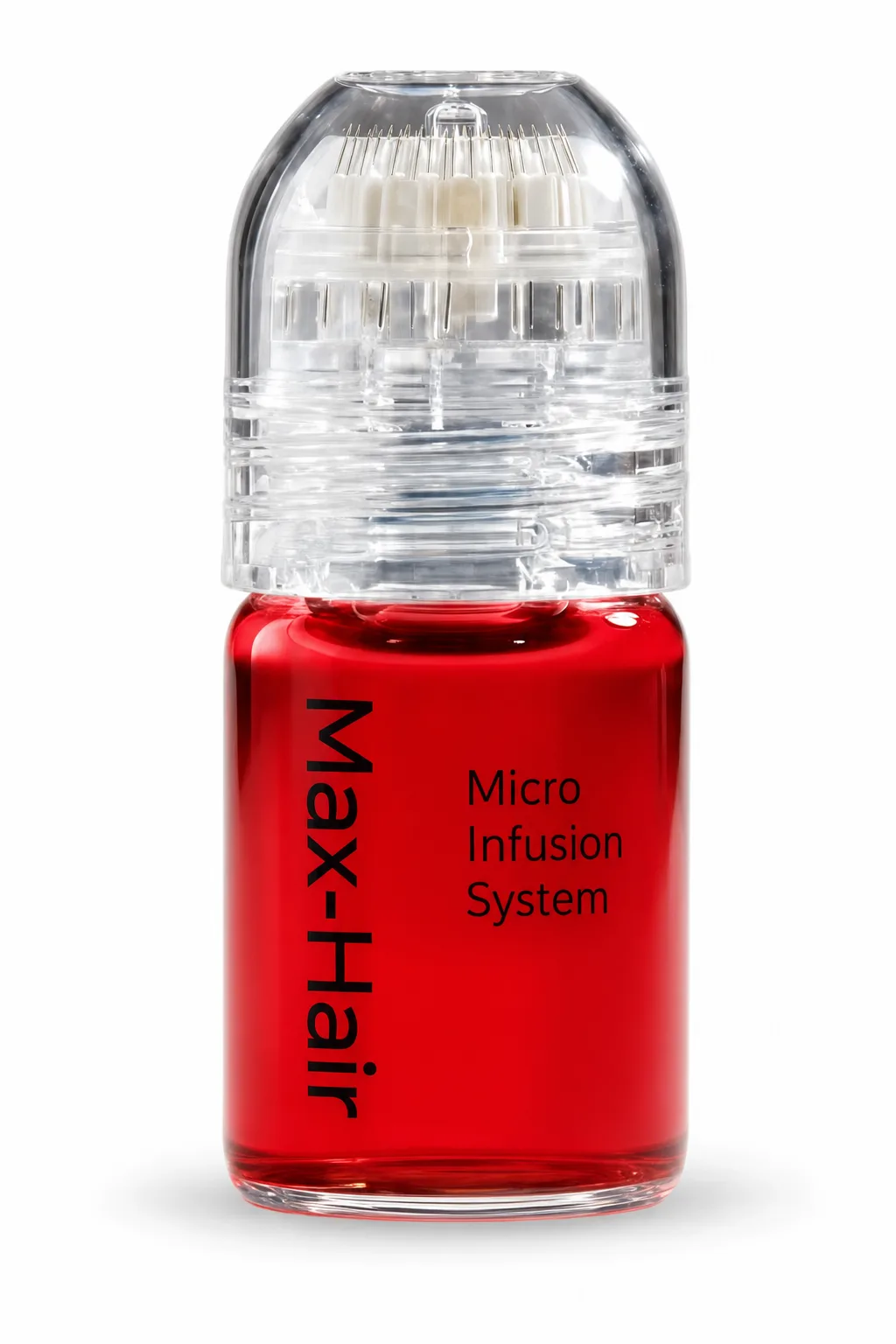 My product, in red
 StarpopMy product, in redStarpop
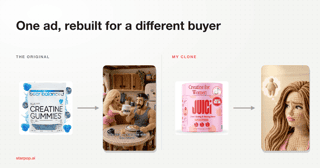
Same row twice: their product to their ad, then mine to mine. The competitor's bottle is blue and mine is red, which I did deliberately so you can see at a glance how much of the original survives.
Zero effort went into the script. I did not review the images. It is still a clean clone, because the structure was already proven and I only had to swap the product in.
The whole thing in one picture
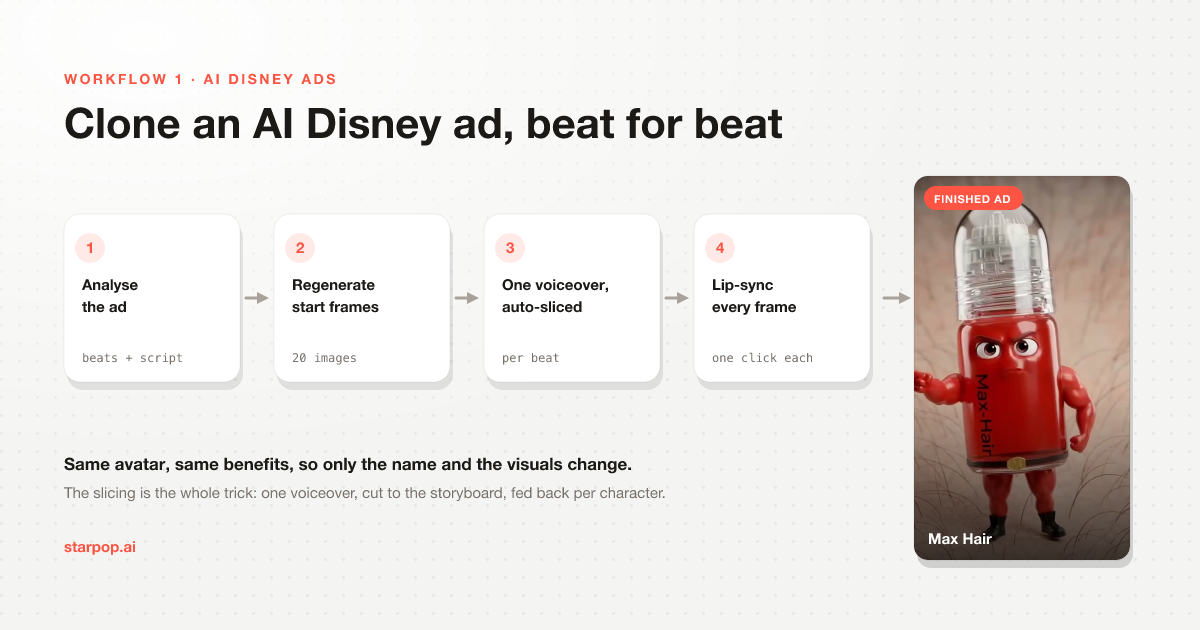
The AI Disney ad cloning pipeline: analyse, regenerate start frames, one voiceover auto-sliced, lip-sync every frame
Four steps. Step three is the one everyone gets wrong, so that is where I will spend the most time.
Step 1: Let the AI watch the ad
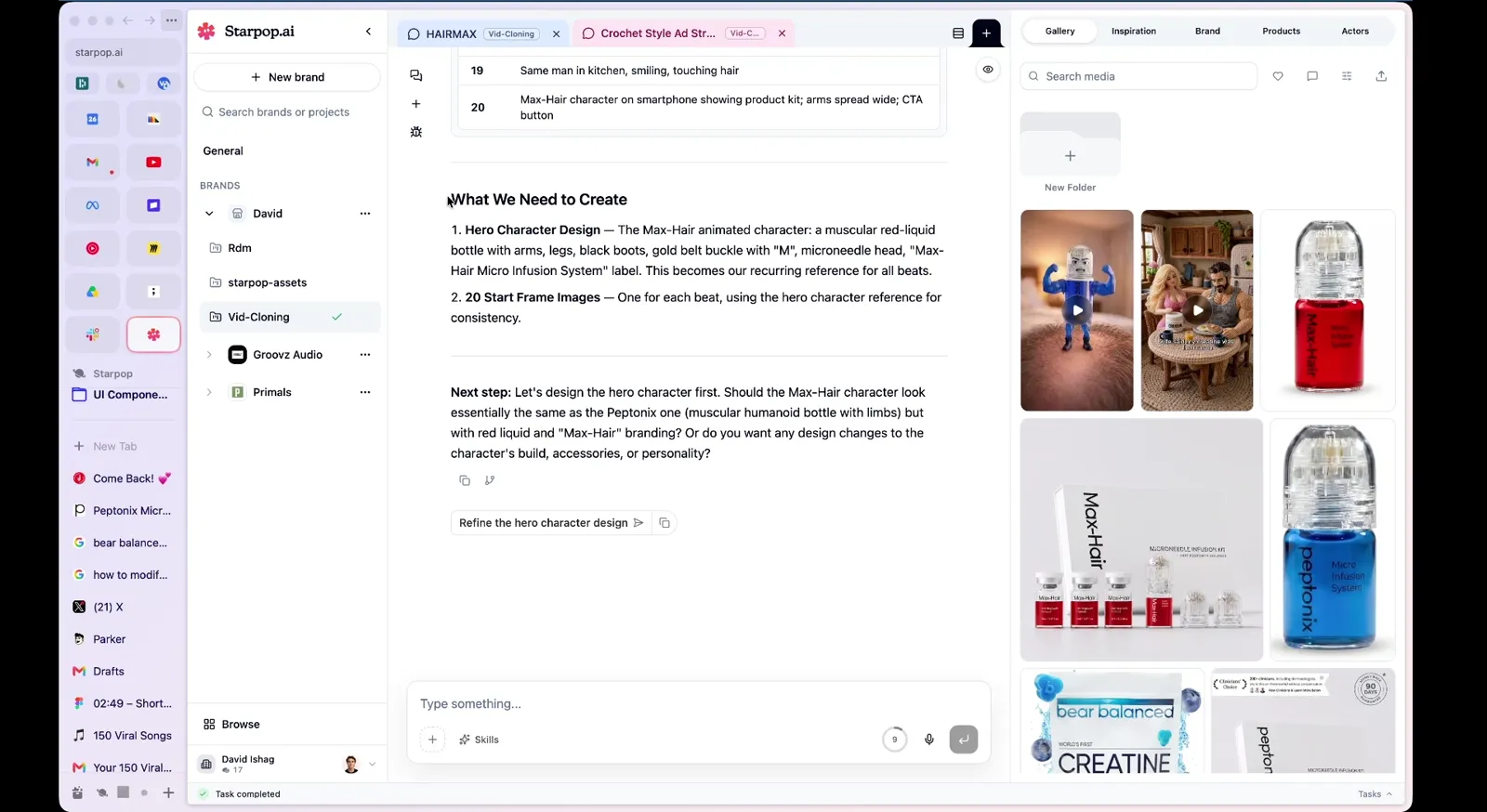
The AI lists what needs to be created: a hero character design and 20 start frame images
You drop the reference video in and ask for a breakdown. Back comes the script, the shots, and a description of what is on screen at every one of them.
Then you tell it the truth about your product. Mine had the same benefits, the same features and the exact same buyer as the reference, so the only thing that needed to change in the script was the brand name.
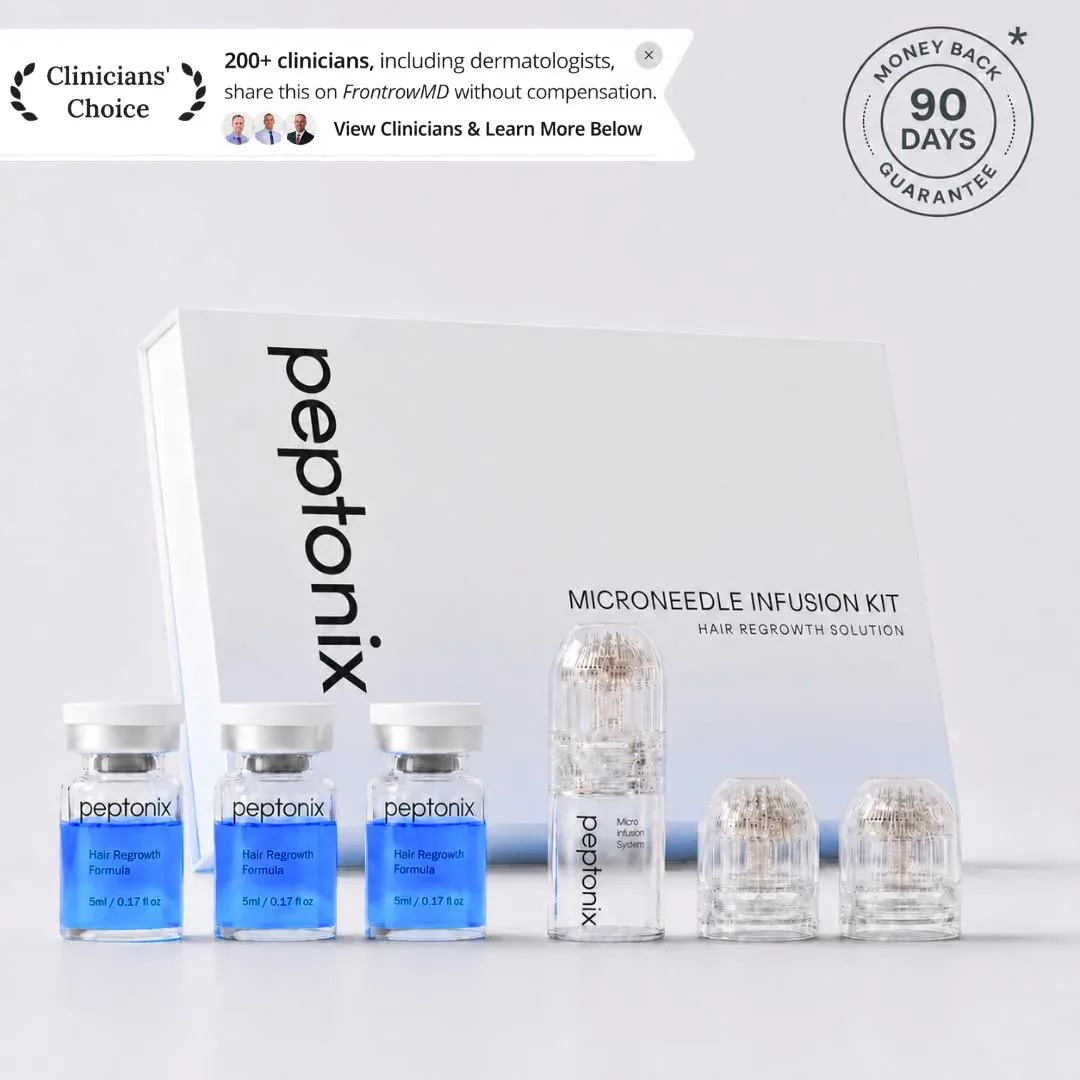
The competitor product kit: a blue microneedle infusion kit, the reference the clone is built from
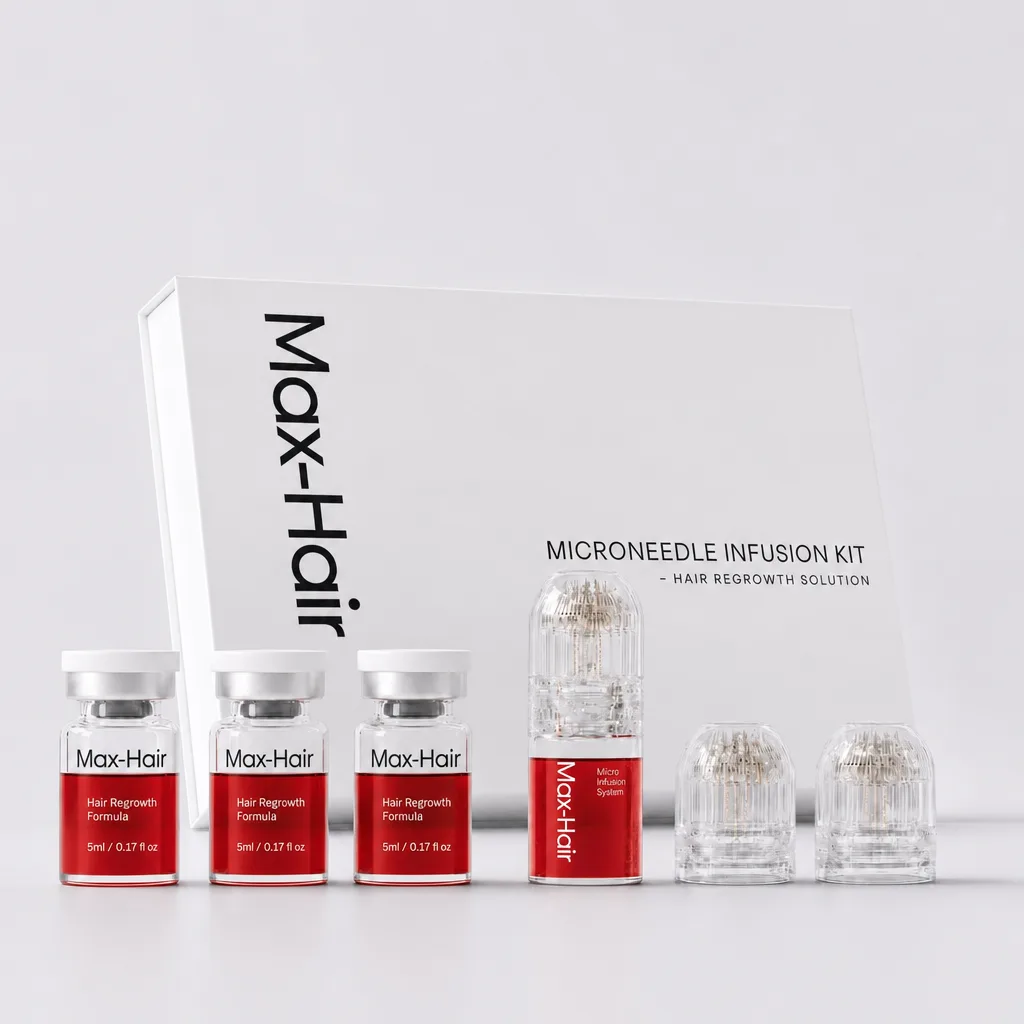
My product kit: the same format in red, the only real change between the two ads
That is the competitor's actual kit, then mine. Same category, same format, different colour, which is the entire delta between their ad and my clone.
When the buyer matches, you are not writing an ad. You are re-shooting one that already works, with your product as the actor.
Step 2: Build the character once
Every shot has to feature the same character, so it gets designed first and referenced everywhere after.
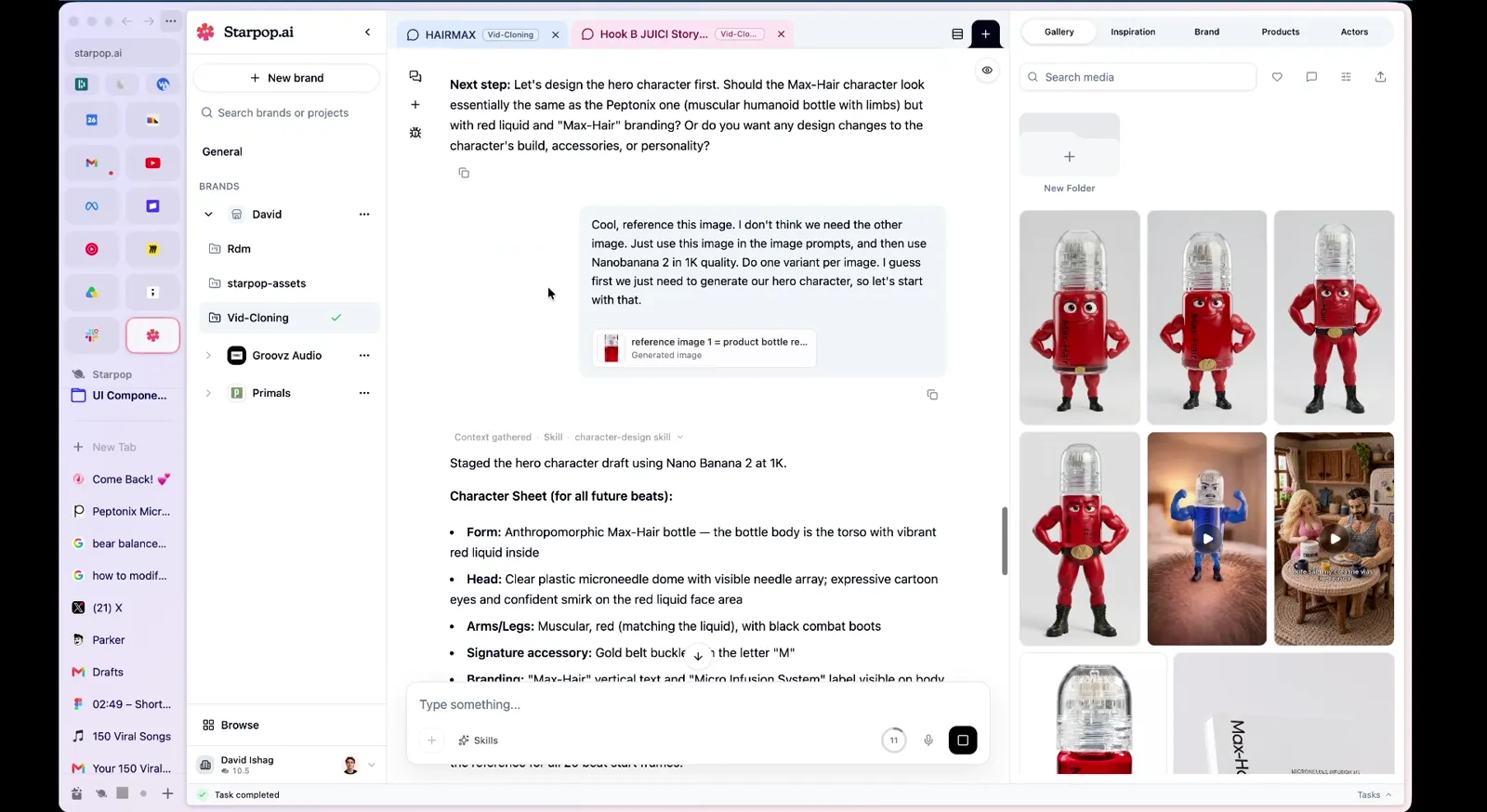
Iterating on the hero character: a Disney-style red bottle character with a face and arms
I iterated in plain English. Make the product 80% of the body, the legs are too big, put the brand name on the side, drop the small text. Three lines and it was right.
Step 3: Regenerate all 20 start frames
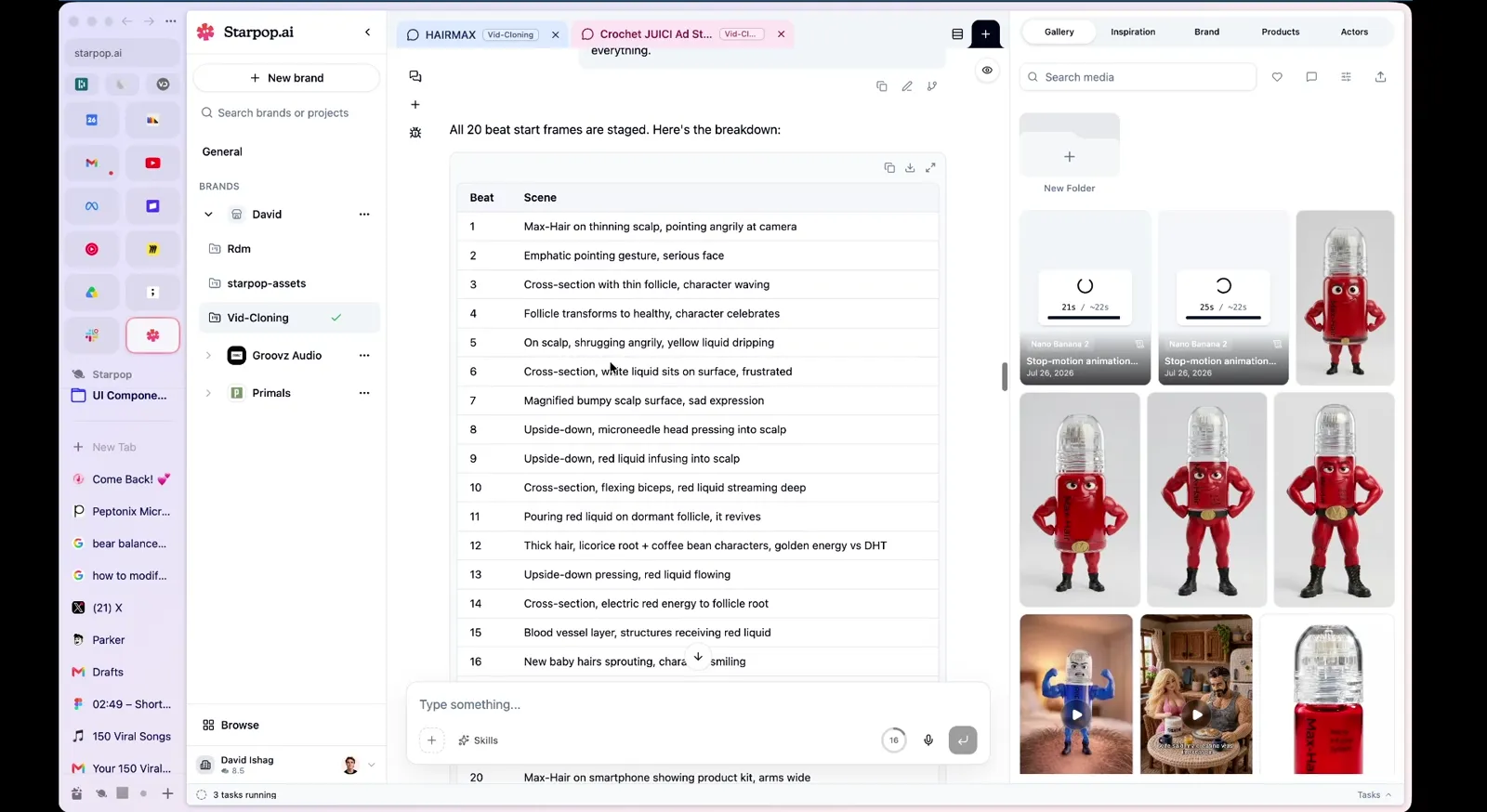
All 20 shot start frames staged with scene descriptions in a table
Because the breakdown described every frame of the original, all 20 shots get staged against your character without you writing a single image prompt.
I asked for all 20 at once and the browser choked. Ask for batches of five or six and it is smooth.
Step 4: One voiceover, never twenty
Here is the ordering mistake. Most people generate each clip with its own audio, and the result never sounds right.
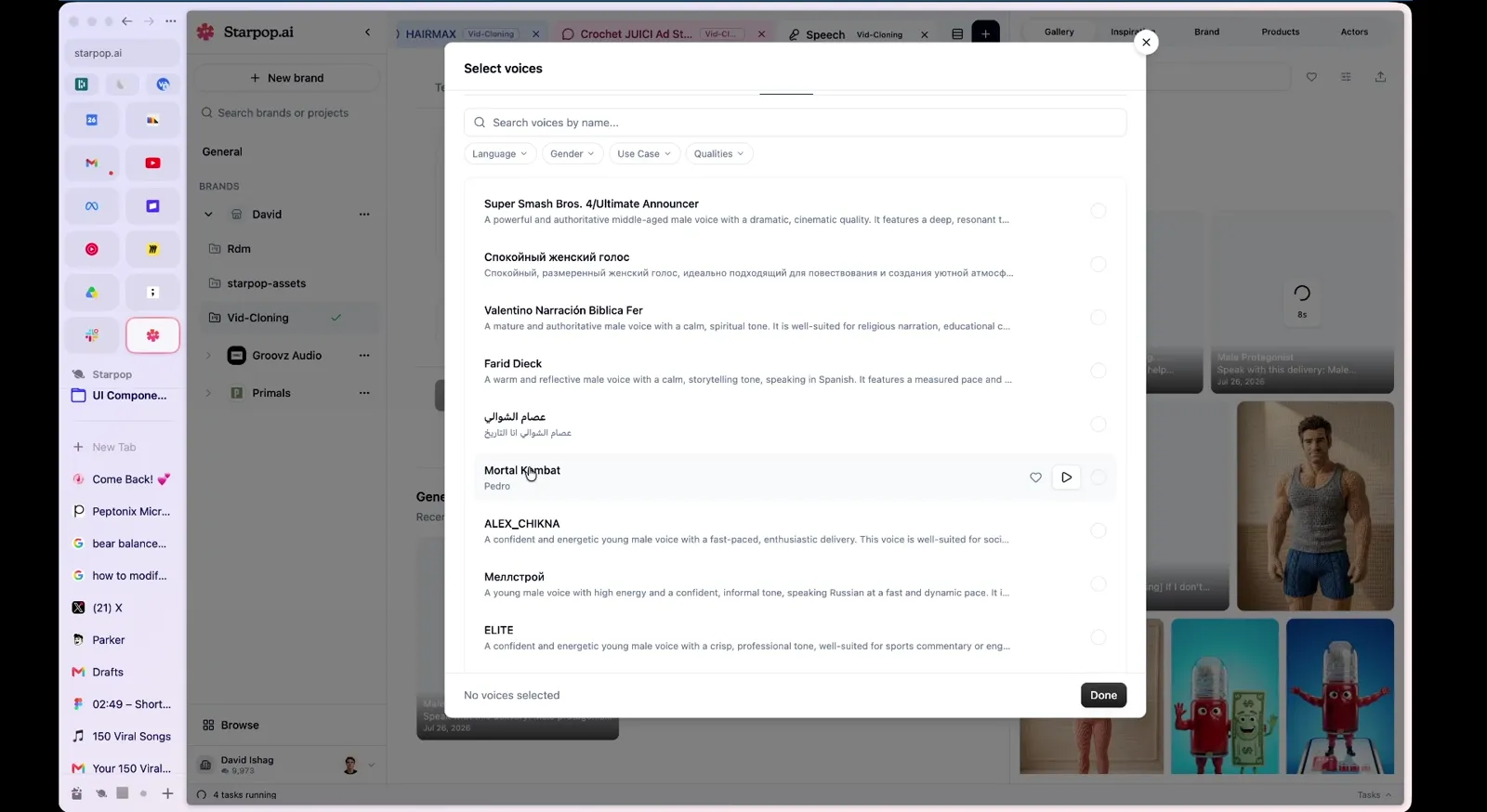
Choosing a voice from ElevenLabs, Cartesia, Hume and Fish Audio in one place
ElevenLabs, Cartesia, Hume and Fish Audio all sit in the same place, so you audition a few voices side by side and pick on delivery. I generated four and chose on length, because a shorter read means tighter pacing.
Generate the whole script as one continuous take. Shot by shot audio gives you a slightly different voice and slightly different pacing every time, and the cuts between clips feel wrong in a way no edit will fix.
Step 5: The auto‑slice (the actual secret)
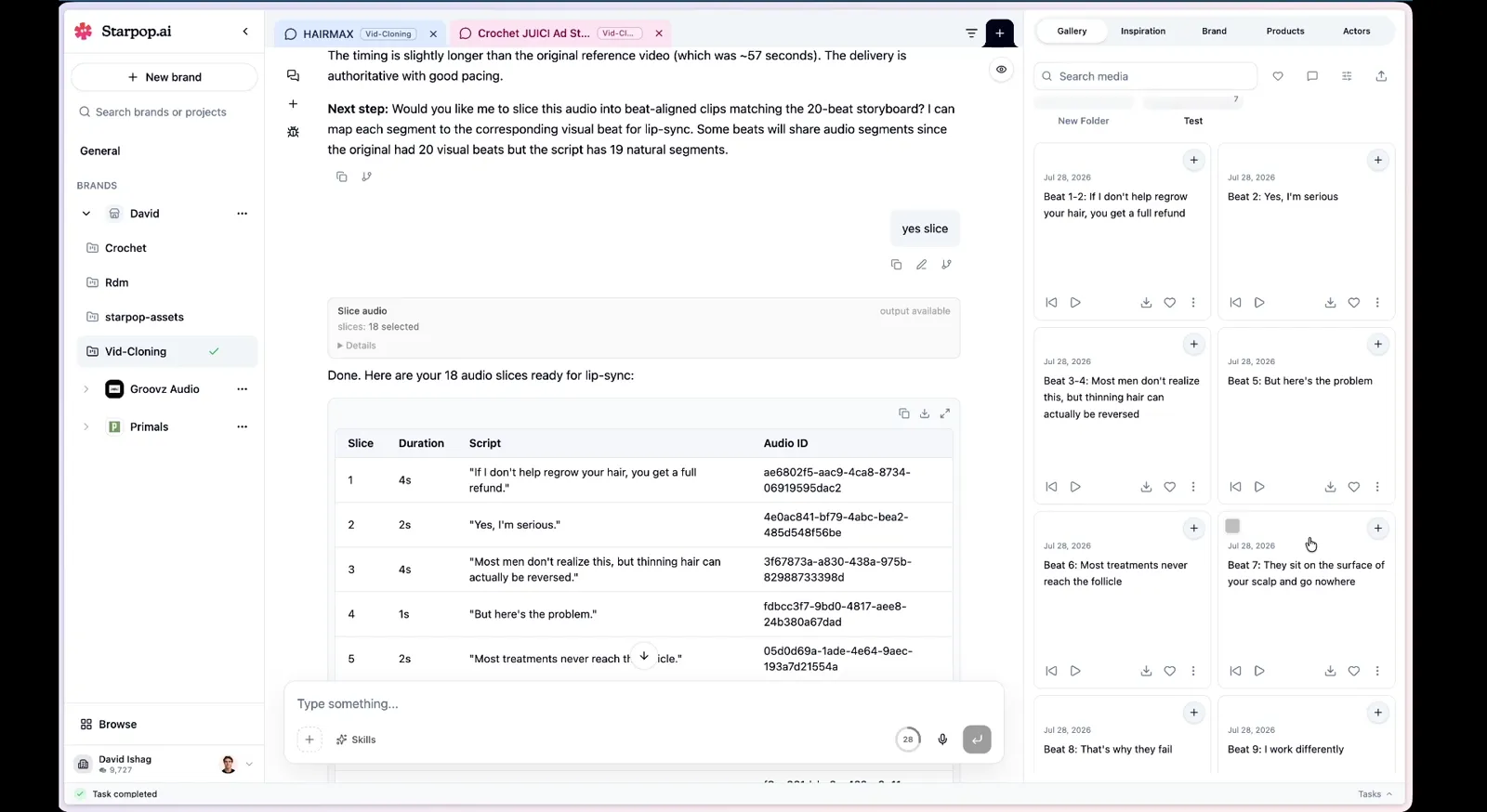
18 audio slices with duration, script line and audio ID, ready for lip-sync
The AI analyses the audio, works out the pacing, and cuts your one continuous voiceover into a slice per shot. Every slice comes back tagged with its script line and its duration.
By hand this means opening an editor, finding 20 cut points by ear, exporting 20 files and keeping them in order. It is an hour of admin before a single frame gets generated.
Because every slice comes out of one performance, the intonation carries across the cuts. You get a person talking, not twenty clips of a person talking.
Step 6: Lip‑sync each frame to its slice
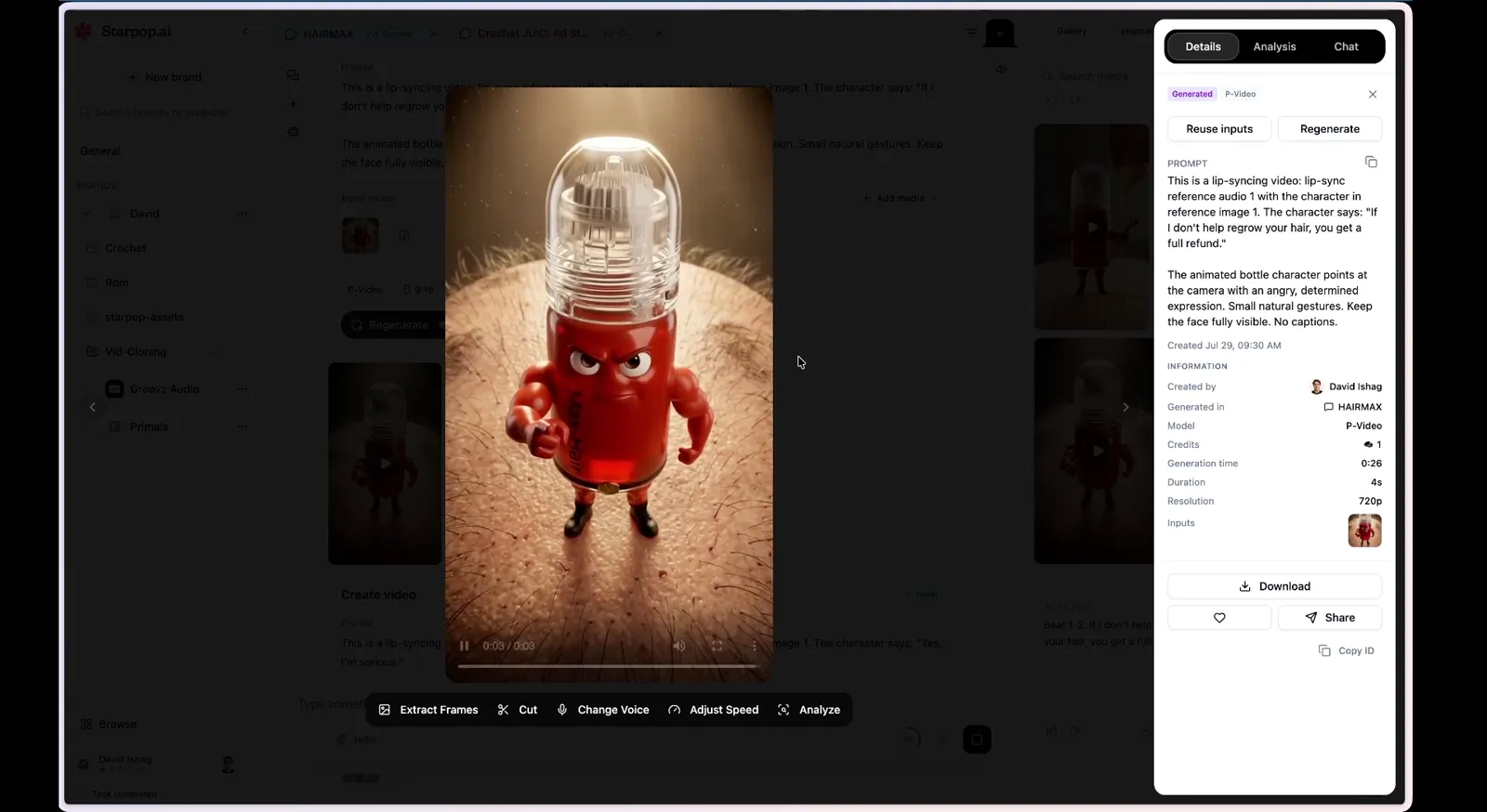
A generation staged with its start frame and its matching audio slice for lip-sync
Each shot generates from its start frame plus its own audio slice. That pairing is the entire reason the mouth matches the words.
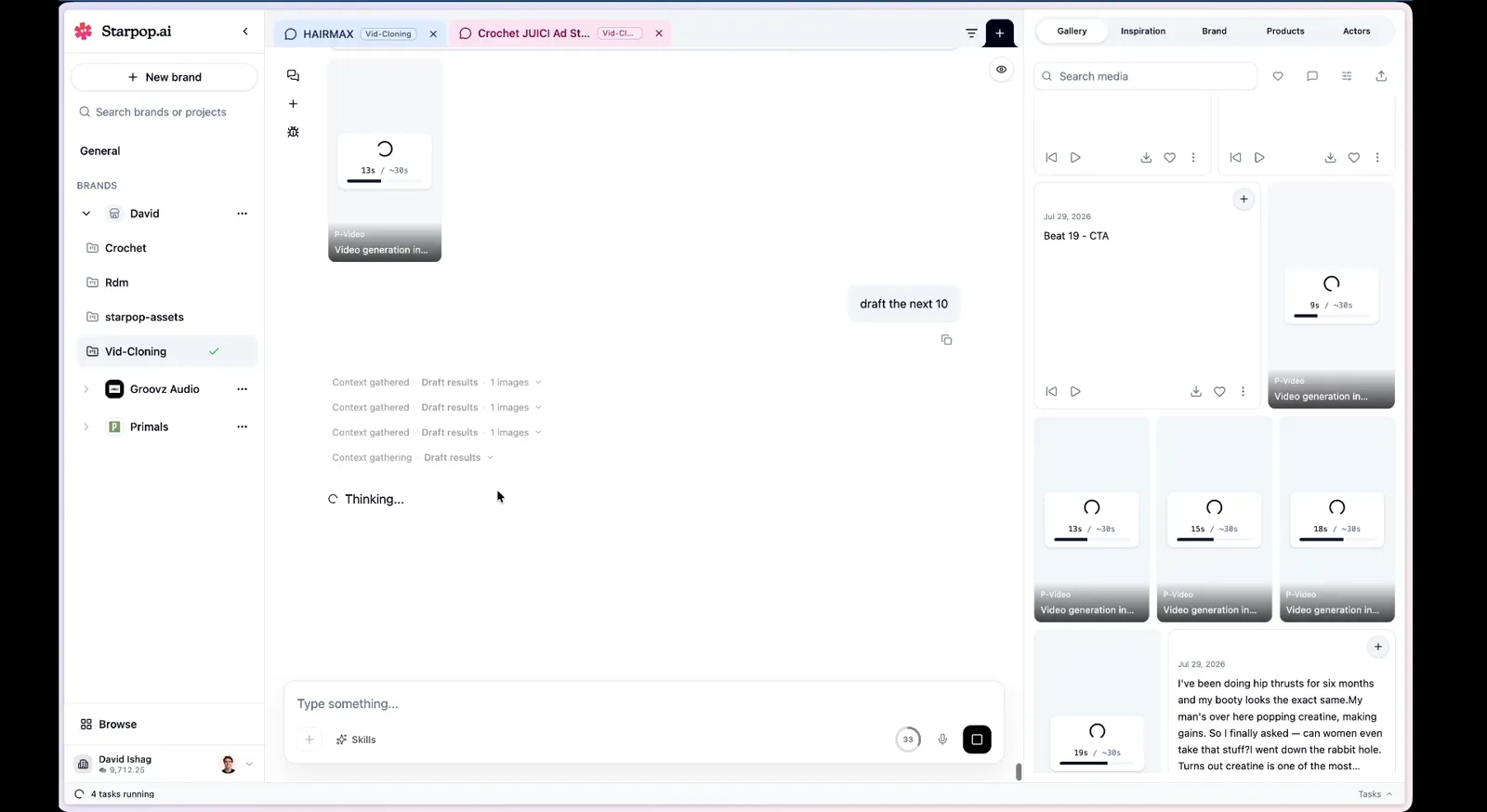
A grid of AI video drafts generating, one per shot
Use a light, fast model here rather than a heavyweight one. You are making 20 clips per ad, most of them a couple of seconds long, and a model that can produce a one second clip matters far more than one that renders beautiful ten second shots.
Why this is one chat and not six tools
Every step above shares the same context. The breakdown knows the script, the storyboard knows the character, the slicer knows the storyboard, and the lip-sync knows which slice belongs to which frame.
That is the actual secret, and it is boring to look at. Nothing gets re-explained, nothing gets exported and re-imported, and your character does not drift halfway through because a different tool forgot what it looked like.
The lip-sync is decent, not perfect, and that is the right trade. The script is what makes an ad convert, not whether the mouth is frame-accurate.
Export everything, then regenerate the specific clips that are bad. Watching each generation land is what turns 30 minutes into an afternoon.
Next Steps
Find an AI Disney style ad in your feed, check that it is selling to your buyer, and run the breakdown on it. If the buyer matches, this is a half-hour job.
Would you rather build an original ad from your own script? Start with my full Disney/Pixar style AI ad workflow, song first.
Want to keep the selling idea but test a different visual world? Compare six AI animation ad styles and their production workflows before you storyboard the next version.
If the ad you want is aimed at a different audience, this workflow will not work. Read how to create and clone a competitor's ad using AI instead, or start with the secrets of cloning competitor ads with AI.