Contents
0%Every ad, social post, and product image you publish either reinforces your brand or dilutes it. Canva brand kit templates give you a shortcut to lock in your visual identity, logos, fonts, color palettes, so nothing goes off-script, even when you're churning out content at scale. For teams producing dozens of creative assets per week, that kind of consistency isn't optional. It's what separates recognizable brands from forgettable ones.
The problem is that building a brand kit from scratch inside Canva takes time most marketers don't have. A solid template does the heavy lifting: it gives you a structured starting point with professional design decisions already made, so you can focus on execution instead of debating hex codes. And once your brand kit is dialed in, those same guidelines carry over to every platform you use, including AI content tools like Starpop where you're generating video ads, product images, and UGC-style content at volume.
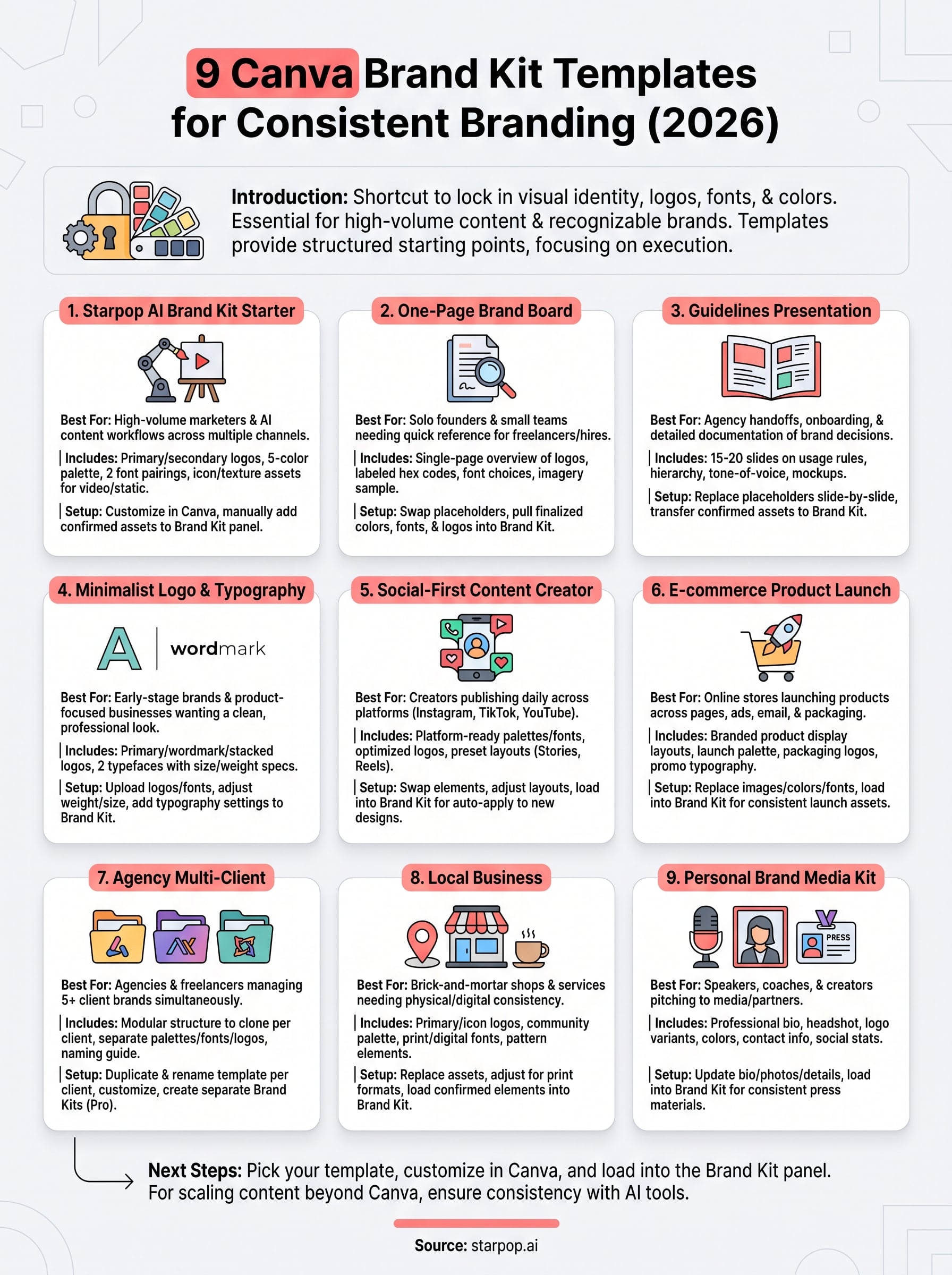
Below, you'll find nine Canva brand kit templates worth using in 2026, broken down by what they include, who they're best for, and how to get them set up without wasting an afternoon. Whether you're a solo founder or an agency managing multiple client brands, there's a template here that fits.
1. Starpop AI brand kit starter for Canva
The Starpop AI brand kit starter is built for marketers who produce high volumes of content across multiple channels and need their visuals to stay consistent, whether the output comes from a human designer or an AI-powered generation tool.
What it includes
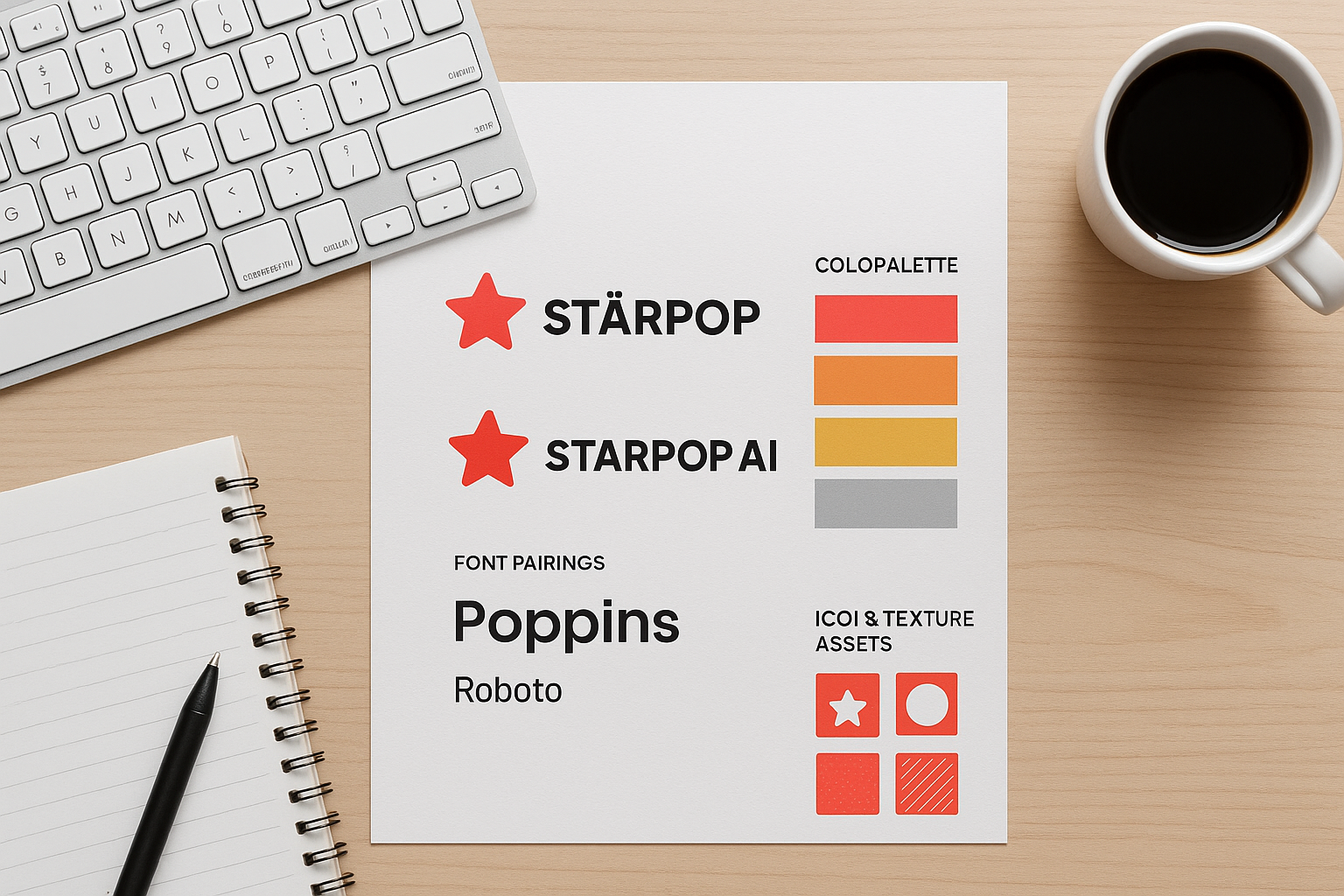
This starter kit ships with a primary logo lockup, secondary logo variants, a curated color palette of five swatches, and two font pairings pre-loaded for heading and body text. You also get a set of icon and texture assets optimized for both static ads and short-form video thumbnails, which matters when you're using Starpop to generate AI video content at scale.
Why it works for consistent branding
Most canva brand kit templates fall apart when you try to apply them outside of Canva itself. This one is built with AI content workflows in mind, so the colors, fonts, and visual tone translate cleanly whether you're posting a static Instagram graphic or publishing a talking-head ad on TikTok. Every asset references the same design system, which means fewer one-off decisions and fewer off-brand posts slipping through.
When your brand kit is built to travel across tools, you stop redesigning from scratch every time a new platform or format enters your workflow.
How to customize it in Canva
Open the template in Canva and start with the color palette slide. Replace each swatch with your own hex codes using the color picker. Next, swap the placeholder logo files with your actual logo in PNG or SVG format. Update the font pairings in the typography section by selecting your preferred typefaces from Canva's font library or uploading custom fonts under the Brand Kit settings tab.
How to add it to Canva Brand Kit
Once you've updated every element, go to Canva's Brand Kit panel, found under Brand Hub in your left sidebar. Click "Add new brand kit," then manually transfer your confirmed colors, fonts, and logos from the template into the Brand Kit fields. Canva saves everything to your account-level settings, so the brand kit auto-populates across every new design you create going forward.
Pricing and access
The Starpop AI brand kit starter is available free to Starpop subscribers at any plan tier. You access it directly through the Starpop platform, where it pairs with the image and video generation tools so your brand assets stay connected to your production workflow rather than living in a separate file you have to track down.
2. Canva brand board one-page template
This template condenses your entire visual identity onto a single page, giving you and your team a fast reference without digging through a multi-slide deck. It's a practical pick when you need to share brand guidelines quickly with freelancers, contractors, or new hires.
What it includes
The one-page brand board covers your logo variations, color palette with labeled hex codes, primary and secondary font choices, and a small sample of brand imagery or pattern elements. Everything sits on one canvas, so anyone reading it immediately understands the full scope of your visual identity at a glance.
Best use cases
This template works best for solo founders and small teams who don't need a 20-slide brand guidelines document. Use it when onboarding a new contractor, briefing a social media manager, or submitting brand assets to a vendor who needs context fast.
A one-page brand board eliminates the back-and-forth that happens when collaborators are guessing at your colors and fonts.
How to customize it in Canva
Open the template, then swap each placeholder color swatch with your actual hex codes. Replace the logo placeholders with your uploaded brand files and update the font labels to match your chosen typefaces. The single-page format means every edit is visible immediately without jumping between slides.
How to add it to Canva Brand Kit
After customizing, pull your finalized colors, fonts, and logos directly into Canva's Brand Kit panel under Brand Hub. Canva brand kit templates like this one make the transfer straightforward because all your core brand elements are already organized in one place.
Pricing and licensing notes
Canva offers this template type under both free and Pro plans, though some design elements require a Pro subscription to unlock. Always check the license terms before using any template for commercial work.
3. Canva brand guidelines presentation template
This template turns your visual identity rules into a shareable, multi-slide presentation that walks any reader through your brand from start to finish. It's designed for teams that need more than a one-page reference and want a structured document that covers every design decision in detail.
What it includes
The brand guidelines presentation typically spans 15 to 20 slides and covers logo usage rules, color palette with hex and RGB values, typography hierarchy, imagery direction, spacing guidelines, and do-or-don't examples for each element. You also get slide layouts for tone-of-voice guidelines and brand application mockups showing how the identity looks across real contexts like social posts and email headers.
Best use cases
This format works best when you're handing your brand off to an agency, onboarding a new in-house designer, or pitching a rebrand to stakeholders who need full context. It's also useful when you want to document brand decisions formally so there's a clear record everyone can reference later.
A presentation-style brand guide prevents the slow drift that happens when team members each interpret guidelines differently over time.
How to customize it in Canva
Start by replacing all placeholder logo files with your actual brand assets. Work through each slide in order, updating color swatches, font names, and imagery examples to reflect your real brand. Use Canva's grid and alignment tools to keep the layout clean as you add your own content.
How to add it to Canva Brand Kit
Once your slides are finalized, transfer your confirmed colors, fonts, and logos into Canva's Brand Kit panel under Brand Hub. This connects your guidelines document to the rest of your canva brand kit templates workflow.
Pricing and licensing notes
Most multi-slide brand guidelines templates are available on Canva Pro, though a limited selection exists on the free plan. Review the commercial use terms before sharing externally or using the template for client work.
4. Minimalist logo and typography kit template
This template strips your brand identity down to its essential visual components, making it ideal for founders who want a clean, professional look without over-designing. The focus lands squarely on logo clarity and type hierarchy, so nothing competes for attention.
What it includes
You get a primary logo mark, a wordmark variant, and a stacked version for tight spaces. The typography section covers two complementary typefaces, one for headlines and one for body text, with specified sizes and weight settings for each use case.
Best use cases
This template fits early-stage brands and solo professionals who need a polished identity fast. It also works well for product-focused businesses where the product itself is the hero and the brand should stay quiet in the background. Among canva brand kit templates, this one is the least visually demanding to maintain as your content output grows.
When your brand relies on restraint rather than decoration, minimalism becomes a strength rather than a shortcut.
How to customize it in Canva
Upload your logo files first, then set your typefaces by selecting from Canva's font library or uploading custom fonts. Adjust the weight and size pairings shown in the typography section to match your preferred hierarchy before saving anything.
How to add it to Canva Brand Kit
Open Canva's Brand Kit panel under Brand Hub and add your confirmed logo files and font choices directly. Your typography settings will then auto-apply to every new design you create, keeping output consistent without manual adjustments.
Pricing and licensing notes
This template is available on both free and Pro Canva plans, with some premium font pairings locked behind a Pro subscription. Check the commercial license terms before using it for any client-facing deliverables.
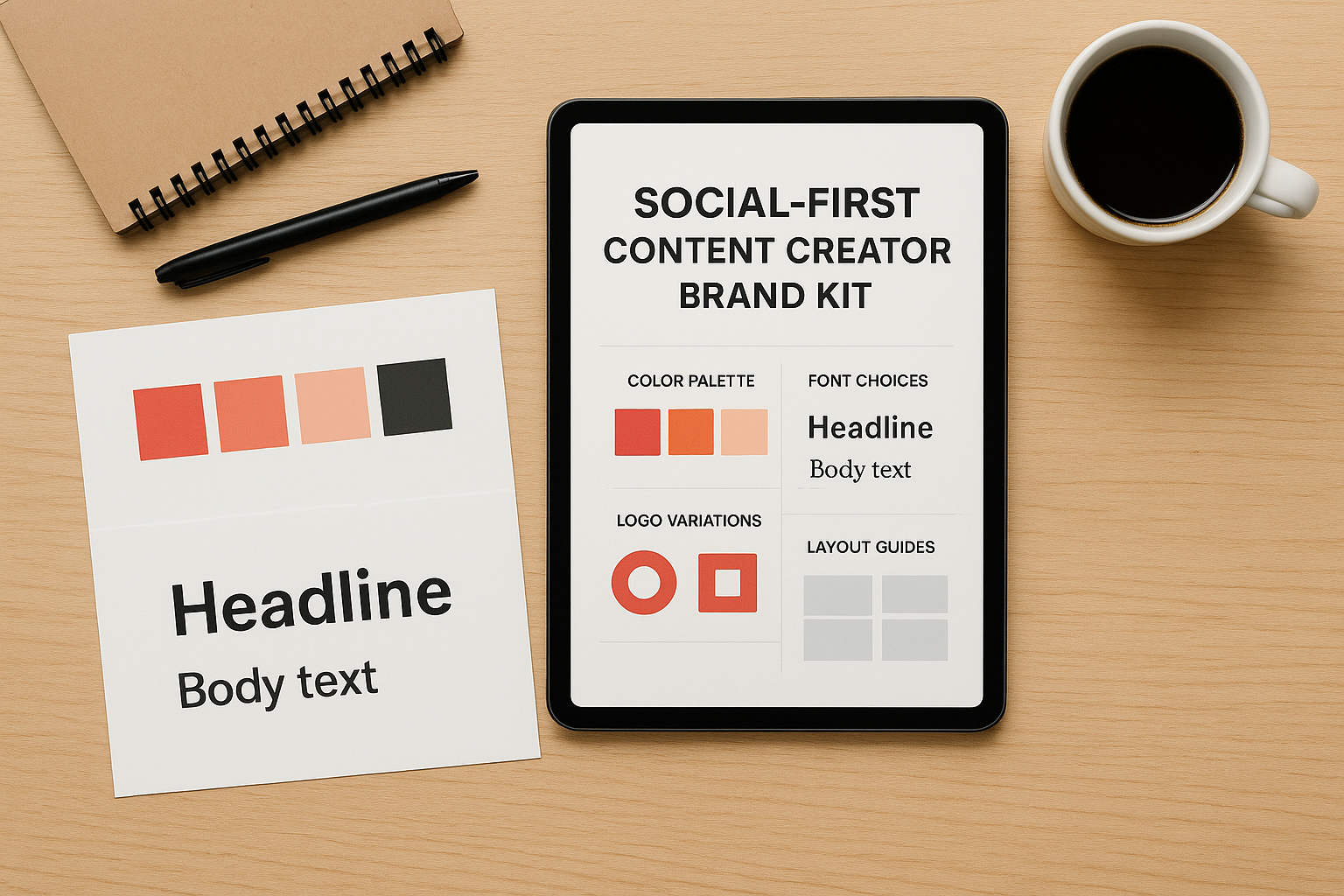
5. Social-first content creator brand kit template
This template is built for creators who publish daily content across platforms like Instagram, TikTok, and YouTube, and need their visual identity to stay locked in across every post, thumbnail, and story format.
What it includes
The social-first kit includes platform-ready color palettes, font pairings sized for mobile screens, logo variants optimized for profile photos and watermarks, and preset layout guides for Stories, Reels covers, and feed posts. Some versions also include branded caption font styles and cover image formats sized to platform specs.
Best use cases
Content creators, influencers, and social media managers who need to produce and schedule large volumes of content without breaking visual consistency will find this the strongest fit among canva brand kit templates. It works best for anyone whose primary distribution channel is social media rather than print or web.
When your audience scrolls past dozens of posts per minute, instant brand recognition is the only way to slow them down.
How to customize it in Canva
Start by swapping the placeholder color swatches with your brand hex codes, then upload your logo variants sized specifically for profile use. Update the font pairings in the template to match your brand typefaces, and adjust layout proportions if your primary platform uses formats different from the defaults.
How to add it to Canva Brand Kit
Open the Brand Kit panel under Brand Hub and load your confirmed colors, fonts, and logos from the template. Canva applies these settings automatically to new designs, so every piece of content you create defaults to your brand without manual setup each time.
Pricing and licensing notes
Available on Canva Pro with a limited selection on the free plan, this template requires you to confirm the commercial use license before applying it to paid brand partnerships or sponsored content.
6. E-commerce product launch brand kit template
This template is designed for online store owners who need a cohesive visual identity across product pages, packaging mockups, email campaigns, and paid social ads, all within the same launch window.
What it includes
The kit gives you branded product display layouts, a launch-specific color palette, logo variants for both packaging and digital use, and promotional typography sized for ad headlines and product descriptions. Some versions include a brand pattern or texture built to wrap cleanly around product imagery.
Best use cases
You'll get the most out of this template when your direct-to-consumer brand is launching a new product line and needs consistent visuals across multiple touchpoints fast. It also fits teams running paid ad campaigns where every creative asset needs to carry the same visual identity from the first impression through to checkout.
When every launch asset looks like it came from the same source, you build trust before a single customer reads a word.
How to customize it in Canva
Replace the placeholder product images first, then update the color swatches with your brand hex codes. Swap the font pairings in the headline and description sections to match your established brand typefaces before adjusting any layout elements.
How to add it to Canva Brand Kit
Open Canva's Brand Kit panel under Brand Hub and load your confirmed colors, fonts, and logos. From there, canva brand kit templates apply your saved settings automatically to new launch assets, cutting the setup time for each new creative variation.
Pricing and licensing notes
This template type is available primarily on Canva Pro, with commercial licensing included in the subscription. Confirm the usage terms before applying any branded elements to physical packaging or paid advertising placements.
7. Agency multi-client brand kit template
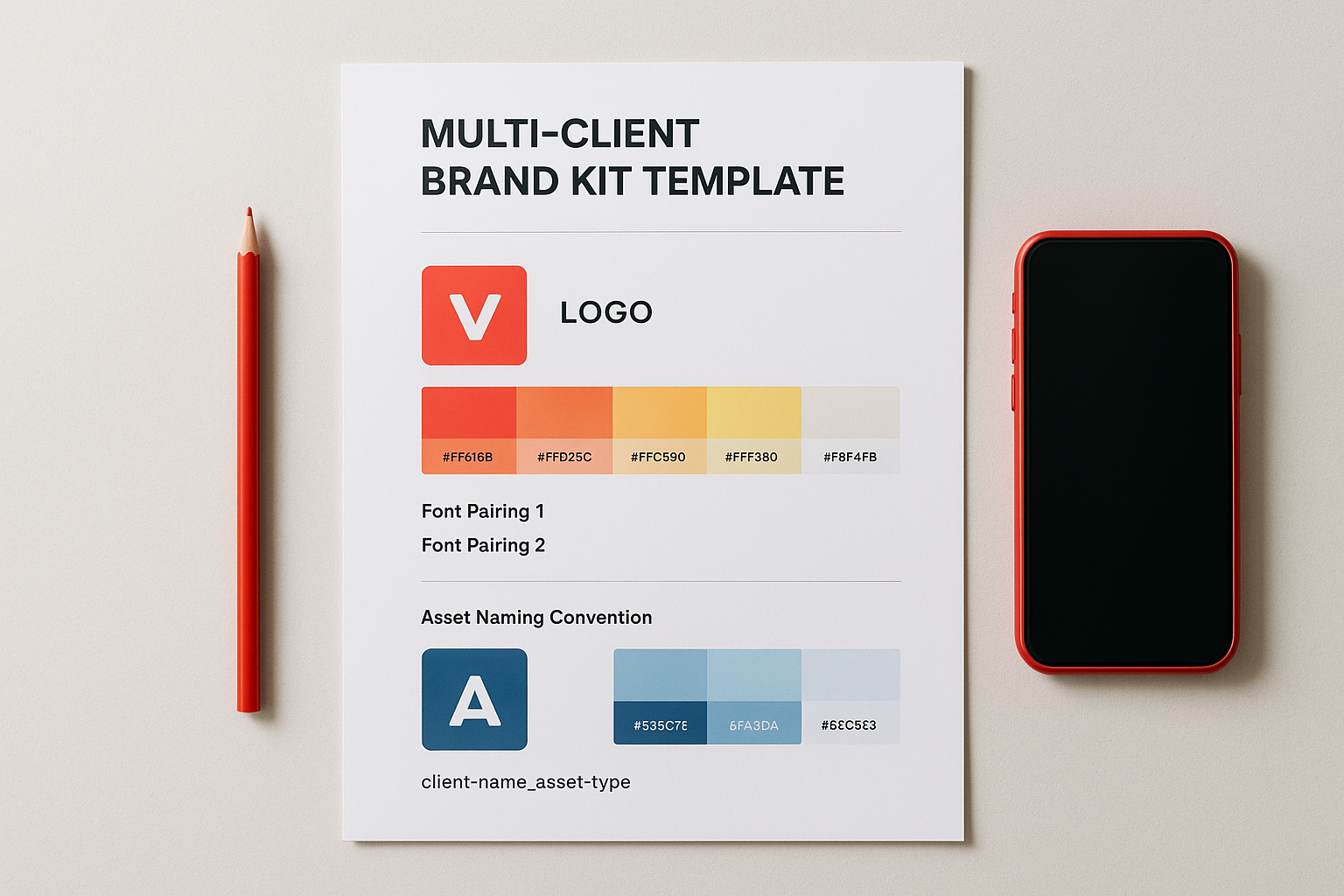
Managing five or more client brands inside a single Canva account gets messy fast if you don't have a structured system. This template gives agencies a repeatable framework to set up and separate each client's brand identity without cross-contaminating assets across projects.
What it includes
The agency multi-client kit provides a modular brand setup structure you can clone for each new client. Each module contains a logo section, a five-swatch color palette with labeled hex codes, two font pairings, and an asset naming convention guide that keeps file organization clean across your team's shared workspace.
Best use cases
This template is built for marketing agencies and freelance brand managers handling multiple active clients simultaneously. It fits especially well when your team members need to switch between client accounts throughout the day without pulling up the wrong brand assets or mixing up color palettes.
When each client's brand lives in its own clearly structured module, errors drop and turnaround times shrink.
How to customize it in Canva
Duplicate the template once for each active client, then rename each copy with the client's name before making any edits. Replace the placeholder colors, fonts, and logos in each copy so every client's version stays completely separate and identifiable from the others.
How to add it to Canva Brand Kit
Canva Pro allows you to create multiple brand kits within a single account, which pairs directly with this template's structure. Open the Brand Kit panel under Brand Hub, click "Add new brand kit," name it after the client, and load the confirmed assets from that client's customized template copy. Among canva brand kit templates designed for agency use, this approach keeps everything organized without extra tooling.
Pricing and licensing notes
Multiple brand kits require a Canva Pro or Teams subscription. Confirm the commercial license terms apply to client deliverables before using any premium template elements in paid client work.
8. Local business brand kit template
Local businesses often rely on word-of-mouth and community reputation, but inconsistent branding across your storefront signage, social media, and printed materials quietly undermines both. This template gives neighborhood-focused brands a structured starting point to project a polished, unified identity without hiring a design agency.
What it includes
The local business brand kit includes a primary logo lockup, a simplified icon version for small formats like receipts or loyalty cards, a warm and community-friendly color palette with labeled hex codes, and two font pairings suited for both print and digital use. Some versions also include pattern or texture elements that work well on printed materials like menus or packaging inserts.
Best use cases
This template fits brick-and-mortar shops, restaurants, and local service providers that need visual consistency across physical and digital touchpoints. Among canva brand kit templates, it works especially well when you're running local social media ads alongside in-store signage and want everything to look like it comes from the same brand.
When your online presence matches your physical storefront, customers trust you before they walk through the door.
How to customize it in Canva
Replace the placeholder logo files with your actual brand mark first, then update the color swatches to your confirmed hex codes. Swap the font pairings to match your established typefaces, adjusting sizes in the print-oriented layout sections to meet your vendor's format specifications.
How to add it to Canva Brand Kit
Open the Brand Kit panel under Brand Hub, click "Add new brand kit," and load your confirmed colors, fonts, and logos. Canva saves these settings so every new design you build automatically pulls your brand elements without requiring manual setup each time.
Pricing and licensing notes
This template is available on both free and Pro Canva plans. Always confirm the commercial license terms before applying any template elements to printed materials distributed to the public.
9. Personal brand media kit and press template
A personal brand media kit does two jobs at once: it tells journalists, podcast hosts, and brand partners who you are and gives them every asset they need to feature you without sending three follow-up emails. This template packages your biographical content, brand visuals, and contact details into a single polished document that travels well.
What it includes
This template covers a professional bio section with short and long versions, a headshot placeholder, logo variants for both light and dark backgrounds, a brand color palette with labeled hex codes, and a media and press contact block for booking inquiries. Many versions also include a speaking topics list, notable features section, and a social reach summary for brand partnerships.
Best use cases
This template fits speakers, coaches, consultants, and creators who pitch themselves to media regularly. Among canva brand kit templates, this is the one you send when someone asks for your press materials, whether that's a podcast producer, a conference organizer, or a PR contact at a brand you want to collaborate with.
When your media kit is ready to send at any moment, you stop losing opportunities to slow response times.
How to customize it in Canva
Replace the bio placeholder text with your actual short and long bios first, then upload your professional headshot and logo files. Update the color swatches and font pairings to match your confirmed brand identity before adjusting any contact or social link fields.
How to add it to Canva Brand Kit
Open the Brand Kit panel under Brand Hub and load your confirmed colors, fonts, and logos. Every new design you build afterward will pull these assets automatically, keeping your press materials consistent with the rest of your content.
Pricing and licensing notes
This template type appears on both free and Pro Canva plans, with certain premium layout elements requiring a Pro subscription. Confirm the commercial license terms before distributing the kit to any external press contacts or brand partners.
Next steps
You now have nine canva brand kit templates to choose from, each built for a specific use case rather than a generic starting point. Pick the one that matches your current workflow, customize it in Canva, and get your colors, fonts, and logos loaded into the Brand Kit panel under Brand Hub. Once that foundation is in place, every design you create pulls from the same visual system automatically, which means less time fixing off-brand assets and more time shipping content.
Your brand kit is only as useful as the content it supports. If you're producing high-volume ad creative, video ads, product images, or UGC-style content at scale, your brand consistency needs to extend beyond Canva and into every tool you use. Starpop AI lets you generate AI-powered marketing assets that stay aligned with the same visual identity you just built, so your brand holds up across every format and platform you publish on.