Contents
0%A useful ad preview answers one question: what will a real person notice before they scroll? It is not a promise that Meta will render every pixel identically.
Use the free Facebook Ad Mockup Generator to assemble the page name, primary text, headline, call to action, and creative in one browser-based preview. Your uploaded file stays on your device.
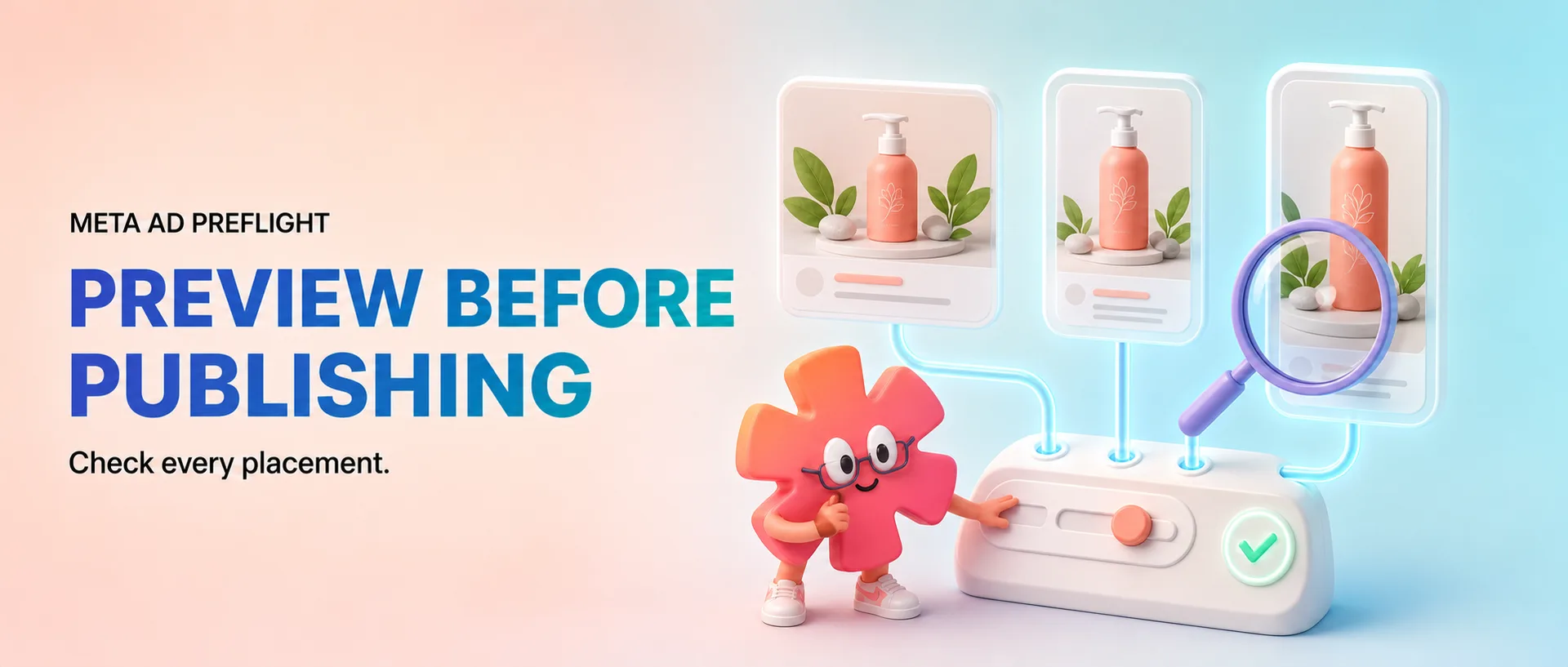
Check the placements separately
Do not approve a feed ad and assume the same file is ready for Stories or Reels. Review all four common placements:
- Facebook Feed
- Instagram Feed
- Instagram Stories
- Instagram Reels
Feed placements give copy and headlines more space around the media. Stories and Reels make the creative itself dominant, while interface controls cover parts of the frame.
Run a five-minute preflight
- Read only the visible opening copy. Put the clearest claim or tension before likely truncation.
- Check the crop. Confirm that the product, demonstration, and important text survive both feed and vertical framing.
- Inspect the interface overlays. Keep faces, proof, prices, and calls to action away from the top and bottom control areas.
- Read the headline beside the image. If both repeat the same idea, use one of them to add proof or specificity.
- Export the mockup. Share the PNG with the person approving the campaign so feedback is based on a placement, not an isolated design file.
For video, the exported mockup captures the frame currently displayed. Scrub to the exact moment you want stakeholders to review before downloading it.
What a mockup cannot verify
Meta can change rendering, crop behavior, and interface details. A mockup also cannot predict policy approval or campaign performance. Treat it as a creative review artifact, then use the Meta Ad Creative Fit Checker for technical file checks before upload.
The best approval question is not “does this look nice?” Ask: is the promise clear, is the product visible, and does the creative still work in every placement we intend to buy?