Contents
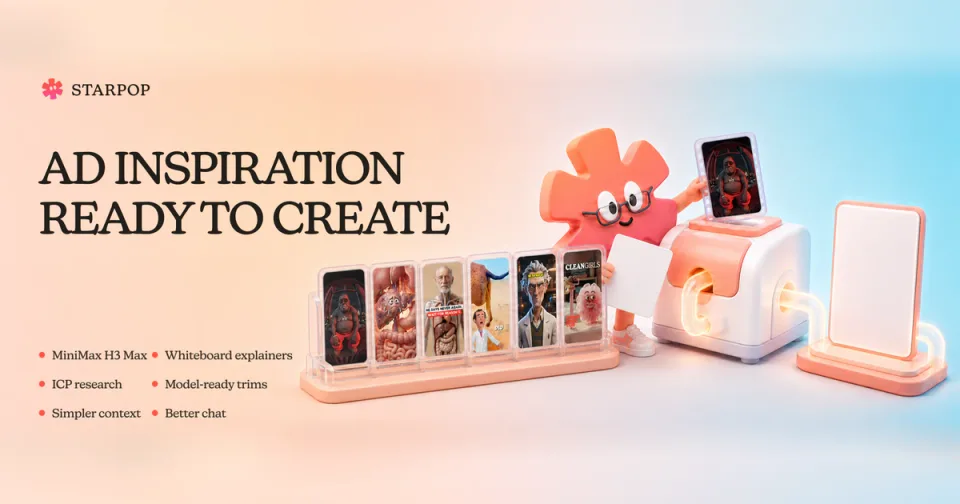
0%The distance between finding a strong ad and making your own just got much shorter. Starpop now brings curated video and static ad references into your workspace, where you can add one directly to chat and use it to guide an original creative for your product.
This update also adds MiniMax H3 Max, complete workflows for whiteboard explainers and customer research, model-ready reference trims, a clearer workspace context panel, and a collection of smaller chat improvements.
Find an ad. Make it yours.
The new AI Ads Inspiration Library gives you a public place to browse real video-ad references before you start creating. Inside Starpop, open Inspiration → Hand-Picked to explore the curated Video Ad Library and Static Ad Library without leaving your workspace.
Browse the collections, filter static ads by format or shape, then click + or drag a reference into chat. You can tell Starpop which parts are useful—the structure, pacing, visual hierarchy, proof placement, or overall direction—and what should change for your product and brand.
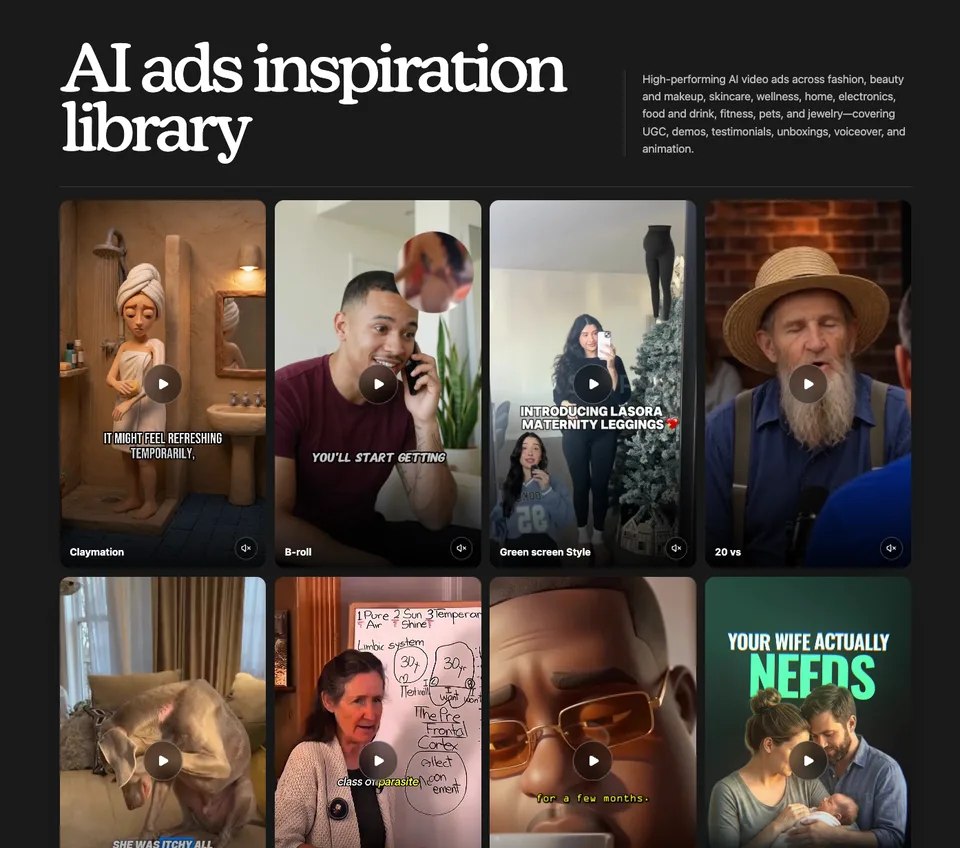
The AI Ads Inspiration Library showing a curated collection of high-performing video ad references
The Create Static Ad workflow now starts from the same library. It can open a relevant set of static references for you, help choose an ad format and audience angle, and adapt the selected layout with your own product, message, colors, and fonts.
References are for adapting what makes an ad work. Keep the useful structure, then make the product, copy, design system, and final creative your own.
Open the library
Choose Inspiration → Hand-Picked, then open the video or static collection.
Choose a useful reference
Browse or filter the collection, then click + or drag the ad into chat.
Say what should carry over
Point out the pacing, layout, proof, or visual direction you want to keep.
Create for your brand
Ask Starpop to adapt the idea with your product, audience, message, colors, and fonts.
MiniMax H3 Max is now live on Starpop
MiniMax H3 Max is built for fast iteration. It can generate a 10-second video in about 30 seconds, so you can test a direction, review the result, and try the next idea while it is still fresh.
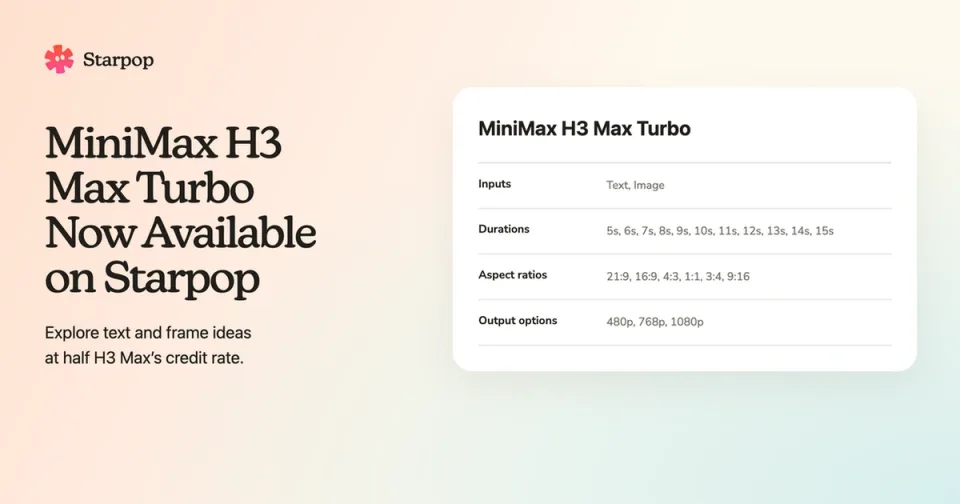
The model is available in the Video tool and in chat. Start from text, guide the generation with a first frame, or add both a first and last frame when the clip needs a defined beginning and ending. H3 Max creates clips from 5 to 15 seconds at 480p or 768p and supports six formats: 21:9, 16:9, 4:3, 1:1, 3:4, and 9:16.
Build a presenter-led whiteboard explainer
The new Whiteboard Explainer skill gives chat a complete workflow for vertical videos where an on-camera presenter and a physical whiteboard develop the argument together.
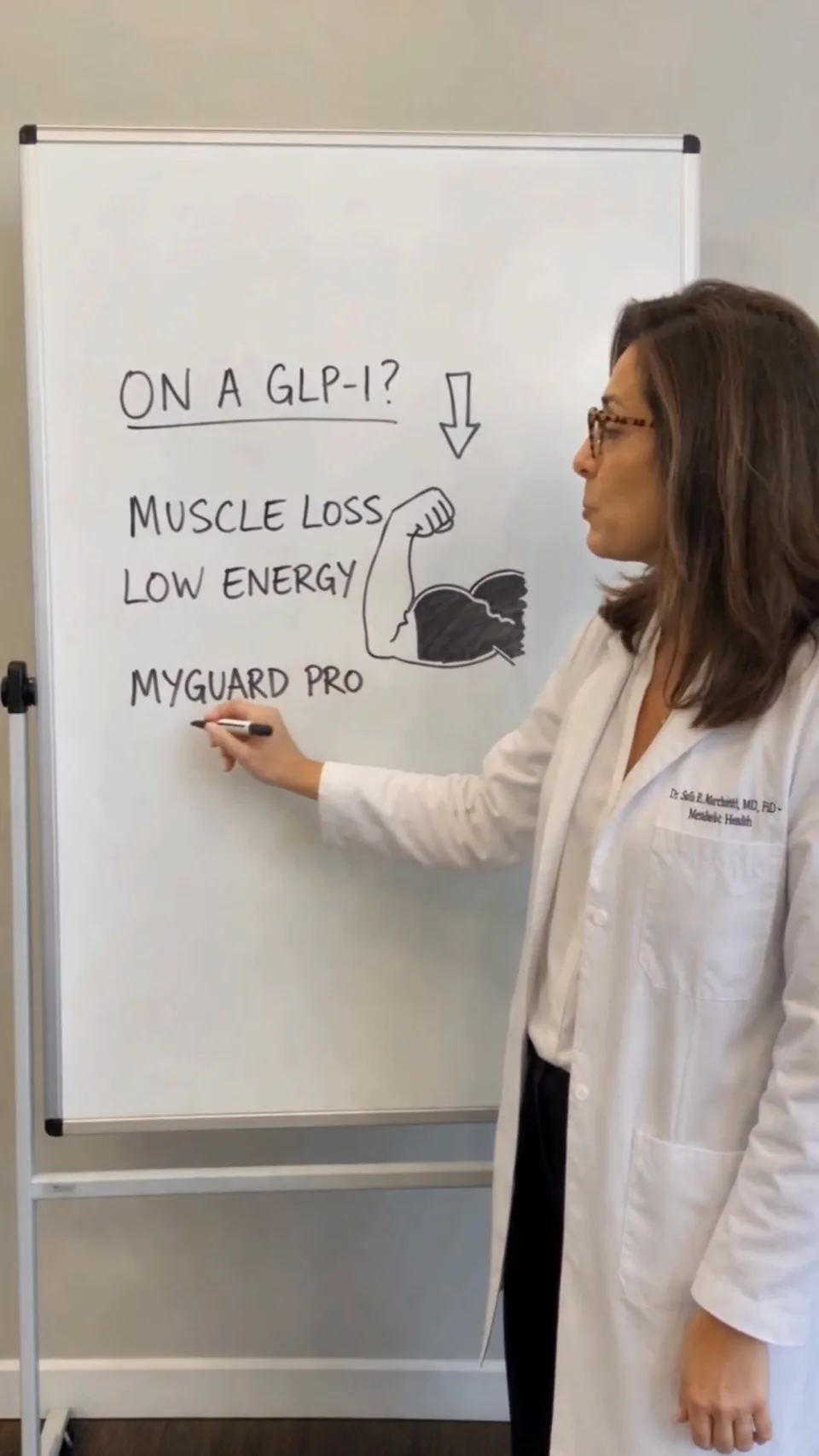
The Whiteboard Explainer option in the Starpop Skills picker
Instead of treating the board as background decoration, Starpop plans the script, speech timing, board states, presenter position, writing sequence, and transitions as one production. Each new phrase or drawing gets a readable place on the board, and the presenter visibly traces it while delivering the matching line.
Open the Skills picker in chat and choose Whiteboard Explainer to begin.
Research the customer before making the creative
The new ICP Research and Offering Analysis skill turns customer and competitor research into usable creative strategy. It separates customer language, brand claims, category facts, and strategic conclusions so you can see what is evidence and what is interpretation.
Use it to uncover customer problems, purchase triggers, objections, failed alternatives, competitor positioning, and ad angles. The result includes source-linked evidence, confidence levels, claim checks, funnel mapping, and a feature-to-benefit-to-desire breakdown you can carry into the next brief.
Turn long references into model-ready cuts
When a video or audio reference is longer than the selected model can accept, Starpop now lets you choose the exact portion to use. The trim tool shows the model's maximum length and keeps your selection inside that limit.
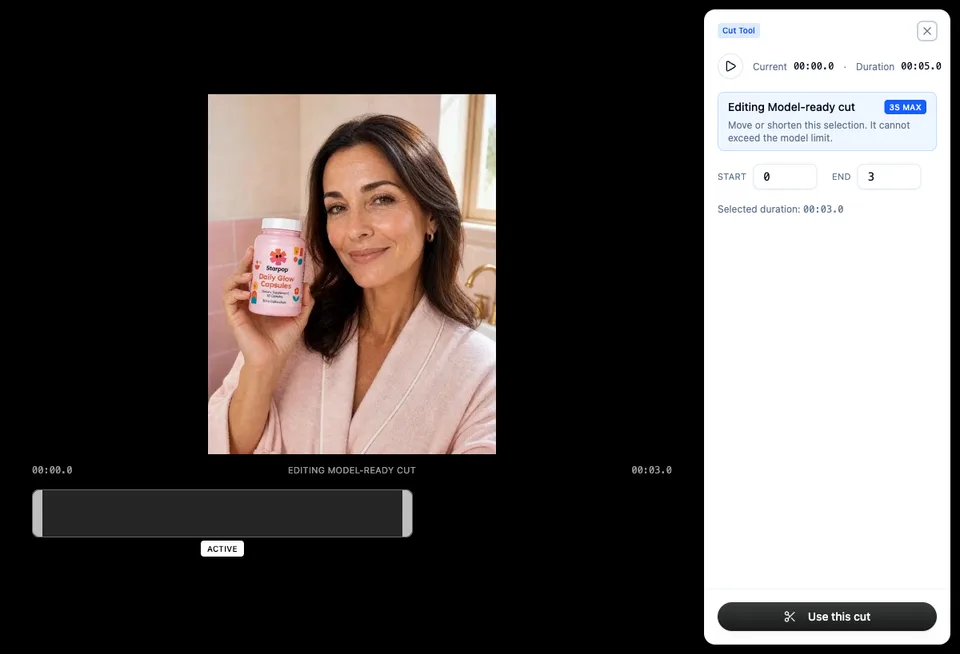
The Starpop trim tool selecting a three-second model-ready cut from a five-second reference video
Choose Use this cut and the shorter result replaces the too-long attachment in the form or chat draft you are currently preparing. The source stays available in your media, while the generation receives a reference it can actually use.
Scan your workspace context more quickly
The workspace side panel is now organized around three clearer destinations: Gallery, Inspiration, and Context. The Context view brings the current brand overview, identity, brand details, and products into one place, so it is easier to confirm what Starpop is working with.
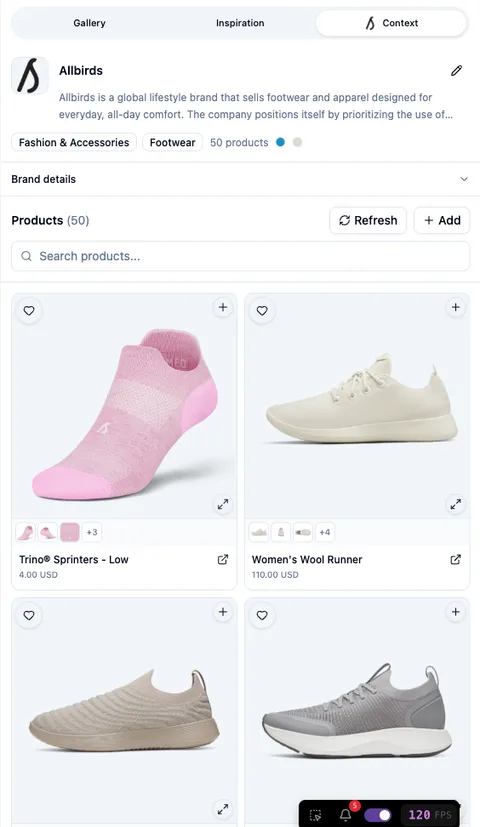
The Starpop workspace context panel with Gallery, Inspiration, and Context tabs plus brand details and products
The panel also adapts more cleanly on mobile, giving the same brand and product context a usable layout on smaller screens.
Small chat improvements that add up
Several smaller changes remove friction from everyday work:
- Paste an image or video into the composer, or add attachments before a new conversation has started.
- See timestamps on messages and keep the initial attachments available to the agent when the conversation begins.
- Review voice recommendations with language, gender, age, accent, and archetype details, then switch between all voices and favorites.
- Download media referenced inside chat tables, alongside the existing Markdown and CSV exports.
- Use one visual reference with Gemini video generation without treating it as the clip's exact first frame.
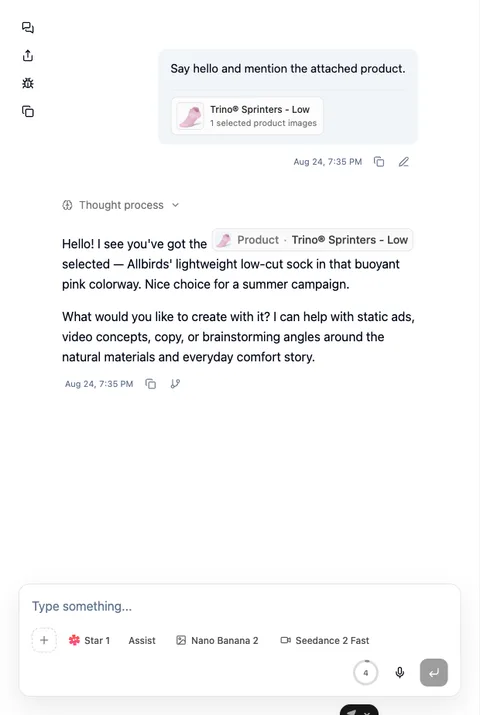
A Starpop conversation showing a selected product attachment, message timestamps, and chat model controls
Together, these changes create a tighter creative loop: find a useful reference, ground the idea in your customer and product, prepare the inputs for the model, create, and keep iterating in the same workspace.