954KViews
$43KAttributed sales
Turn product references, a chosen actor, and a campaign idea into creator-style videos with editable scripts, planned scenes, and formats made for the feed.
Every realistic format has a dedicated page with an AI ad workflow, an example, and a free public SKILL.md file you can download without signing in.
Show the product in the formats people already recognize—from a direct-to-camera explanation to a casual product moment.


Historical performance does not guarantee future results. Creative, offer, audience, media buying, and market conditions all affect ad performance.
The current UGC workflow gives you clear review points before the final video is generated.
Tell the chat agent which product to feature and the creator format you want to use.
Product context and format direction begin in the same brief.
Ground the creative in real product imagery and select or create an actor when the format calls for one.
Describe the creator or hands-only direction in your chat brief.
Shape the format-aware script, scene breakdown, product presentation, and generation direction before rendering.
Approve the plan before spending credits on final video scenes.
Generate portrait scenes, review the result, and refine individual moments without rebuilding the concept from zero.
Choose a video model and keep each iteration connected in chat.
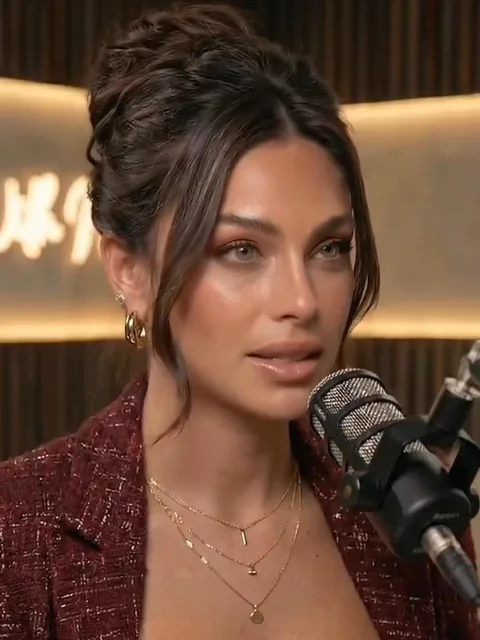 Gabriela
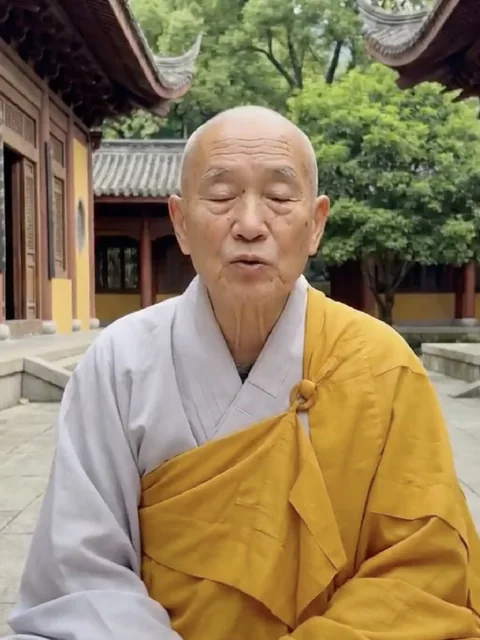 Tenzin
 Dr. Reed
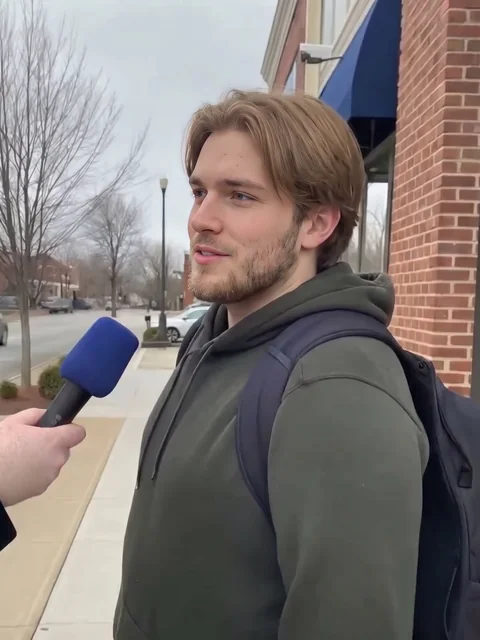 Jesse
Jesse Marcus
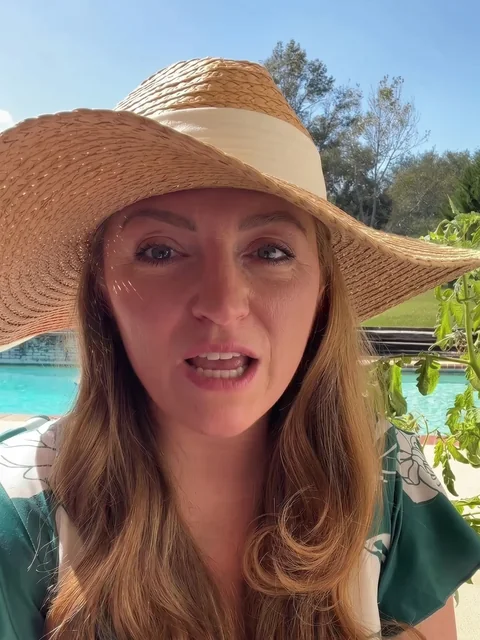 Sophie
Each format changes the questions, references, actor rules, script, and scene direction—not just the label on the output.
Creator casually shows the product, explains why it matters, and keeps it visible.
Put a creator and the product in the same natural moment.
Realism starts with grounded inputs and deliberate direction, not a promise that viewers can never identify AI.
Product and packaging reference images inform how the item appears in each scene.
Select an existing actor, create one, or use an actor-free format when the concept works better without a face.
Scripts, framing, pacing, and scene structure change with the UGC format instead of following one generic template.
Approve scripts and scene plans before committing credits to the final video generation.
Realistic AI UGC is creator-style advertising generated with AI. Starpop combines product references, a chosen format, an optional or required actor, a script, and planned scenes to create vertical video that follows the visual language of social feeds.
Starpop currently supports show and tell, product unboxing, product ASMR, viral hooks, and Fit Check Try-On. Describe the format in chat to shape the script, visual references, and scene plan.
Yes. Actor-led formats let you select an actor look from your library or create a new one. Some formats, including hands-only unboxing and product ASMR, do not require an actor.
You provide product and packaging reference images. Starpop uses those references when preparing product descriptions, scene frames, and video directions so the generated creative has concrete visual evidence to work from.
Yes. The chat agent lets you review and refine the script and planned scenes before generating the final video scenes.
No. Creative quality, offer, audience, media buying, and market conditions all affect results. Historical examples can show what a format achieved at a point in time, but they cannot guarantee future performance.
No. AI UGC is a common category name, but brands should not present a fictional actor as a real customer or fabricate personal experience, testimonials, or product results.
Bring the product, choose the format, review the story, and generate the scenes in one connected workflow.