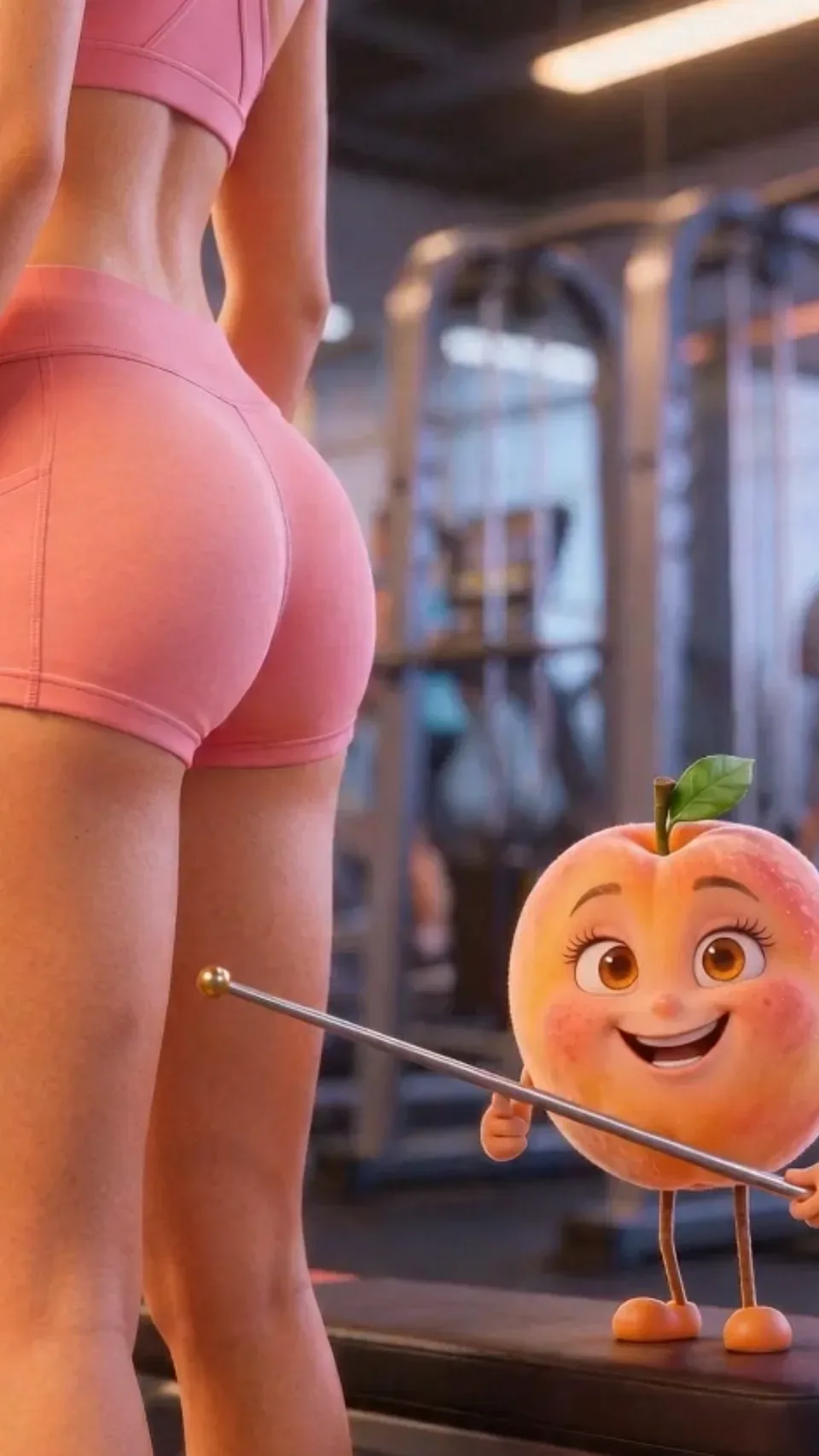
Make talking object ads with AI.
Give your product, an ingredient, or any object a face and a voice, and let it make the pitch straight to camera in the animated style you choose.
Best for: Ingredients, mechanisms, objections, and scroll-stopping hooks
Make a Talking object ad
Use Starpop's animated-talking-character skill to make a Talking object ad for my product. If Starpop isn't connected, read https://starpop.ai/docs/integrations/mcp.md and help me connect it first.
 Create in Starpop
The prompt works inChatGPTClaudeGeminiGrokand more

What the agent does
- Character: A face that can emote, designed in layers and pushed slightly past the obvious.
- Reference: One locked reference sheet per character, used to derive every shot's start frame.
- Script: Fast, punchy lines where each shot's visual proves what is being said.
- Motion: At least two layers of motion per shot: camera, character, and a reacting environment.
How it works
- 1Copy the prompt into your agentChatGPT, Claude, Codex, or any agent with MCP connects Starpop for you. Or create the ad in Starpop.
- 2Describe your productThe agent asks for what it needs and writes the script for your approval.
- 3Review every stepIt follows the format to a finished ad, and you ask for changes as you go.
What is a talking object ad?
A talking object ad is an animated video whose engine is a character talking to camera. The character can be a product, ingredient, organ, or molecule given eyes, a mouth, and a way to gesture, or simply an animated person or animal.
The format has two hard rules: the video is animated, and a character is talking. The rendering style is a swappable skin, so the same script can run as 3D, claymation, paper, or another look.
When Talking object ads work best
- Ingredients and products explaining how they work
- Answering objections in the product's own voice
- Scroll-stopping hooks with an unexpected narrator
How to make AI talking object ads
Use one connected workflow to move from the customer angle to a locked character talks to camera direction and finished animated scenes.
- 01Choose the product angleStart with the customer problem, mechanism, transformation, objection, or comparison the ad needs to communicate.
- 02Write the script and shotsChoose voiceover, dialogue, music, or silent graphic storytelling, then give every shot one visible purpose.
- 03Lock the visual directionApprove the recurring subjects, product reference, materials, palette, lighting, and scene rules before animation.
- 04Generate and refine each sceneAnimate the approved frames, review continuity, and regenerate only the shots where the product, subject, or motion needs another take.
Common Talking object ad mistakes
- Generating before the visual rules are lockedApprove the reusable subjects, product treatment, palette, materials, and scene rules before generating a long sequence.
- Letting the style replace the selling ideaThe visual direction earns attention, but the script still needs a customer problem, product mechanism, proof, and clear next step.
- Changing the prompt language between scenesRepeat the approved style lock and reference roles in every generation so the ad feels like one world.
- Trying to fix every scene at onceReview shot by shot and regenerate only the weak moment instead of destabilizing the approved parts of the ad.
Questions
Can I make AI talking object ads in Starpop?
Yes. Starpop can help develop the product angle, script, visual direction, recurring references, generated scenes, audio, and review workflow for Talking object.
Can I make Talking object ads with ChatGPT or Claude?
Yes. Copy the prompt on this page into ChatGPT, Claude, Codex, or another agent that supports MCP. It connects Starpop, asks you to sign in, then follows the Talking object format with your product. Everything it makes is saved to your Starpop workspace.
Do I need to write the prompts for Talking object ads myself?
No. The agent already knows the Talking object format: its production order, visual rules, prompting, continuity checks, and fixes for common failures. You describe the product and review each step.
Can Starpop keep the product consistent across scenes?
The workflow establishes an approved product and subject reference before scene generation, then reuses those references and the same visual rules in each shot. Weak scenes can be regenerated individually.
More animated formats
See all- PS2 Cutscene SkitA deadpan video-game cutscene skit: your customer gets judged, answers in four flat words, and wins. Low-poly look, bold colors, about 25 seconds.
- Disney/PixarBuild expressive original characters and colorful story worlds around the product.
- ClaymationGive products and characters a handmade feel through sculpted materials and stepped motion.
- PaperTurn product history, ingredients, and brand stories into dimensional paper worlds.
Give your product a face and a voice.
Bring the product, customer angle, or reference. Starpop helps shape the script, visual direction, and finished animated scenes.
Create original characters, worlds, and brand assets rather than copying an existing mascot or character.