Contents
0%Hey!
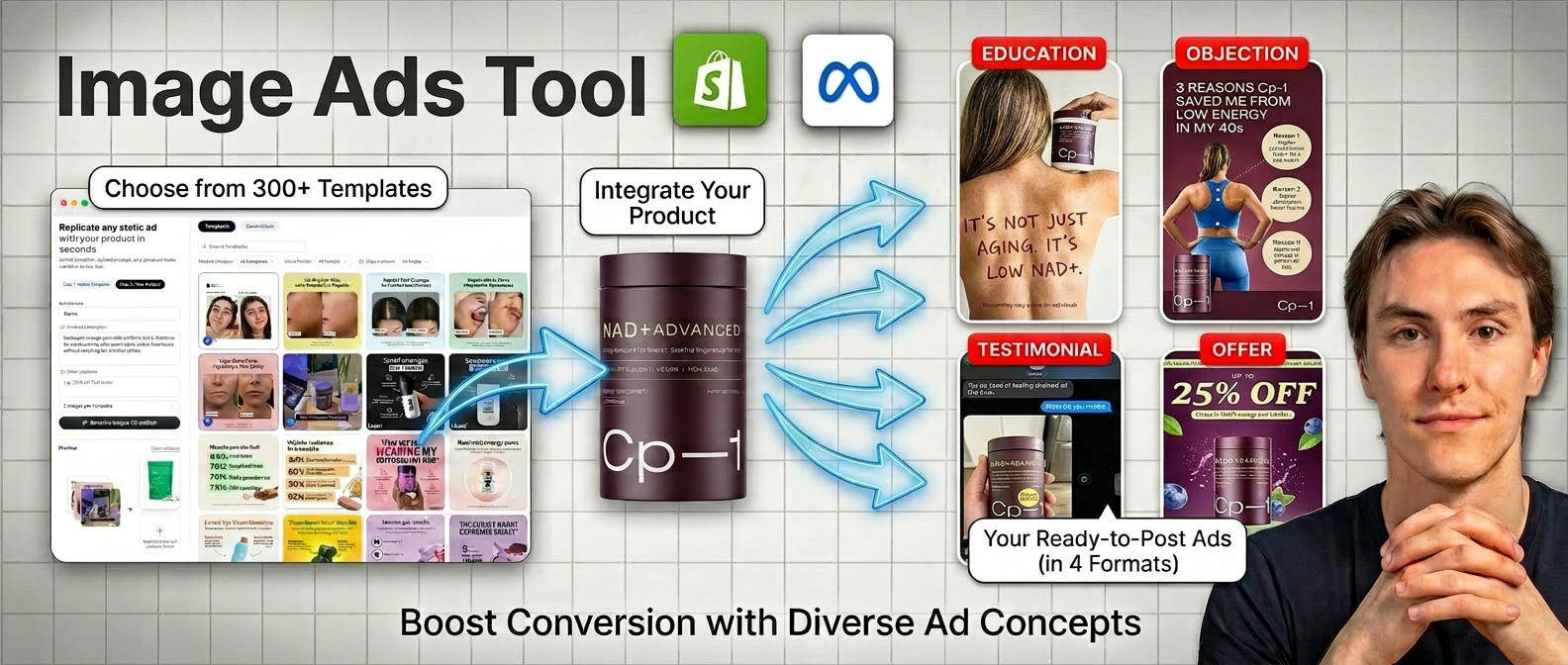
Creating professional image ads for your ecommerce brand used to require a designer, a copywriter, and hours of back-and-forth. Now it takes two steps. Pick your templates, upload your product, generate.
From Product Photo to Ad Campaign
I gave Starpop a single product photo of a NAD+ supplement called CP-1. This is what came back.
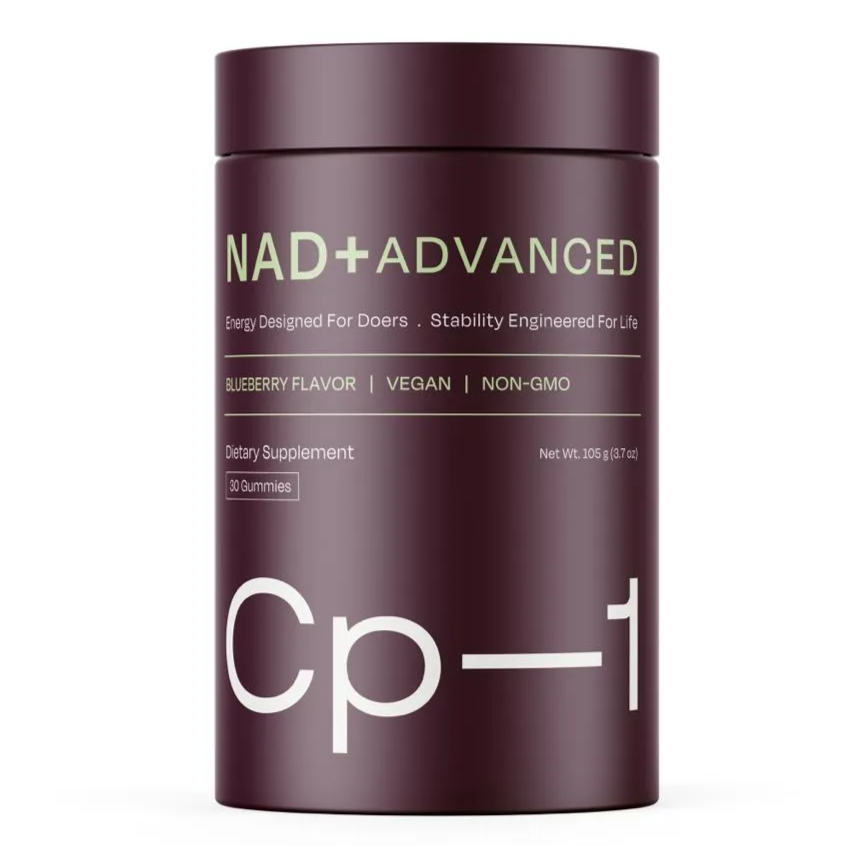 CP-1 NAD+ supplement
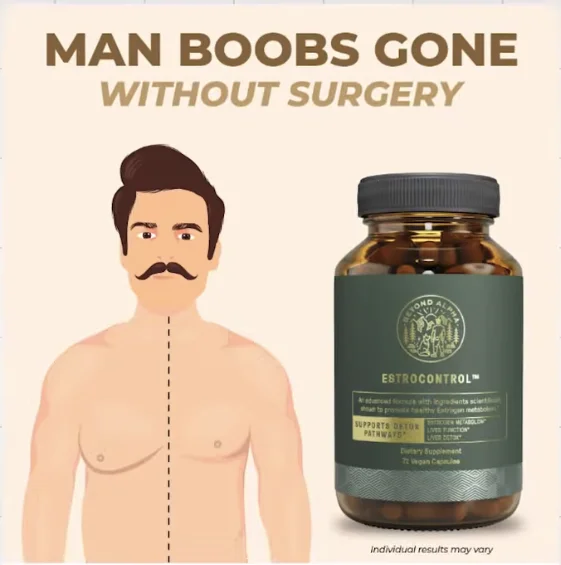 Pain Point Gone template
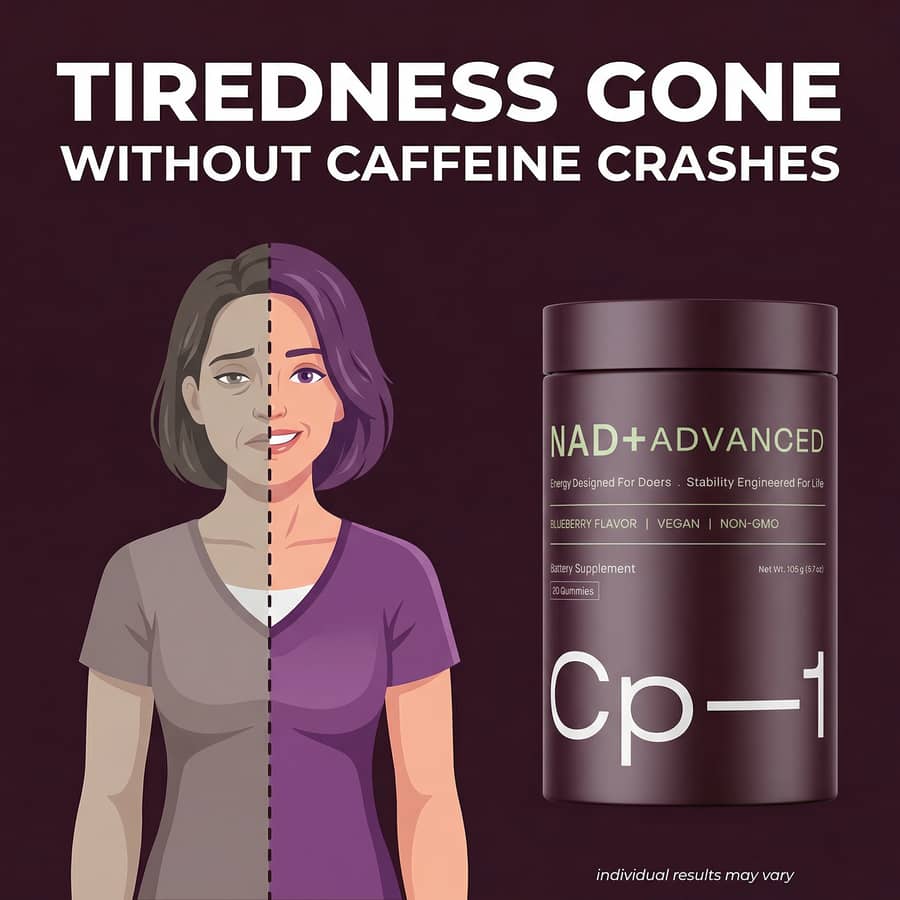 CP-1 NAD+ supplementPain Point Gone template
The ad copy, the visual composition, the product placement. All generated from a single photo and a one-line description. Whether you're selling supplements, skincare, pet products, or anything on Shopify, the process is the same.
Step 1: Pick Your Templates
The template library has 300+ image ad templates built specifically for ecommerce. You can browse visually or use the filters to narrow down exactly what you need.
Three filters that matter:
- Funnel stage: Top of funnel (awareness), middle of funnel (consideration), or bottom of funnel (conversion). This is the most important filter. Different stages need different messaging.
- Product category: 15 ecommerce verticals. Health & Wellness, Beauty, Fashion, Food & Beverage, Pet, Fitness, Electronics, and more. Whether your product is on Shopify, Amazon, or your own store, there's a category that fits.
- Visual format: Offer ads, comparisons, infographics, testimonials, timelines. Each format has a different purpose and look.
You can select one template or multiple at once. If you're building a full campaign for your brand, pick one from each funnel stage and generate them all in a single batch.
A good template is not just a layout. It's a proven copywriting framework baked into a visual format. The "Pain Point Gone" template uses a specific headline structure that qualifies your audience instantly. The "Timeline" template future-paces your prospect with Day 1, Week 2, Month 1 benefits. You don't need to know copywriting theory. The template handles it.
Step 2: Upload Your Product and Generate
Once you've picked your templates, the generation form is dead simple.
- Upload your product photo. Grab it straight from your Shopify product page or any clean product shot.
- Write a short description. Brand name and a one-line summary of what your product does.
- Hit generate.
That's it. Starpop handles the rest. The AI reads your product, understands your niche, and adapts the template's copywriting framework to match.
It improvises headlines, layouts, lifestyle imagery, and even benefit callouts based on what your product actually does.
What You Get
Here's a look at different template types, all generated from the same CP-1 product photo.
Awareness Ad: It's Not X, It's Y
CP-1 product photo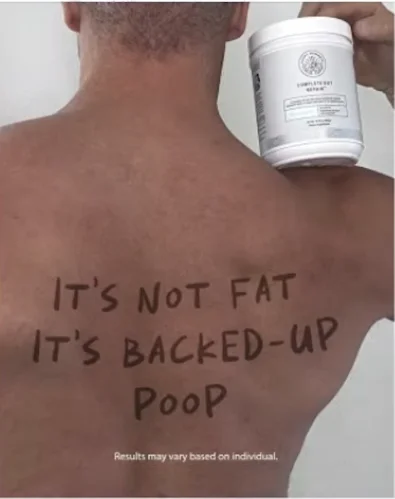 Its Not X Its Y template
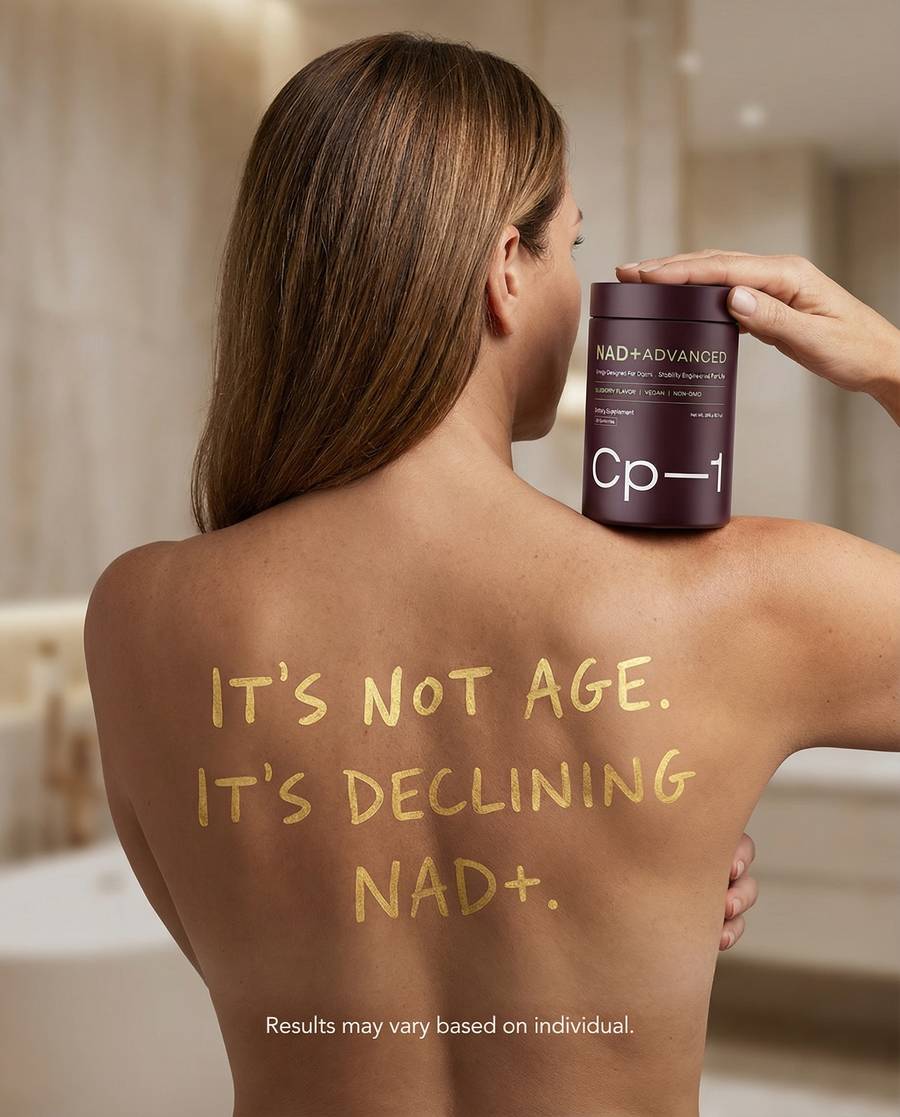 CP-1 product photoIts Not X Its Y template
This template calls out what your prospect thinks the problem is, then reframes it. Sets your brand apart from every competitor instantly.
Consideration Ad: Timeline
CP-1 product photo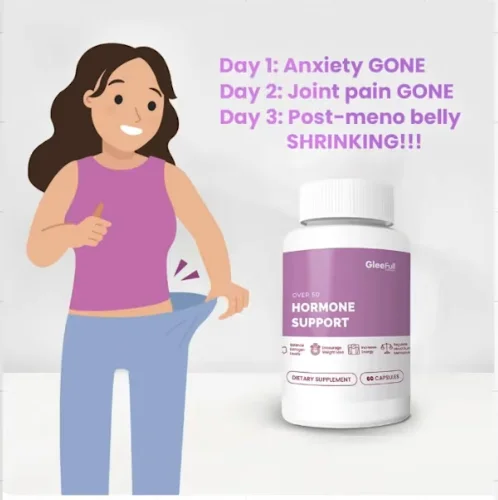 Timeline ad template
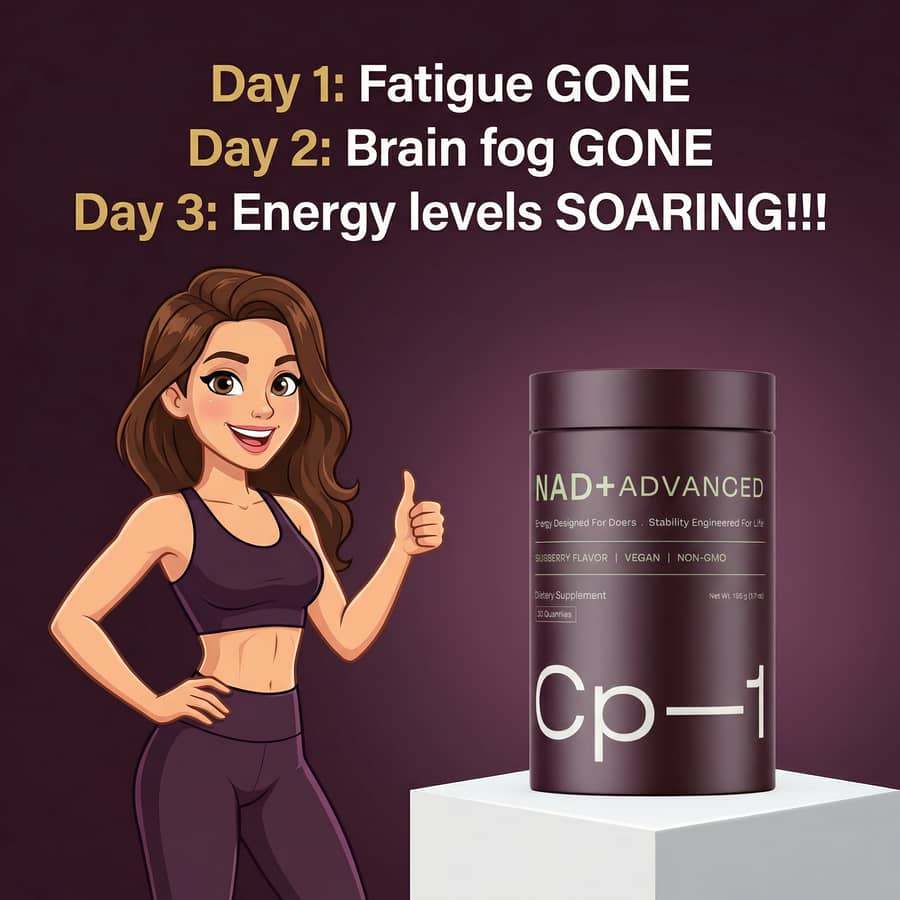 CP-1 product photoTimeline ad template
Timeline ads kill the "when will this start working?" objection. Clear timeframes, clear expectations. The AI adapts the benefits to what your product actually does.
Conversion Ad: Testimonial
CP-1 product photo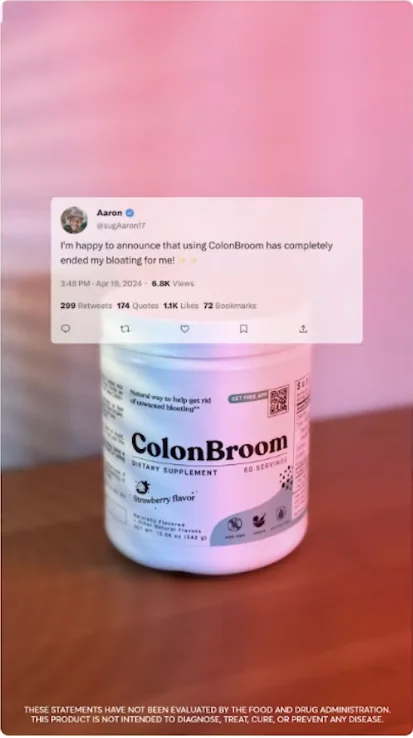 Testimonial ad template
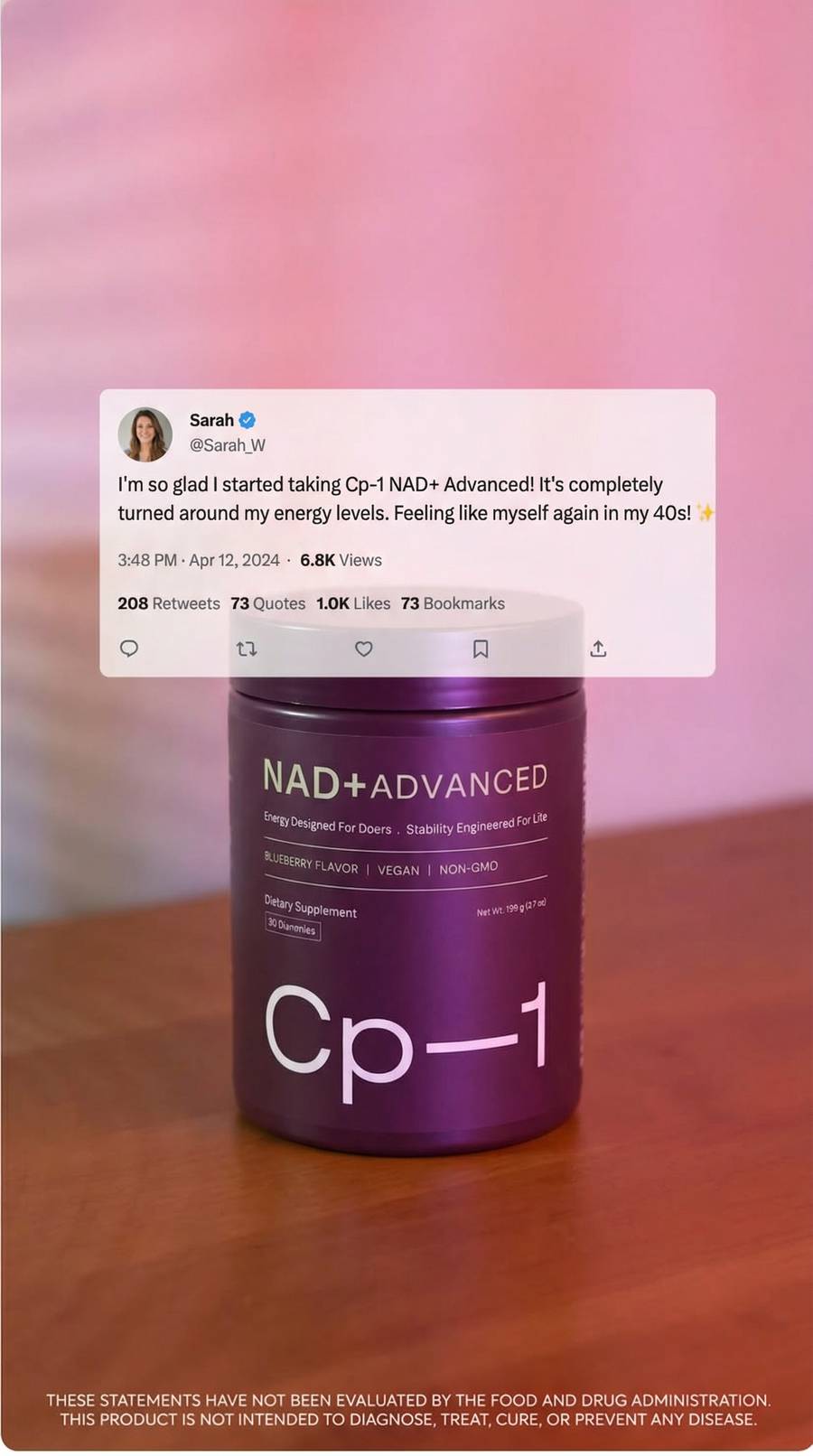 CP-1 product photoTestimonial ad template
Zero copywriting required. The AI takes a strong review line and builds the entire ad around it. Social proof and a bold claim at the same time.
Conversion Ad: Offer
CP-1 product photo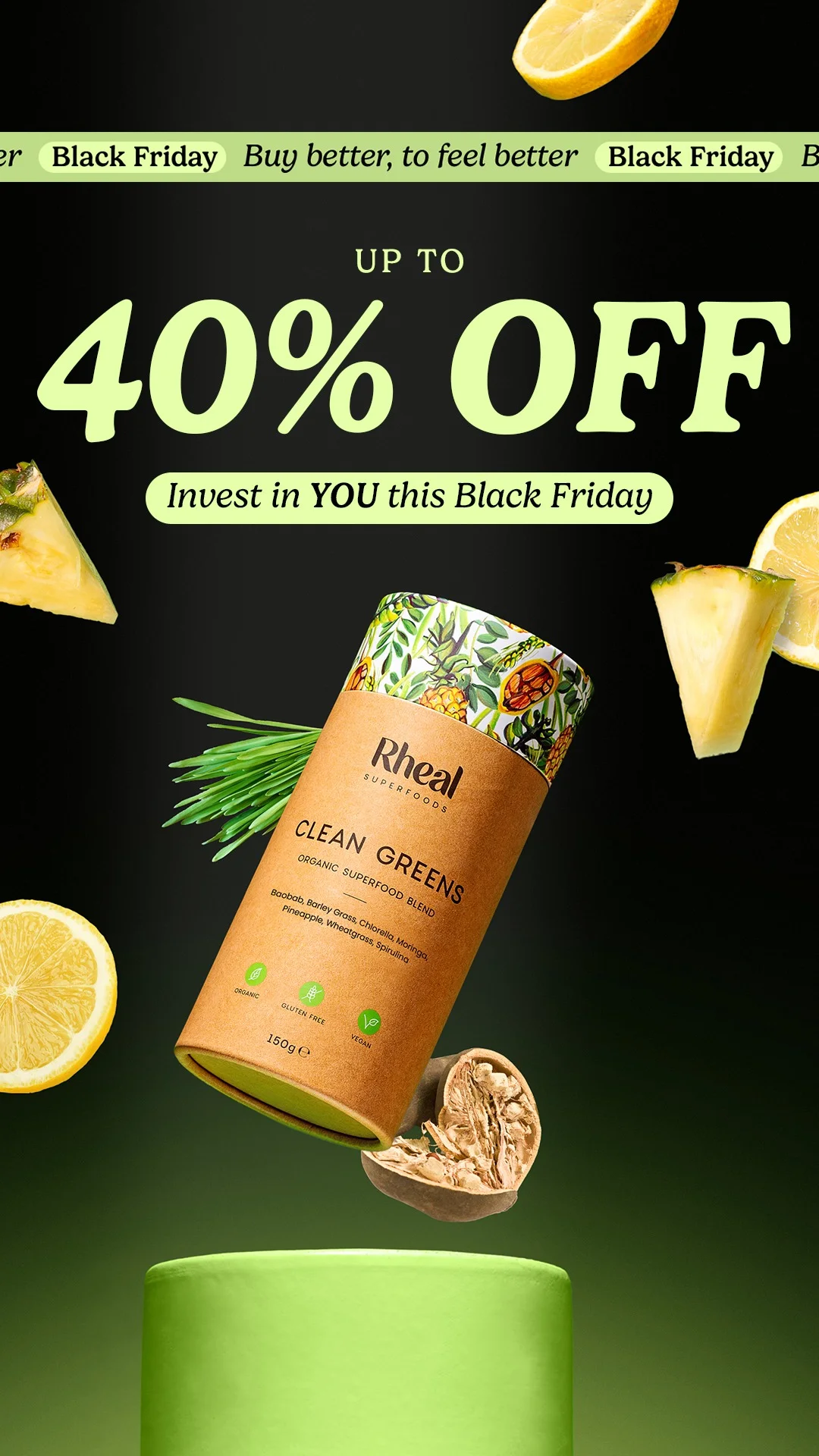 Offer ad template
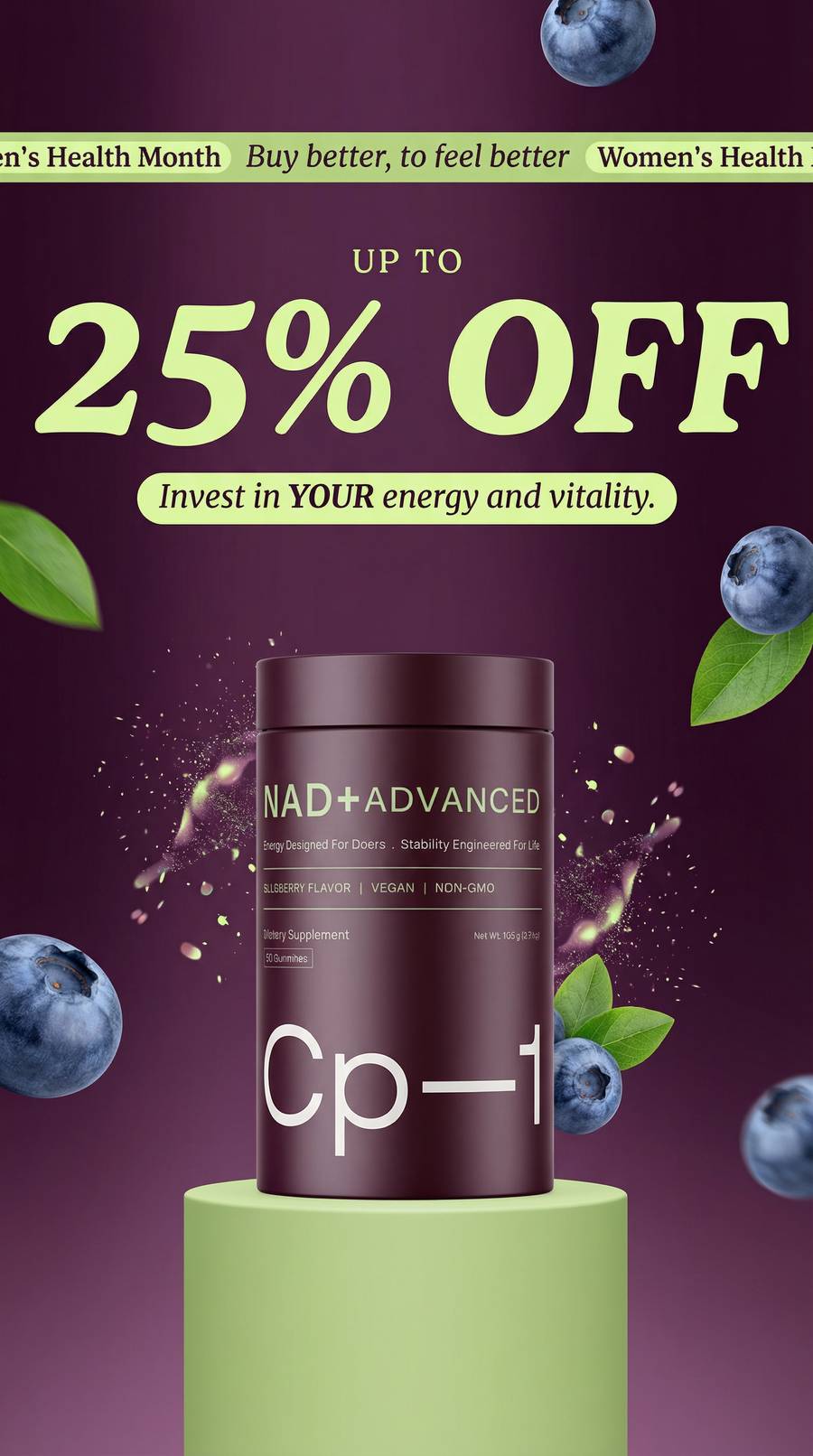 CP-1 product photoOffer ad template
The classic closer. For offer ads, you can use the extra details field to specify the exact discount. The AI keeps the creative strong while respecting your promotion.
The Extra Details Field
Every template has an extra details field where you can add specific copy you want in the ad.
This is optional. The AI improvises great copy on its own based on your product description. But if you have a specific headline, a testimonial quote, or a promotion, paste it here.
The AI handles the visual design and layout while using your exact words.
When to use it:
- You have a specific offer (25% off, free shipping)
- You found a killer customer quote you want as the headline
- You did customer research and have the exact language you want
When to skip it:
- You want to see what the AI comes up with
- You're generating multiple variations to test
- You're exploring which messaging angle works best
Next Steps
That's the full process. Two steps, professional image ads, any product category. Whether you're running a Shopify store, selling on Amazon, or managing ads for an ecommerce brand, you can go from a product photo to a full ad campaign in minutes.
If you want to see these templates in action with a full funnel campaign breakdown, check out my guide on creating AI image ads that actually convert. It covers 7 headline frameworks across all 3 funnel stages with real examples.
All 300+ templates are available on Starpop. Filter by funnel stage, product category, and visual format to find exactly what fits your brand.